Remote patient monitoring: a complete guide

Remote patient monitoring

Remote patient monitoring: a complete guide

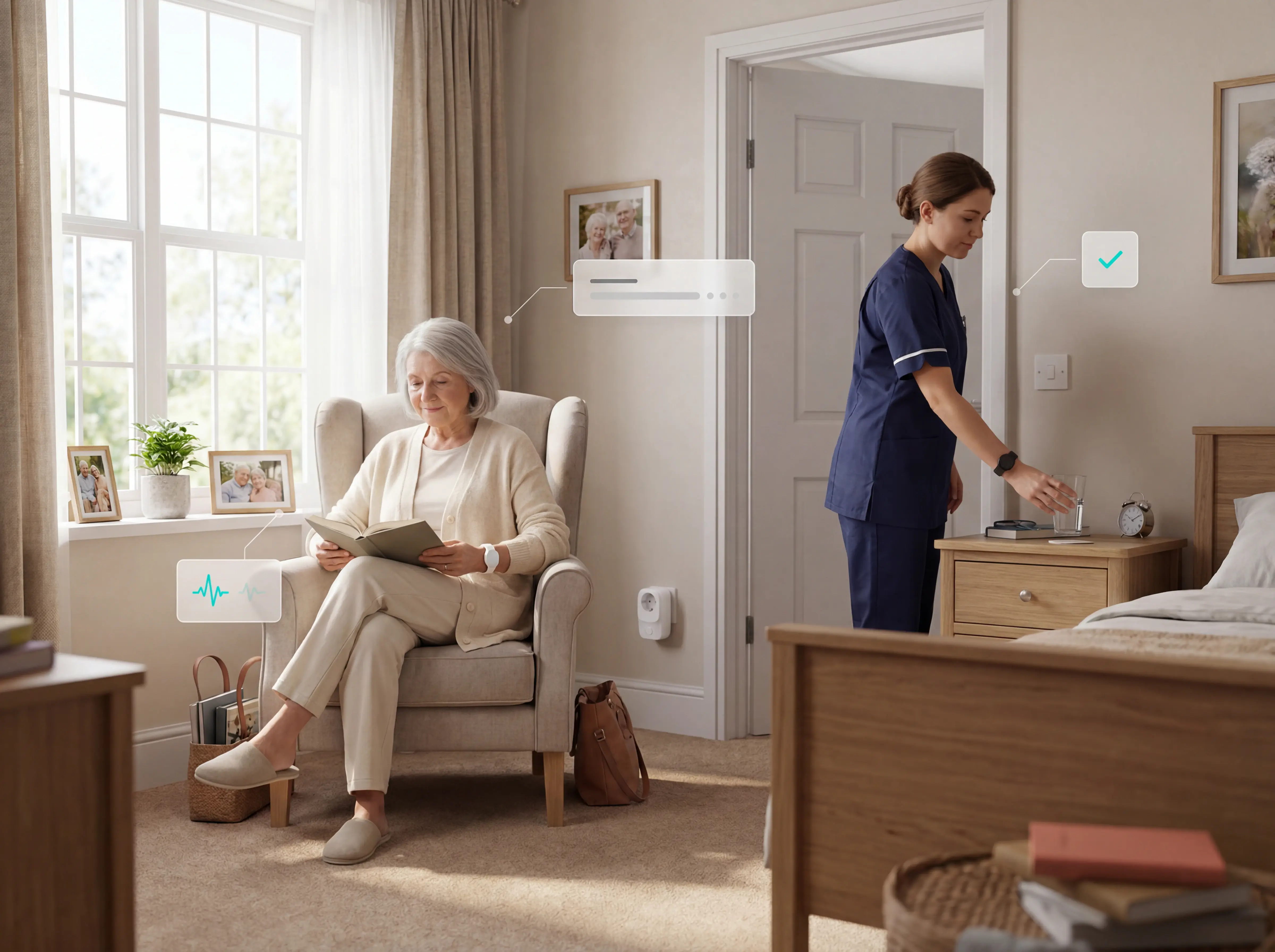
Remote patient monitoring uses sensors and wearables to track resident health and safety without cameras. With staffing pressures rising and hospital discharge timelines shortening, care homes need reliable passive oversight between rounds.

This guide covers the sensor types used in care settings, practical use cases, key benefits, common failure points, and how to evaluate a system before buying.
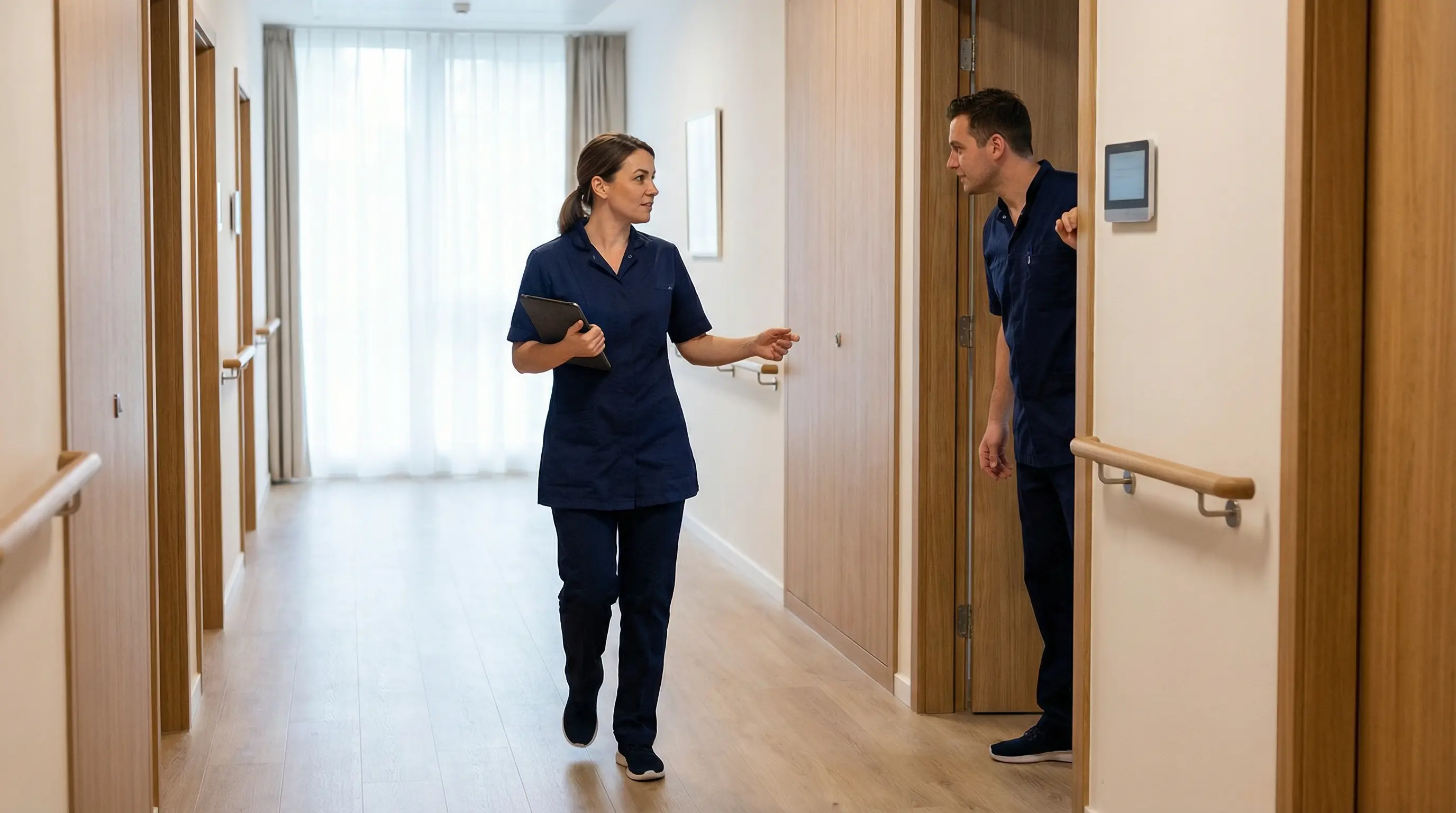
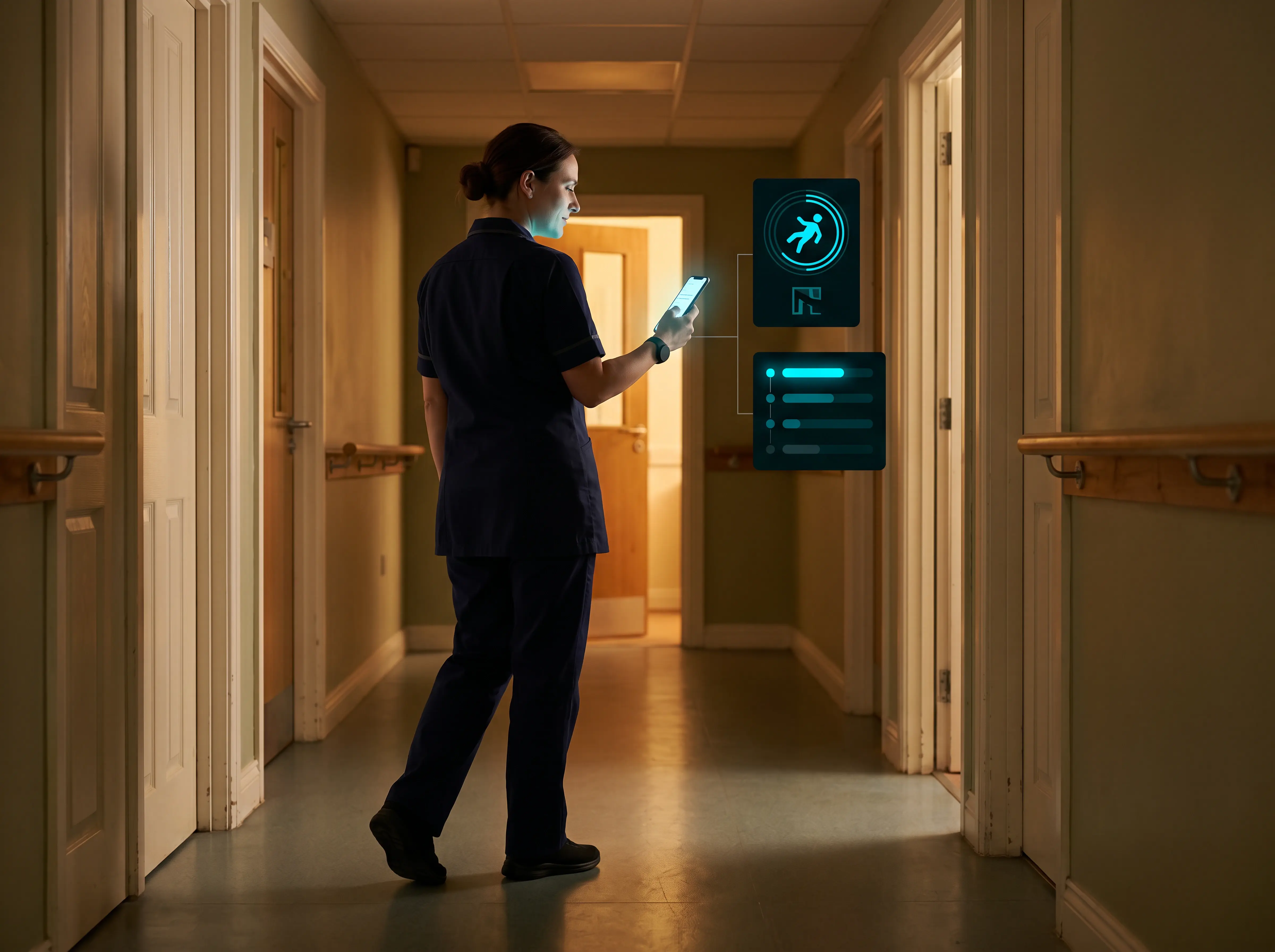
Care team reviewing sensor-based monitoring without cameras

Definition

What is remote patient monitoring?

Remote patient monitoring (RPM) uses connected sensors and devices to collect health data outside a clinic and send it automatically to the care team.

Monitoring most commonly occurs in residents' homes and care facilities during everyday activities.

Sensors track resident activity and safety without requiring staff to be physically present at all times.

RPM covers chronic conditions such as diabetes, heart disease, and COPD, as well as acute conditions requiring ongoing observation after discharge. Systems generate structured outputs (threshold alerts, trend reports, and summary dashboards) that clinicians use to adjust treatment or schedule interventions without an in-person visit.
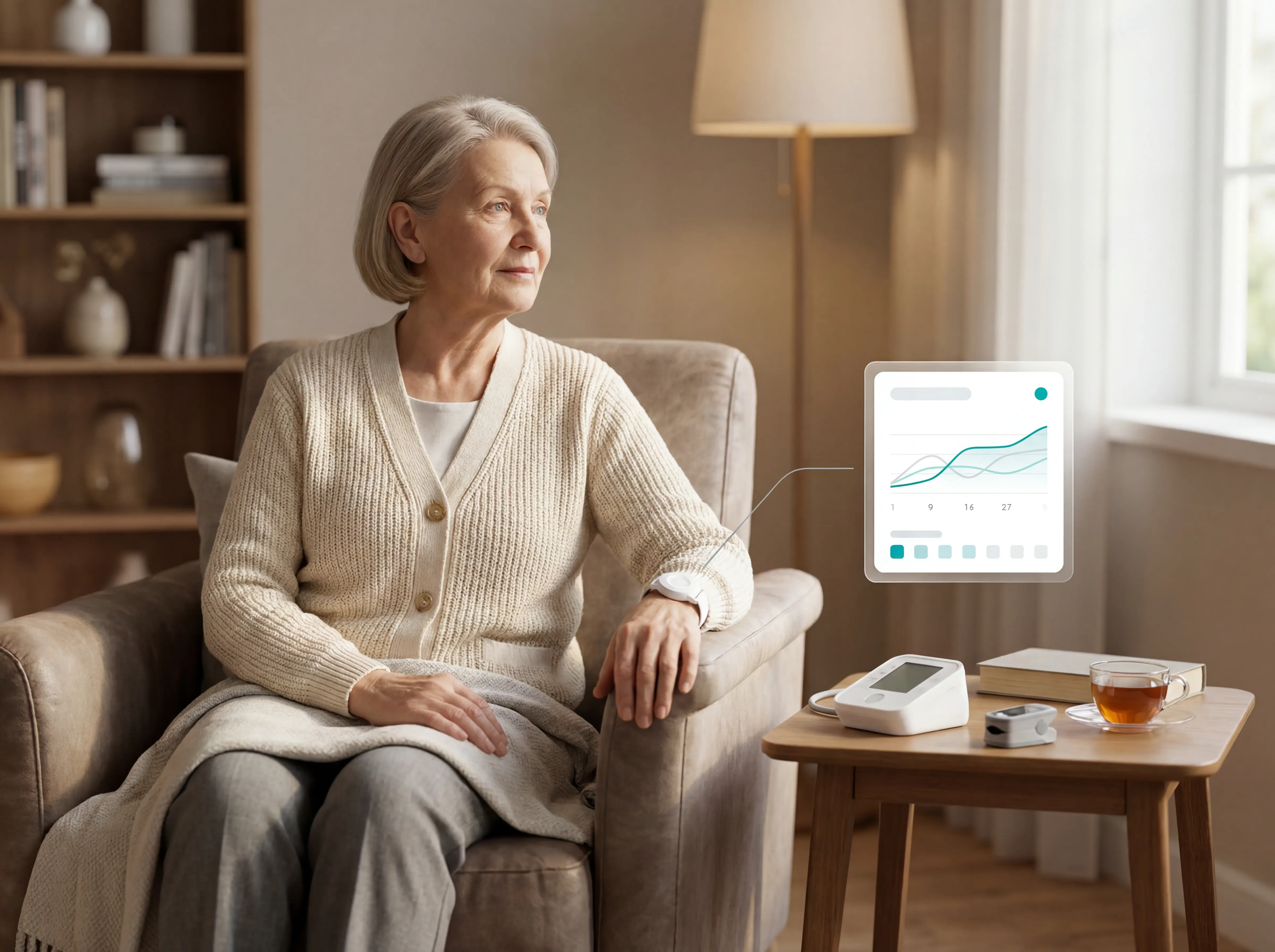
Clinical dashboard summarising remote monitoring data

Architecture

How a remote patient monitoring system works

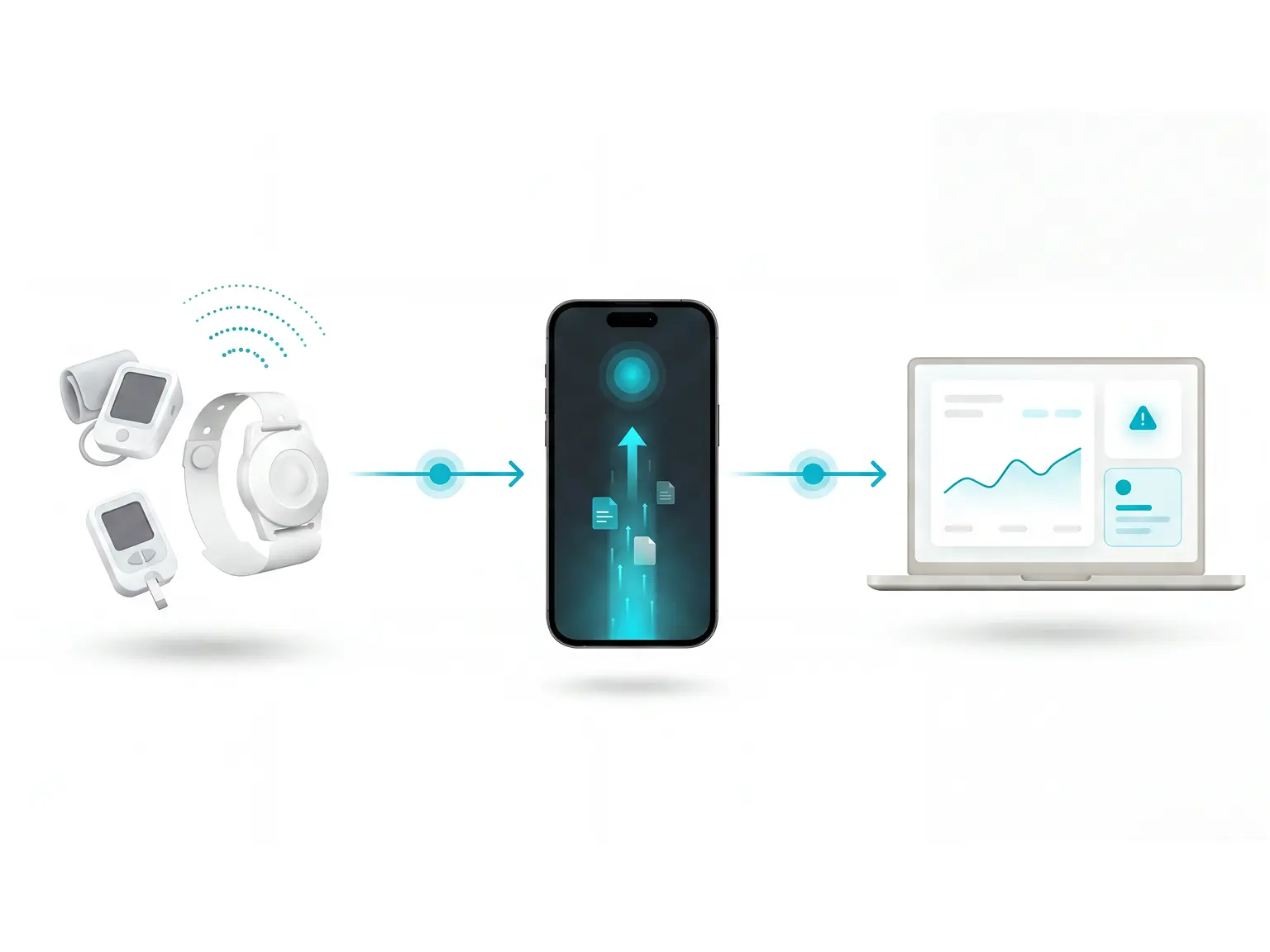
A remote patient monitoring system collects health data via connected devices and transmits it to a centralised platform.

Algorithmic rules flag anomalies and deliver alerts to clinicians so they can adjust treatment or escalate without an in-person visit.

Periodic devices

Blood pressure cuffs and glucometers capture readings on demand, while always-on sensors stream continuously via Bluetooth or cellular connection.

Captured data transmits automatically

Captured data transmits automatically to a centralised clinical portal or electronic health record, bypassing manual entry.

Smartphone apps

Smartphone apps often act as the relay layer, receiving sensor data and forwarding it to the clinical platform in real time.
Connected sensors and apps relaying data to a clinical platform

Clinical pathway

From capture to care team

Once captured, data moves through four steps before reaching the care team:
  1. 1

    Rule-based deviation detection

    Incoming data runs against algorithmic rules to flag deviations from the patient's baseline. The NEWS2 framework (published by the Royal College of Physicians) scores six parameters on a 0–3 scale from 0 to 20 and is the standard early-warning tool recommended across NHS and EU care settings.
  2. 2

    Dashboard notification

    Analysed data appears on the clinician dashboard and triggers a notification to the relevant care team member.
  3. 3

    RESTORE2 escalation

    The care team follows the RESTORE2 escalation pathway based on the patient's NEWS2 score.
  4. 4

    Score-based actions

    Scores 1–2 require senior staff review. Scores 3–4 require urgent GP contact. Scores 5–6 require immediate clinical review. Scores 7 or above trigger a 999 emergency call.

Hardware

Common remote health monitoring devices

Common remote patient monitoring devices fall into two categories: clinical vital-signs monitors and care-setting safety sensors.

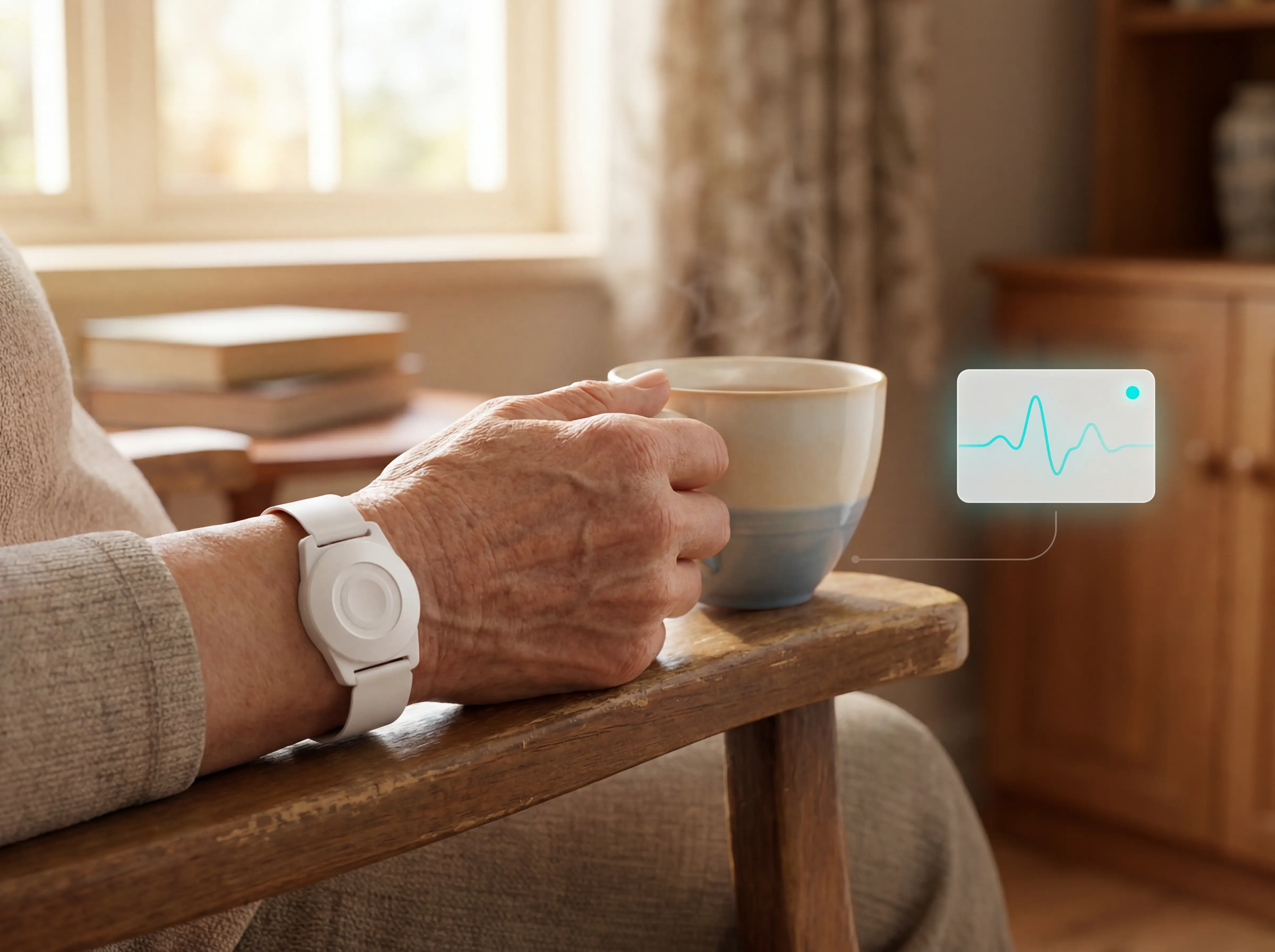
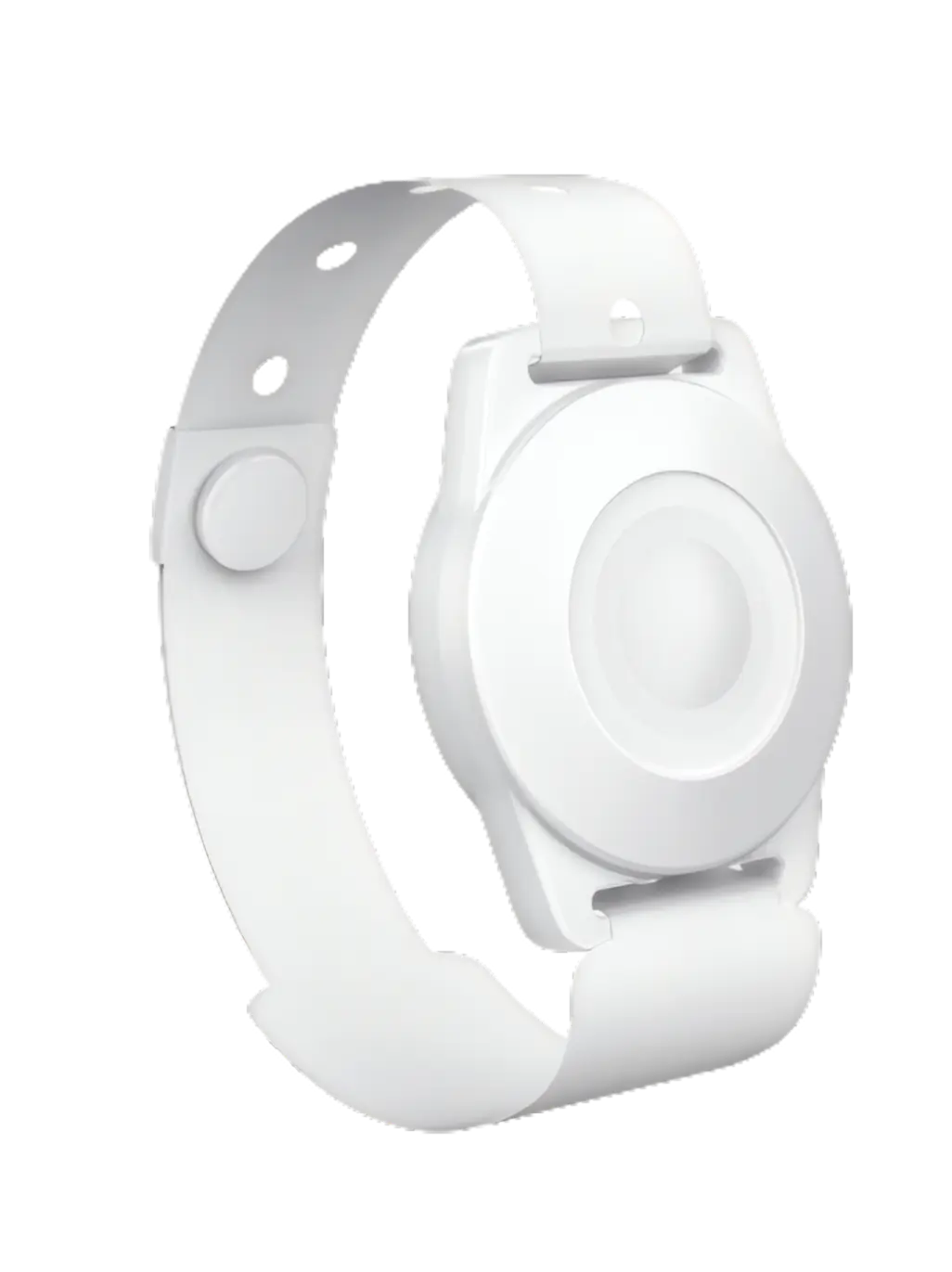
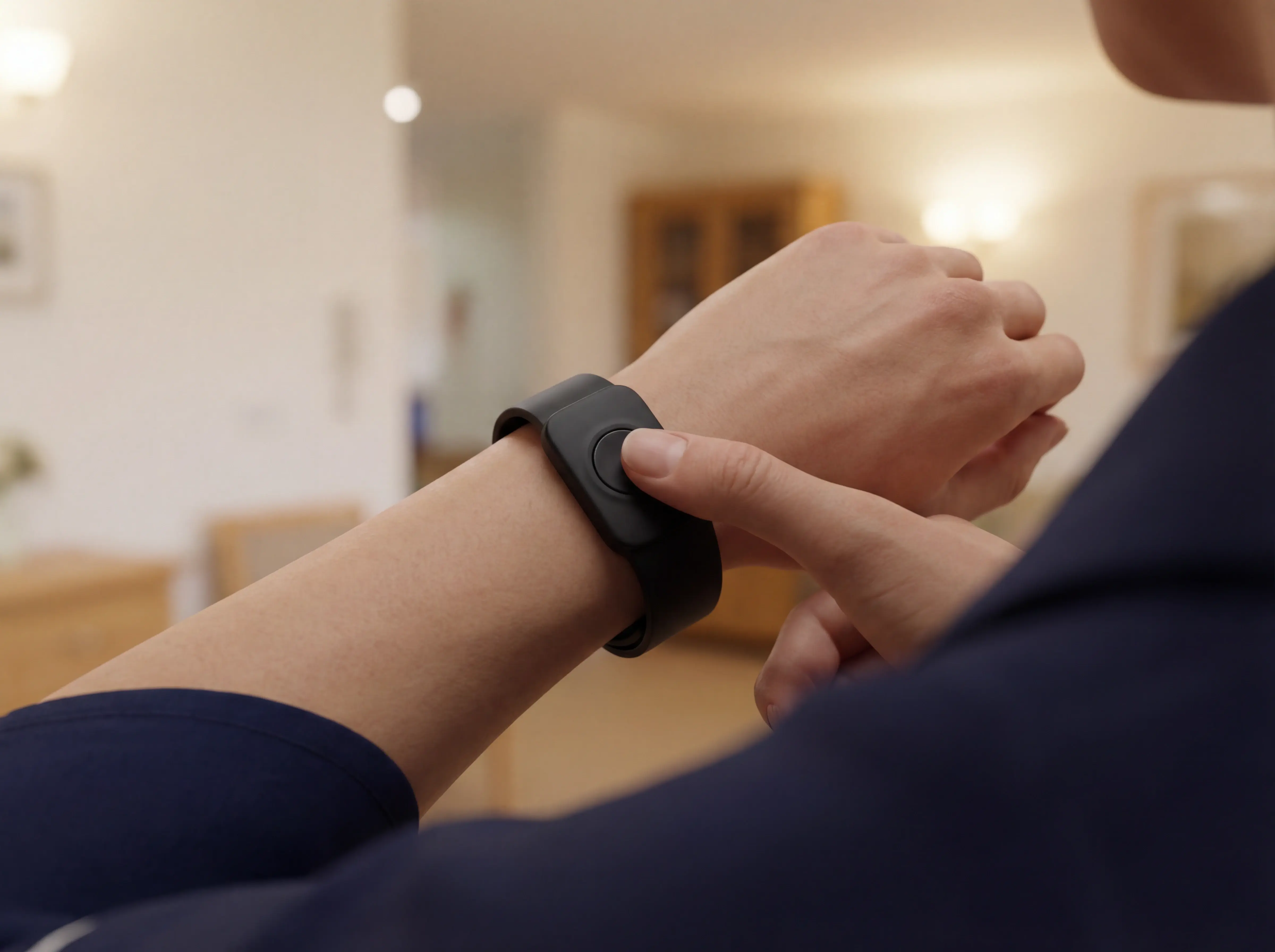
In care homes and home care settings, the most-used devices are staff wristbands, resident wristbands with SOS and fall detection, bed-exit sensors, and door and fridge sensors. All are wireless and camera-free.
Staff wristband with ID

Staff wristbands

They let caregivers send an instant SOS from anywhere in the facility. The alert routes to the team with the staff member's name and location, cutting response time without relying on fixed wall buttons.
Resident SOS call button or wearable

Resident wristbands

They give residents one-press SOS and automatic fall detection. An alert fires immediately with the resident's name and room, whether the resident pressed the button or the wristband detected a fall.
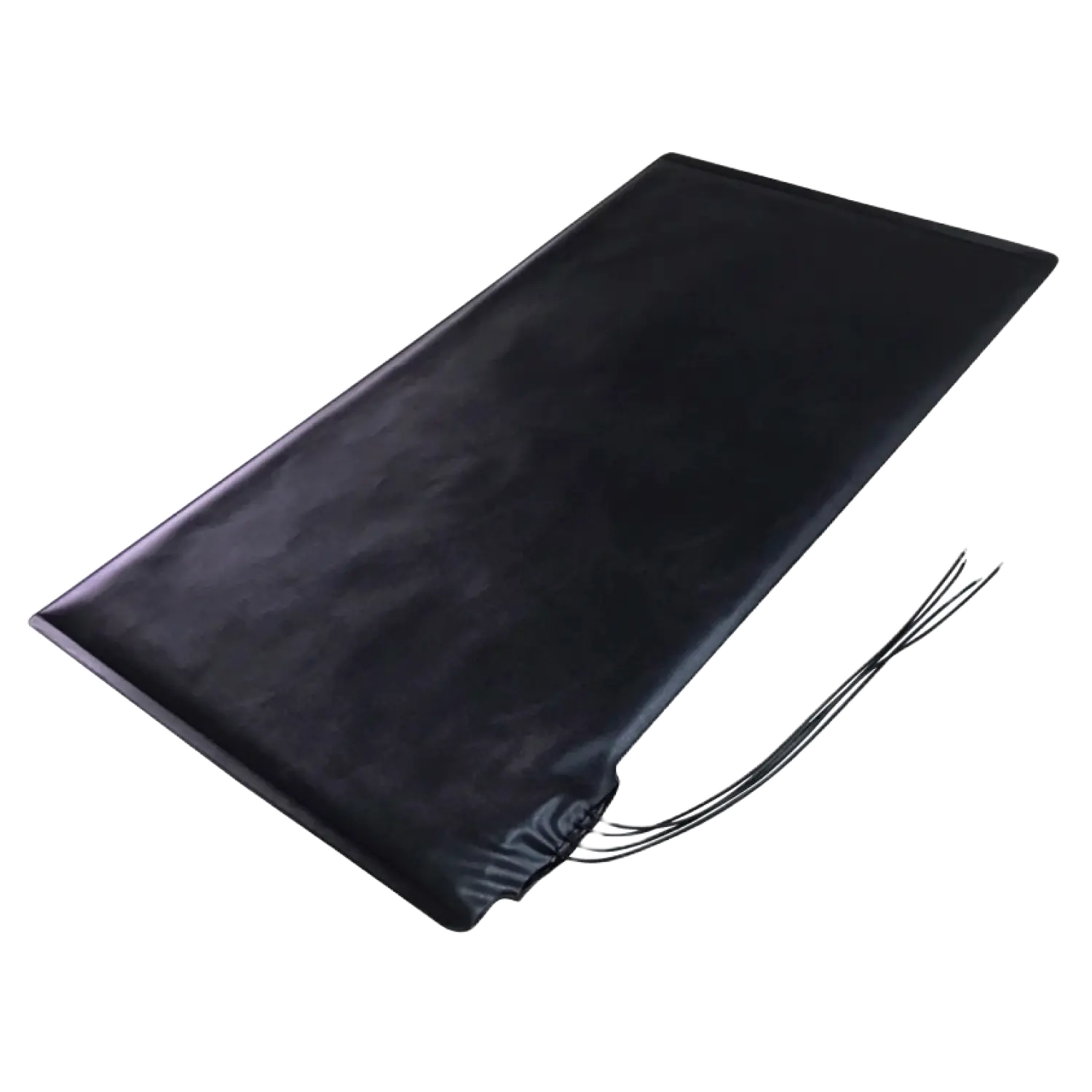
Bed exit sensor under mattress

Bed-exit sensors

They detect when a resident leaves their bed overnight, giving staff time to reach a fall-risk resident before a fall occurs. They replace the need for continuous night-check rounds on every room.
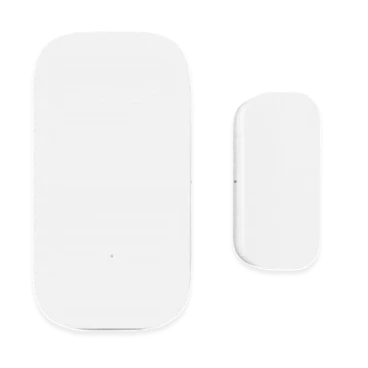
Door sensor for room or external doors

Door and fridge sensors

They monitor daily routines without cameras. An unopened fridge by mid-morning flags a missed meal before any carer has noticed. A door alert at 2am catches a wandering resident before they leave the building.

Vital signs

Clinical vital-signs devices

Clinical vital-signs devices are more common in home-based chronic disease management and supported living than in residential care:

Blood pressure monitors

Blood pressure monitors track systolic and diastolic pressure, flagging hypertension or cardiovascular risk between clinic visits.

Pulse oximeters

Pulse oximeters measure blood oxygen saturation (SpO2) and pulse rate, used in COPD, heart failure, and post-COVID monitoring.

Glucometers

Glucometers transmit blood glucose readings continuously or on demand, supporting diabetes management without an in-person lab test.

ECG monitors

ECG monitors capture heart rhythm data to detect arrhythmias remotely.

Spirometers

Spirometers measure peak expiratory flow, used in asthma and COPD monitoring.

Smartwatches and wearables

Smartwatches and wearables passively collect heart rate, activity, and fall-detection data without requiring any action from the wearer.

Signal quality

Why pulse oximetry needs filtering

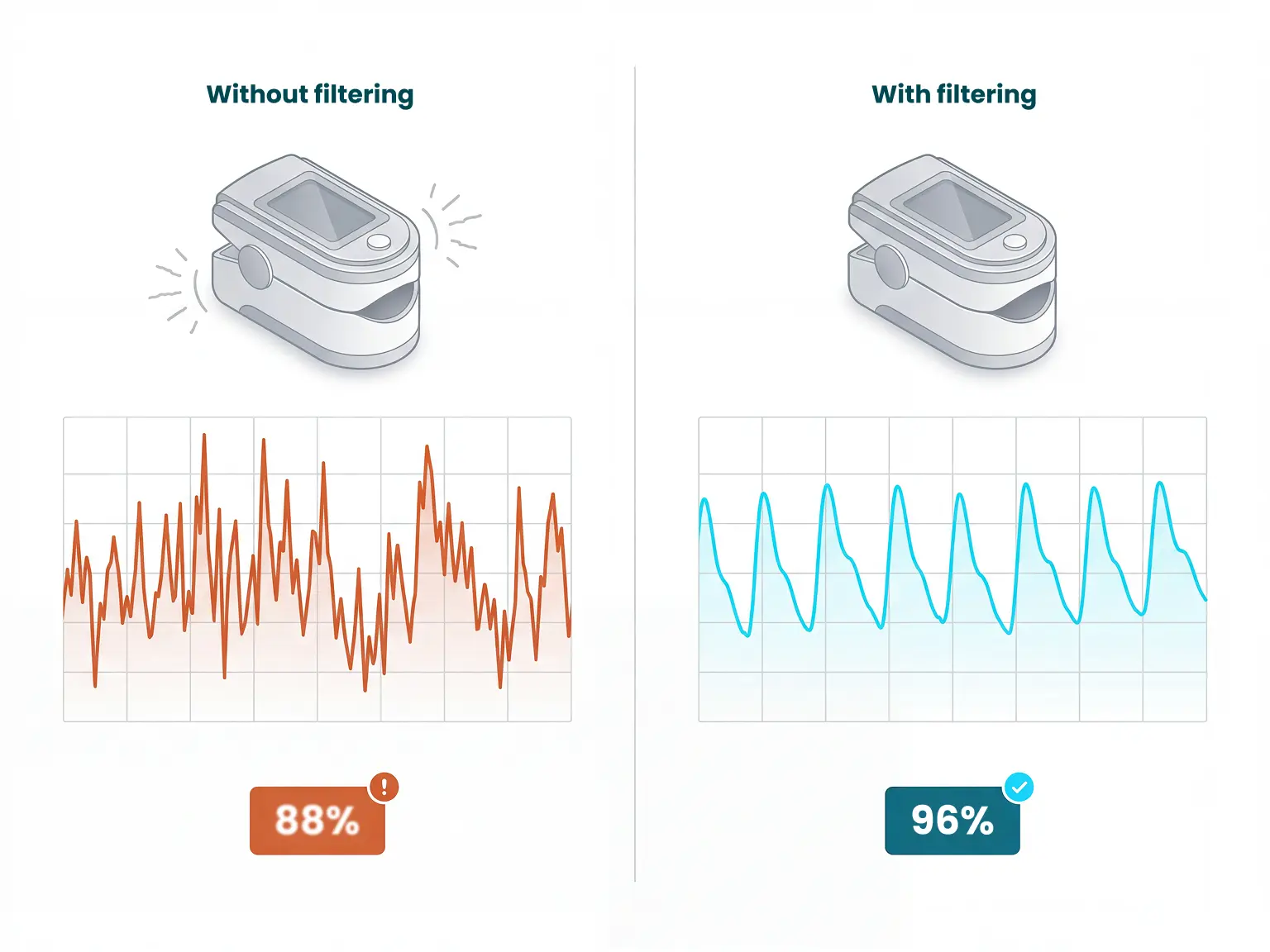
Pulse oximeters are the most frequently gamed device in RPM programmes. Motion artifact from restless residents produces false low SpO2 readings, so confirm your platform filters for motion artifact before relying on oximetry as a primary alert trigger.
Clinical monitoring context in a care environment

Applications

Remote health monitoring use cases

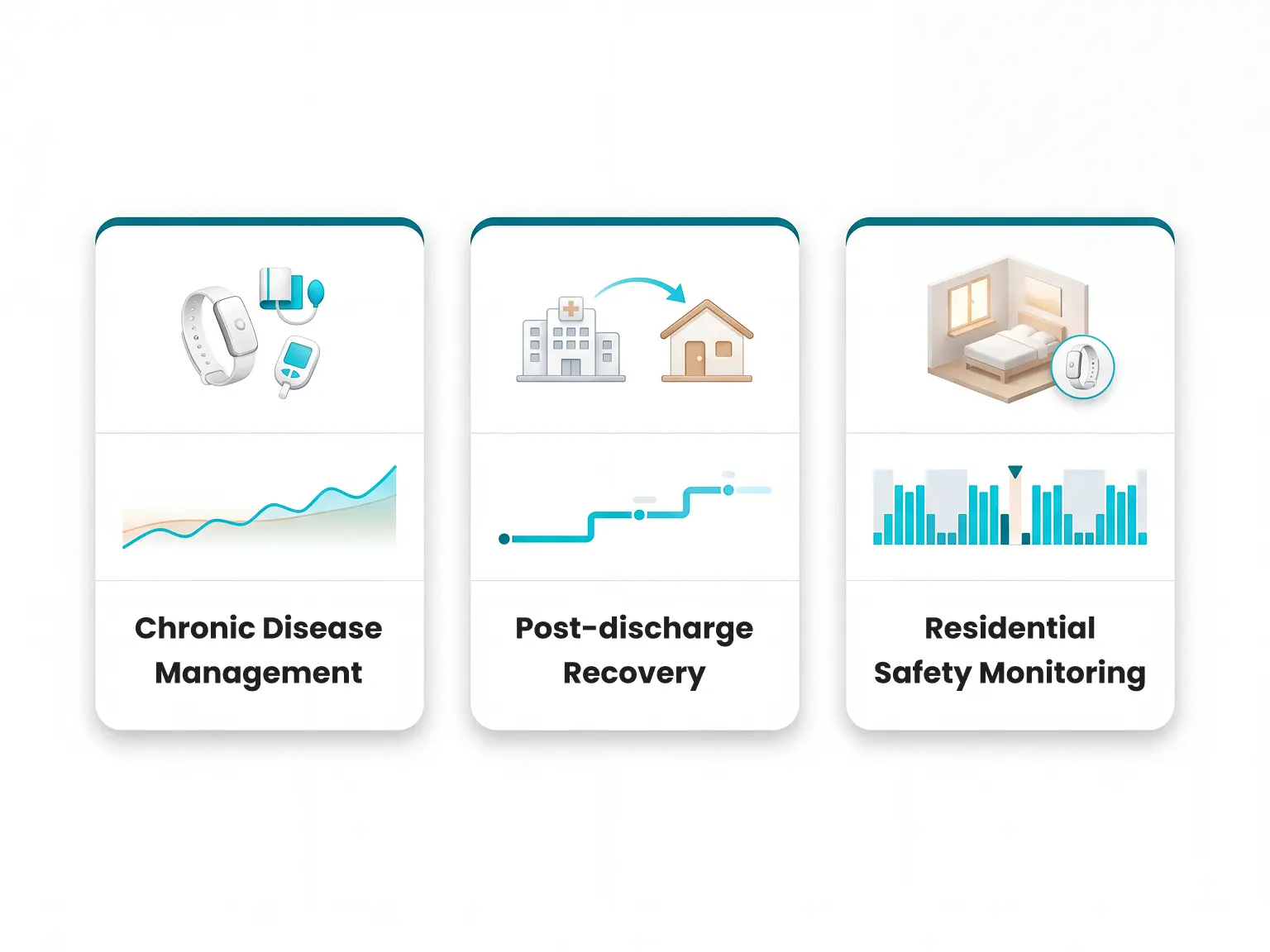
Chronic disease management is the most common application, covering conditions where trend data between appointments is more useful than a single clinic reading.

Post-discharge recovery and residential safety monitoring are the next two biggest use cases.
Safety monitoring in residential care

Chronic conditions

Conditions where trend data helps most

  1. 1

    Diabetes

    Continuous or on-demand glucose readings replace routine lab visits and support medication adjustment.
  2. 2

    Hypertension

    Daily blood pressure logs give clinicians trend data between appointments.
  3. 3

    Heart failure

    Weight, heart rate, and fluid retention signals help identify decompensation before emergency admission.
  4. 4

    COPD

    Pulse oximetry and spirometry track oxygen levels and airflow, prompting early intervention.
  5. 5

    Asthma

    Peak flow monitoring flags deterioration in lung function before symptoms become acute.

Transitions

Post-discharge recovery

After surgery or hospital discharge, RPM lets clinicians monitor recovery metrics such as wound-site temperature, heart rate, blood pressure, and mobility at home.

Catching early warning signs remotely reduces readmission risk and cuts follow-up burden on both patient and provider.

Discharge delays make this particularly relevant. As of March 2025, 23% of hospital discharge delays of 14 days or more were directly caused by a lack of capacity in the adult social care sector. Remote monitoring offers a practical bridge, keeping recently discharged patients safely observable at home while care arrangements are confirmed.
Home and facility care transitions

Care homes

Remote monitoring in elderly residential settings

Remote monitoring in care homes and elderly residential settings focuses on two distinct outcomes:

Faster response to safety events

Faster response to safety events through sensor monitoring of bed exits, movement patterns, and falls, giving staff a live picture of resident activity without cameras.

Delayed transition to full residential care

Delayed transition to full residential care, with smart home monitoring enabling older adults to live safely at home for longer before a higher-acuity setting becomes necessary.
Passive monitoring for resident safety

Evidence

Benefits of remote patient monitoring

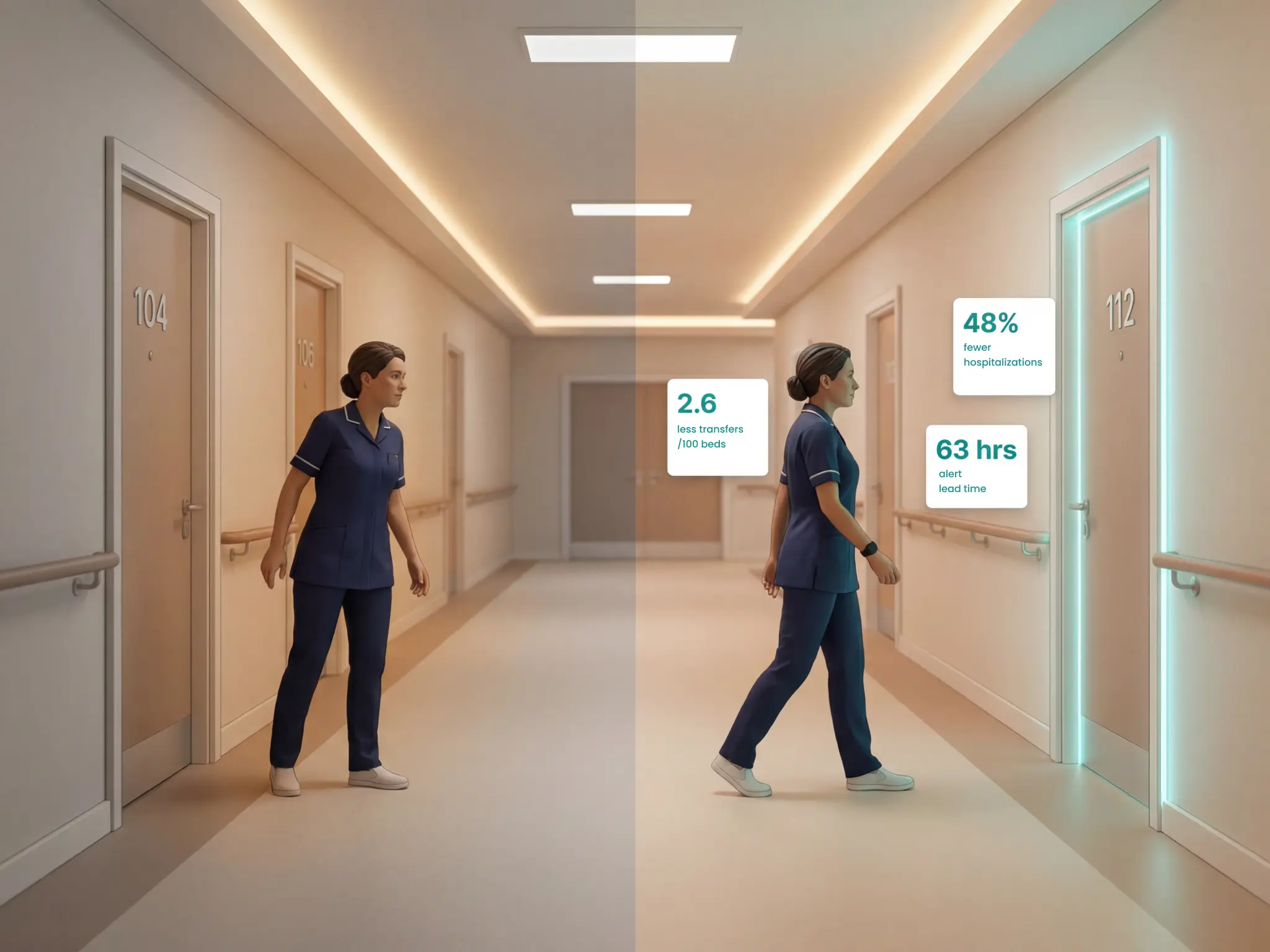
Three large-scale studies confirm RPM consistently reduces hospital admissions, ED visits, and care costs across residential and home-based settings.
  • JAMDA 2026: Across 184 SNFs and 25,359 beds, RPM prevented 2.6 hospital transfers per 100 monitored beds/month, with a mean alert lead time of 63.1 hours before a preventable transfer. Note: 64.6% of escalation reports showed no clinical deterioration, so threshold configuration matters.
  • EPOCA study, JMIR 2025: Among 120 older adults (mean age 86.8), home-based RPM cut hospitalisations by 48%, ED visits by 48%, and hospital days by 63% in a high-compliance cohort.
  • Systematic review, npj Digital Medicine 2024: Analysis of 80 RPM studies found consistent reductions in hospital admissions and 30-day readmission rates across heart failure and post-discharge populations.
Operational insight from monitoring programmes

At a glance

Research snapshot

Summary of cited outcomes across programmes and reviews:
StudySettingKey outcome
JAMDA 2026184 SNFs, 25,359 beds2.6 fewer transfers per 100 beds/month
EPOCA 2025120 older adults at home48% fewer hospitalisations, 63% fewer hospital days
npj Digital Medicine 202480 RPM studiesConsistent drop in 30-day readmission
Medicare 2026Chronic disease RPM$1,302 net saving per patient/year

Operations

Operational gains in care settings

Beyond admission avoidance, RPM produces five operational gains for care settings:
  • Lower cost than residential placement: Home-based monitoring costs less than full residential care and keeps residents independent for longer.
  • Net system savings: A US Medicare chronic disease RPM programme saved $1,302 per patient per year through a 27% reduction in hospitalisations. The pattern holds in international evidence.
  • Fewer emergency responses: Real-time data surfaces deterioration before it becomes a crisis, so staff spend time on planned rounds rather than reactive callouts.
  • Fewer missed emergencies: Configuring systems to surface only clinically significant events means staff are not buried in noise.
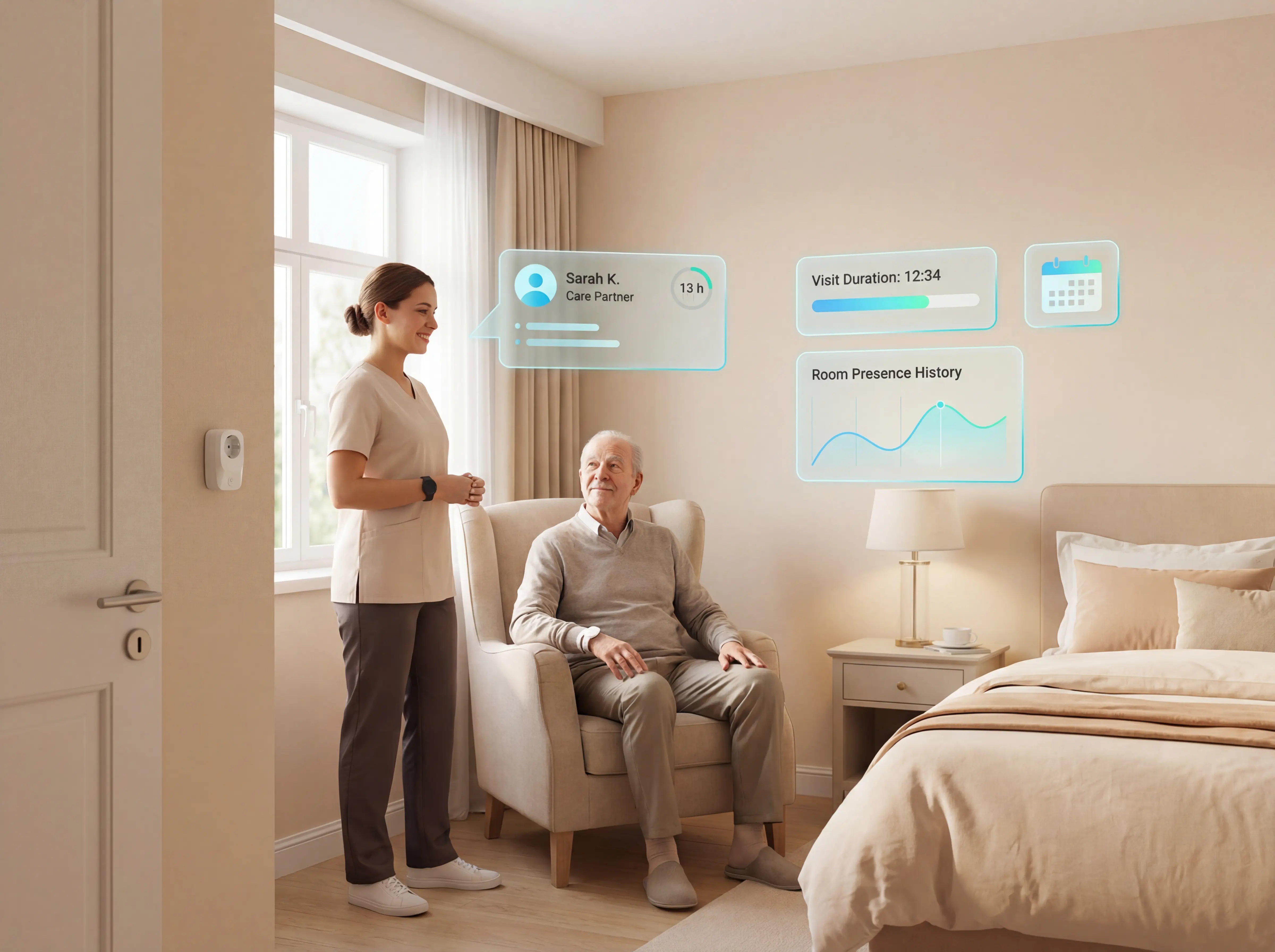
  • Audit-ready records: Visits, alerts, and response times are logged automatically. No chasing paperwork for regulator reviews or family conversations.
Reporting and audit trails from monitoring platforms

Risk factors

Common challenges and failure points

Alert fatigue is the most common reason monitoring implementations fail, but it is a configuration problem, not a monitoring problem.

Systems without smart rules fire on everything. A well-configured system with individualised thresholds, like "out of bed for more than 15 minutes at night", surfaces only what needs a response.

Senior living technology surveys consistently rank alert volume as a top operational burden, with the same Argentum 2025 report noting it as a key driver of staff desensitisation.

Beyond alert configuration, the challenges that most commonly stall RPM implementations fall into five categories:
Alert routing and operational burden

Barriers

Where implementations stall

Understanding these failure points is useful when evaluating vendors.

Interoperability

Ranked a top-3 barrier: 77% of senior living executives identified interoperability as a leading technology obstacle in 2024, a 10-point increase from the previous year. Ask vendors for a specific list of EHR integrations before a demo, not after.

Upfront and ongoing costs

73% of care providers cite initial setup costs and 70% cite ongoing licensing fees as major adoption barriers, with 82% requiring external funding support to proceed.

Training and turnover

52% of providers report that staff training requirements combined with high turnover rates complicate the consistent use of monitoring technologies across shifts.

Admin overhead

Clinicians spend an average of 2.6 hours per week on administrative metrics and reporting [verify source: check if this is from the Argentum 2025 Technology Report already cited; add hyperlink when confirmed], with some facilities dedicating full-time staff solely to managing these tasks.

Proxy consent gap

No standardised legal mechanism exists for obtaining consent on behalf of cognitively impaired residents in RPM programmes. Current frameworks do not fully resolve these proxy-consent edge cases.

Procurement

How to choose a remote monitoring system

When choosing a remote patient monitoring system, evaluate alert configurability to reduce staff burden, compliance with privacy regulations, integration with existing workflows and EHRs, audit-quality reporting, and total cost including hardware, subscription fees, and contract terms.
Care staff evaluating monitoring workflows

Due diligence

Questions to ask vendors

  1. 1

    Does the system reduce alert burden or add to it?

    Nurses in high-acuity settings receive 40-50 monitor alarms per patient per day. Studies show up to 99% are classified as non-actionable — verify and replace with exact AAMI Foundation or Joint Commission URL before publishing.

    That volume trains staff to deprioritise alerts and miss genuine emergencies.

    A well-configured system uses smart rules to filter routine activity, such as a resident out of bed for under 15 minutes, and only surfaces alerts that need a response.

    When evaluating vendors, ask for one specific number: the ratio of actionable alerts to total alerts generated per ward per shift. That single figure reveals operational fit better than any feature list.
  2. 2

    Does it protect resident privacy and meet regulatory requirements?

    26% of senior living executives name data privacy as their primary technology concern, driven by monitoring systems that process Protected Health Information.

    Camera-based monitoring inside resident rooms is not accepted practice in UK and EU care settings, where GDPR and dignity standards apply.

    Some facilities use cameras in communal areas with consent, but room-level camera monitoring is not permitted under standard regulatory frameworks.

    Senior emergency alert systems that do not capture images are the accepted alternative. Motion sensors, bed exit detectors, and door sensors provide the same safety signal without recording residents.

    Confirm that any vendor you evaluate processes data in compliance with GDPR and your local regulatory framework before moving to a pilot.

    In the EU, some RPM devices also fall under MDR 2017/745 classification requirements. Check whether your chosen hardware has CE marking under the correct risk class.
  3. 3

    How well does it fit existing staff workflows and devices?

    A system must align with how caregivers actually work, not require them to change routines to accommodate it.

    Reliability in a care setting depends as much on adoption as on technical performance.

    Evaluate vendors on three workflow factors:
    1. Alerts should arrive on devices staff already carry, with no extra pagers or new logins required.
    2. The system should connect with existing records rather than create a parallel data silo.
    3. Look for guided onboarding and a named support contact, not a user manual handed over at install.

    Wireless, pre-configured systems that go live in days tend to face lower adoption resistance than those requiring cabling, server installs, or a months-long IT project.
  4. 4

    Does it deliver audit-quality reporting?

    Industry best practice uses color-coded KPI dashboards with green, amber, and red status indicators to benchmark safety metrics in real time. Falls rates, adverse events, and medication errors should be visible at a glance, not buried in monthly exports.

    After a pilot, a good vendor delivers a written impact report covering:
    • Staff response times before and after deployment
    • Incident prevention data
    • Staff feedback
    • A clear ROI calculation
    • A rollout plan for additional wards or sites

    If a vendor cannot commit to that report at the start of a pilot, treat it as a signal about their long-term support model.

Buying criteria

What is the total cost of ownership?

Hardware price is only part of the picture. Budget across three cost categories before committing to any vendor:
Cost categoryWhat it coversWhat to ask
Upfront hardwareVaries significantly by vendor and ward sizeRequest itemised quotes per device type before comparing vendors
Monthly feesCellular connectivity, cloud processing, platform accessAsk each vendor to break this out separately from hardware costs
Contract termsLength, cancellation, pilot availabilityHard-to-cancel contracts are a recurring complaint — look for a structured pilot option

Related guide

Residential-care alert routing and escalation

Understanding these failure points is useful when evaluating vendors. The five questions above surface the issues most quickly.

For residential-care alert routing and escalation, the assisted living nurse call guide covers the core system types and tradeoffs.
Alert routing and escalation in residential care

Guardian

See remote monitoring in action with Guardian

Finding a system that fits your ward takes a pilot, not a promise.

In one Guardian pilot, more than 30 incidents were captured that would otherwise have gone undetected, and the system unlocked more than €1,000/month in caregiver capacity.

That pilot ran across a single 30-bed ward over 8 weeks, going live within the first week of installation.
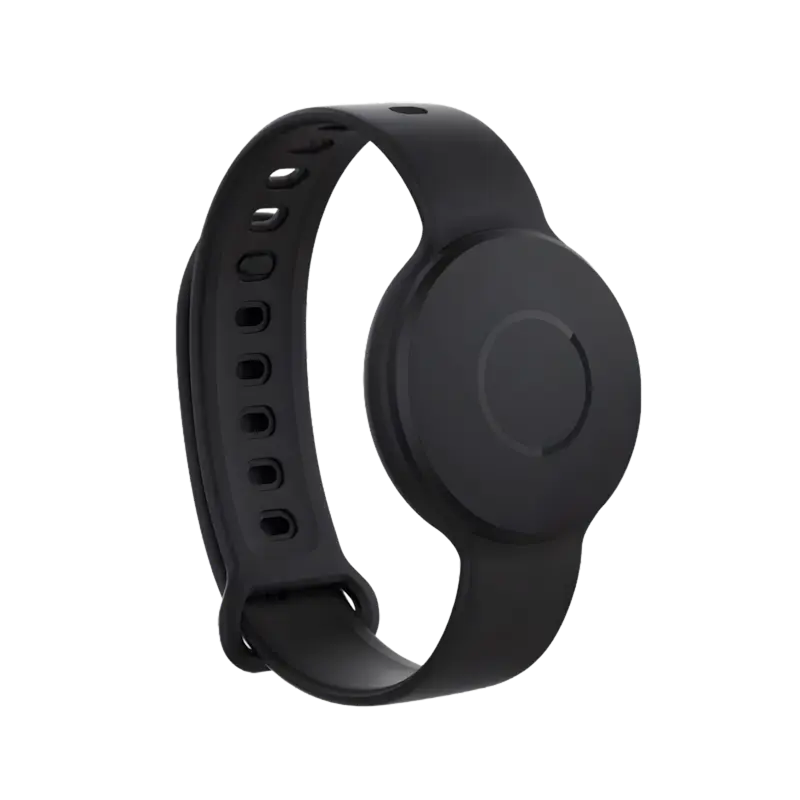
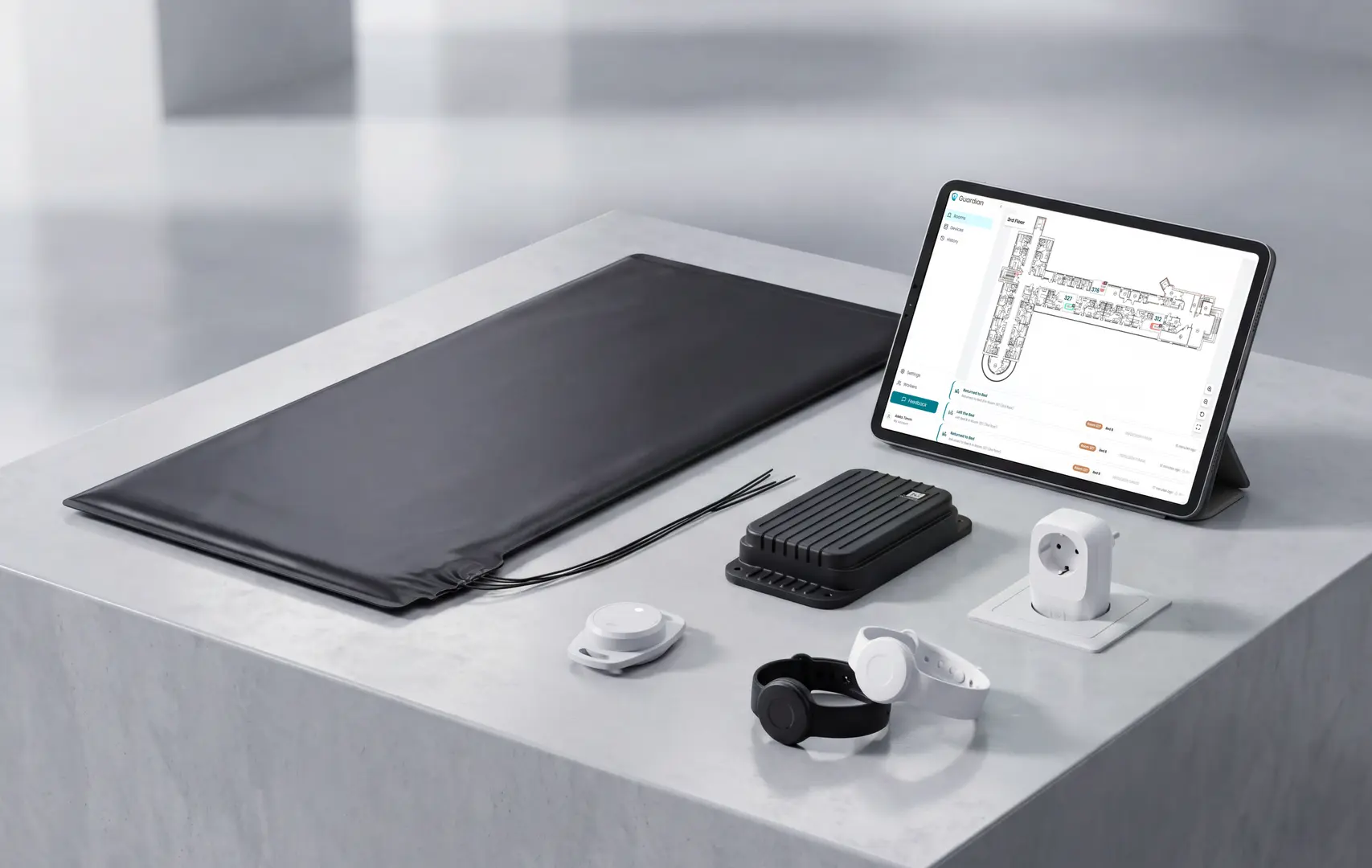
Guardian remote monitoring devices
30+
Incidents captured
Undetected events surfaced in a single Guardian pilot.
€1000+/mo
Caregiver capacity
Capacity unlocked through smarter alerting on one pilot ward.
30 beds
Pilot ward size
Typical scope for an 8-week pilot rollout.
~1 week
Go-live window
Live monitoring early in the pilot programme.

Coverage

What does Guardian actually monitor?

Staff see exactly which room and resident needs attention, with no cameras involved.

Guardian monitors via staff SOS wristbands, resident wristbands with fall detection, bed-exit sensors, door, fridge, and stove sensors, and GPS safety watches. No cameras.

Residents who cannot or will not wear a wristband are still covered. Bed and motion sensors track activity and routine without requiring anything from the resident.
Bed and room sensors in Guardian

Alerts

How do caregivers and families receive alerts?

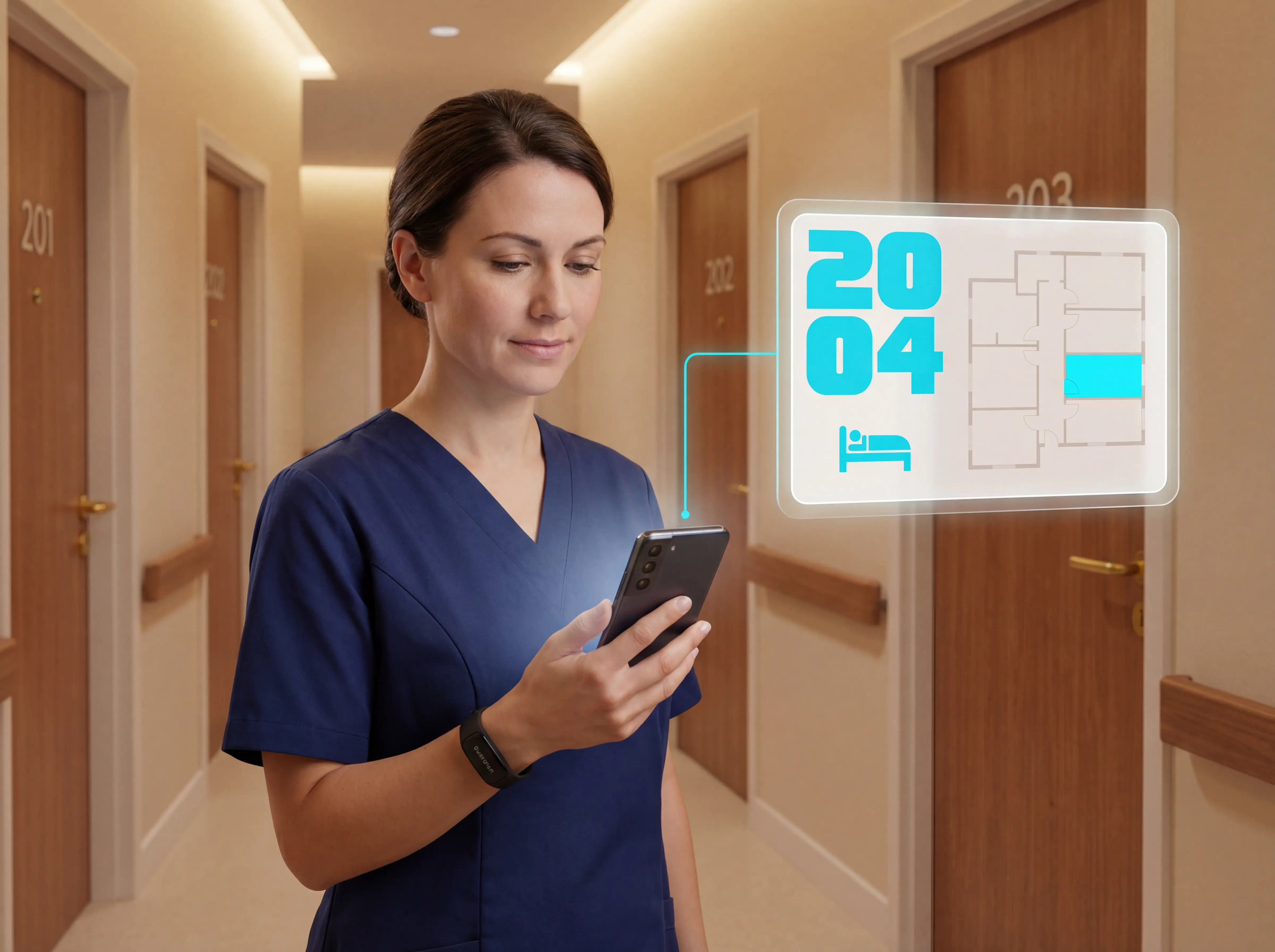
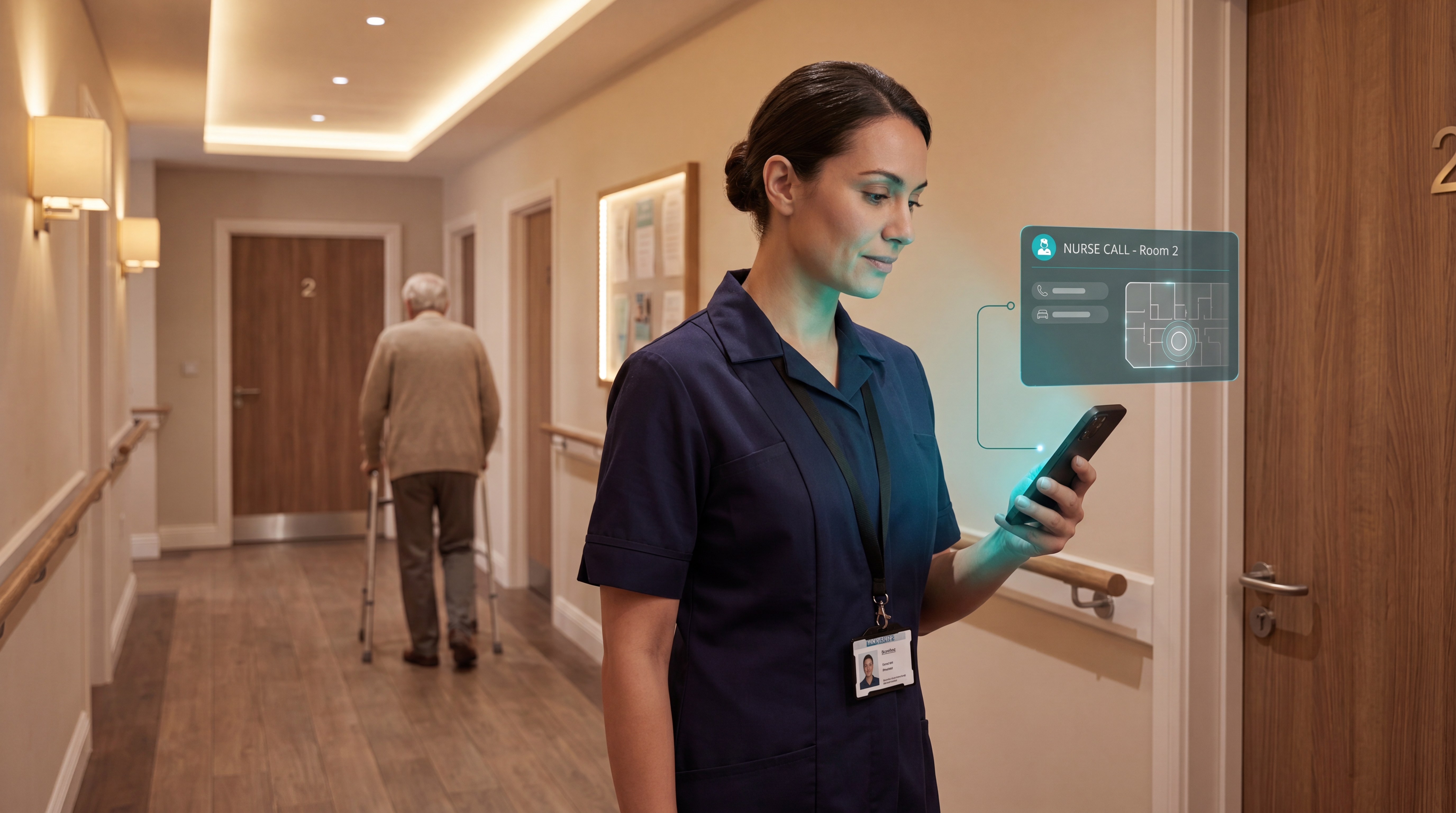
Caregivers get a room-level alert on their phone, not a generic zone notification.

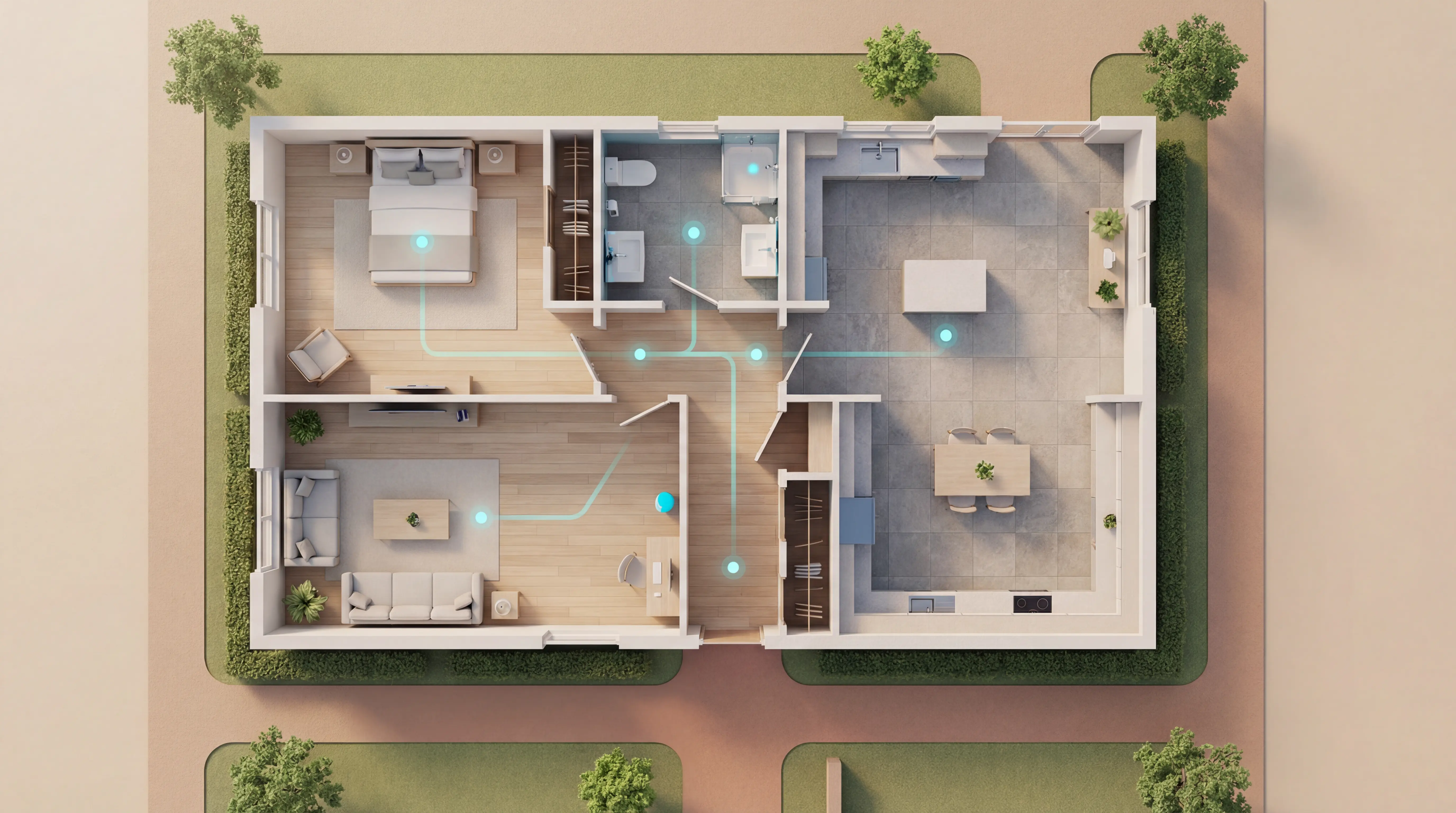
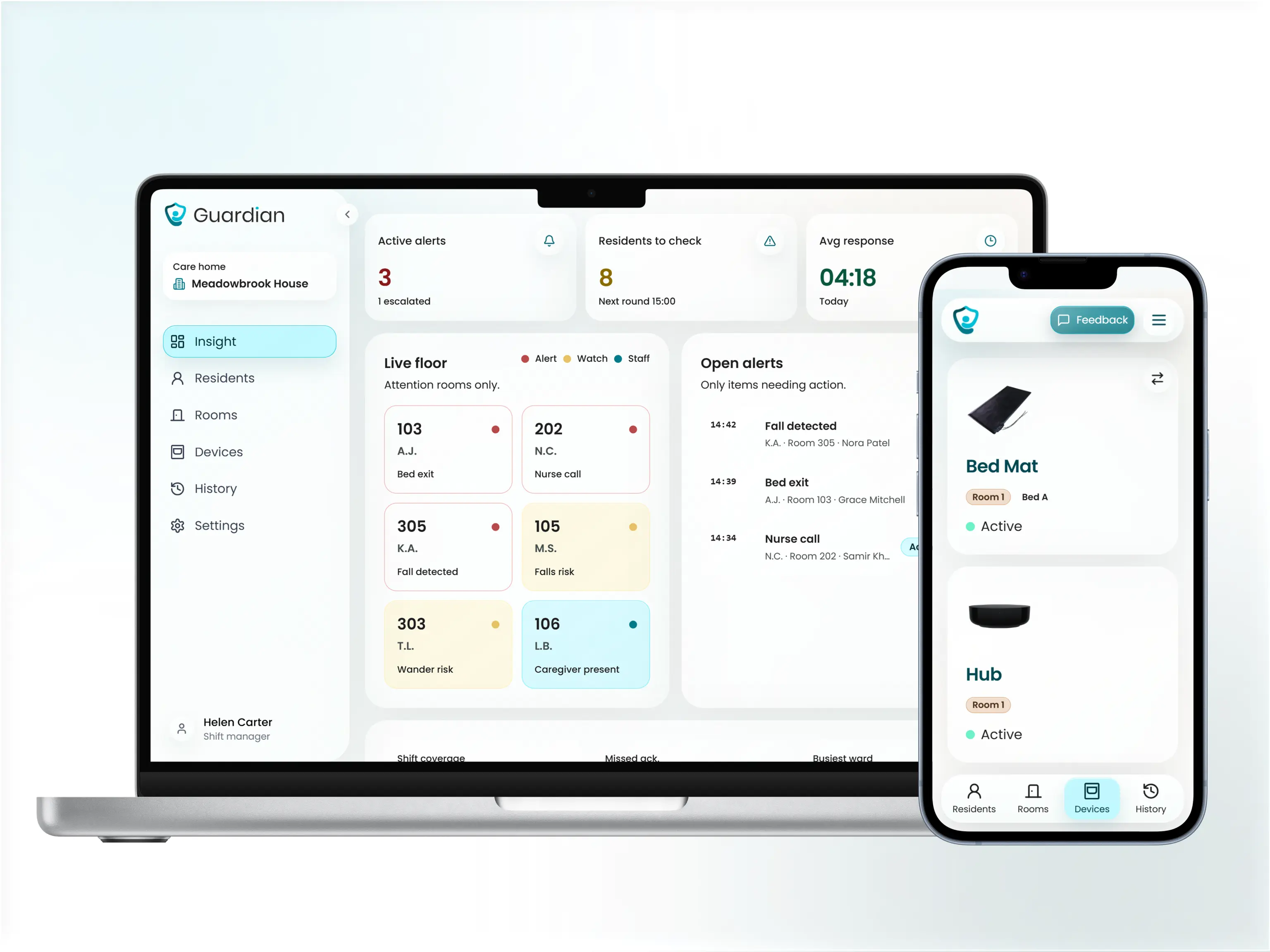
The Guardian Portal maps sensor data onto your facility floor plan, so staff know exactly where to go. Families are alerted automatically when sensors detect a potential problem, removing the need for manual calls.
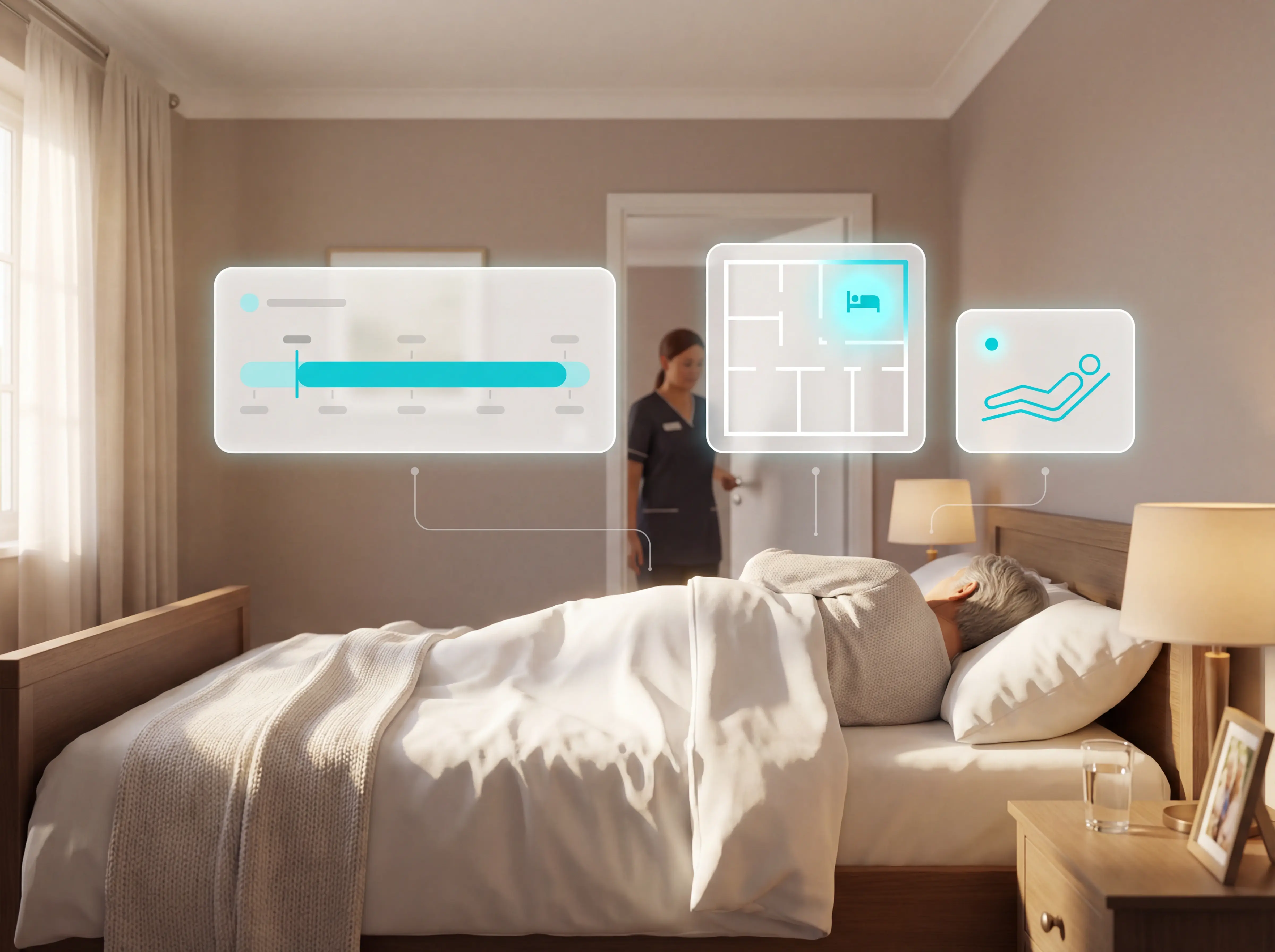
Room-level alerts on a floor plan

Operations

How much configuration and maintenance does Guardian require?

Guardian arrives pre-configured. No drilling, no cabling, no IT project.

Caregivers configure custom alerts through the Guardian Portal based on each resident's daily routine, for example no fridge opening by a set time or no movement detected within a given period. No technical expertise is needed.

Run a 6–8 week pilot in one ward. Guardian maps your floor plan, goes live in about a week, and delivers a written impact and ROI report at the end.

Use your own data to decide what to scale.
Start a pilot
Guardian Portal configuration

FAQ

Remote patient monitoring questions

Answers for teams evaluating RPM for adult social care and home settings.
Who qualifies for remote patient monitoring? +
Remote monitoring suits any adult at home or in a care facility whose safety, chronic condition management, or post-discharge recovery warrants ongoing observation.

Conditions commonly monitored include:
  • Diabetes
  • Hypertension
  • Heart failure
  • COPD
  • Post-surgical recovery
  • High fall risk
  • Cognitive impairment with wandering risk

Consent requirements in a UK/EU context:
  • Informed consent, verbal or written, must be obtained before monitoring begins
  • For residents with cognitive impairment, consent should be sought from a legal proxy or decision-maker in line with the Mental Capacity Act (England/Wales) or equivalent national legislation
  • Consent and rationale must be documented in the care plan
Is remote patient monitoring worth it? +
A 2026 JAMDA study across 184 skilled nursing facilities found RPM prevented 2.6 hospital transfers per 100 monitored beds per month.

The primary limitation is alert fatigue: 64.6% of escalation reports in the same study showed no clinical deterioration, generating roughly 24 false alerts per facility per month.

Smart threshold rules fix this. Configure alerts for meaningful deviations only (for example, no movement detected for 90 minutes, not every routine bed exit) and the false-alert rate drops significantly. A 6–8 week pilot impact report will show you exactly what ratio you are running at.
How is remote monitoring typically funded for care facilities in the UK? +
Most care homes fund monitoring technology through direct operational budgets, with some accessing local authority digital transformation grants or NHS-funded pilot programmes.

Three main funding routes are available:
  • Direct purchase from operational budget: most common for pilot deployments
  • Local authority or Integrated Care Board contracts: where monitoring is part of a commissioned care package
  • Short-term pilot funding through NHS England digital care programmes or equivalent national initiatives

Ask vendors about pilot-before-commitment options and total cost of ownership before signing.
How is RPM different from telehealth? +
RPM is asynchronous physiologic data collection via connected devices for later review, while telehealth is primarily synchronous interactive virtual visits.

Telehealth connects patients and clinicians in real time via video or phone. RPM runs continuously in the background, collecting and transmitting data without requiring the patient to initiate contact.

Pilot Guardian

Validate RPM on your ward with your own numbers

Use a structured pilot to compare alert burden, response times, and outcomes against baseline — before you scale.
Start a pilot