

Emergency alert systems: what care homes actually need
In this article
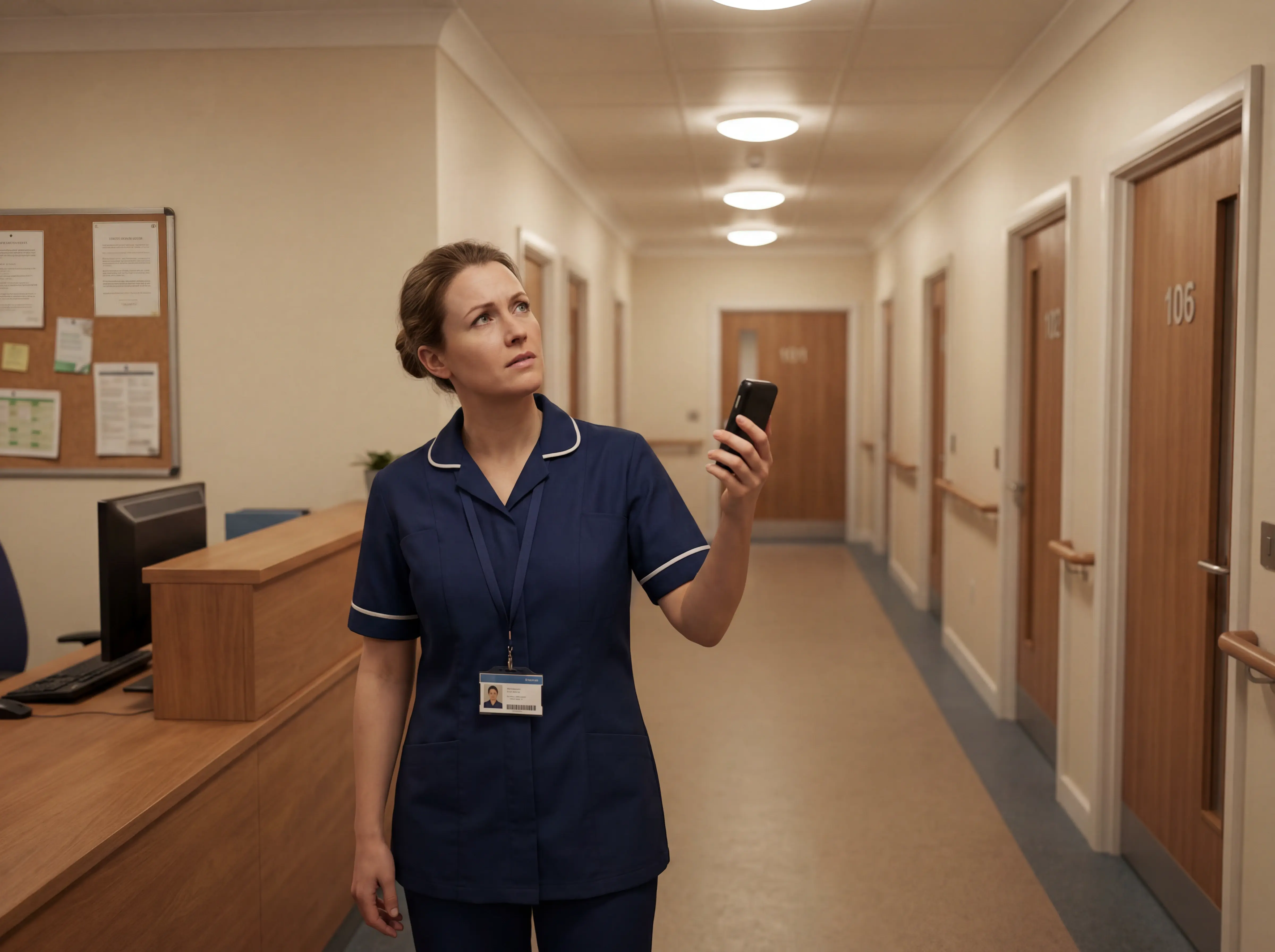
An alert fires, but staff need to know which room before they can respond. Consumer PERS devices are built for individuals, not wards with multiple residents and verifiable response requirements. This guide covers what care organisations need instead.
Which type of senior alert system do you need?
The right category depends on where residents spend time and how much independence they maintain. A home-based unit suits low-mobility settings; a mobile GPS device suits services where residents travel between community locations.
Start with the care setting, then match it to a device category.
Home-based systems
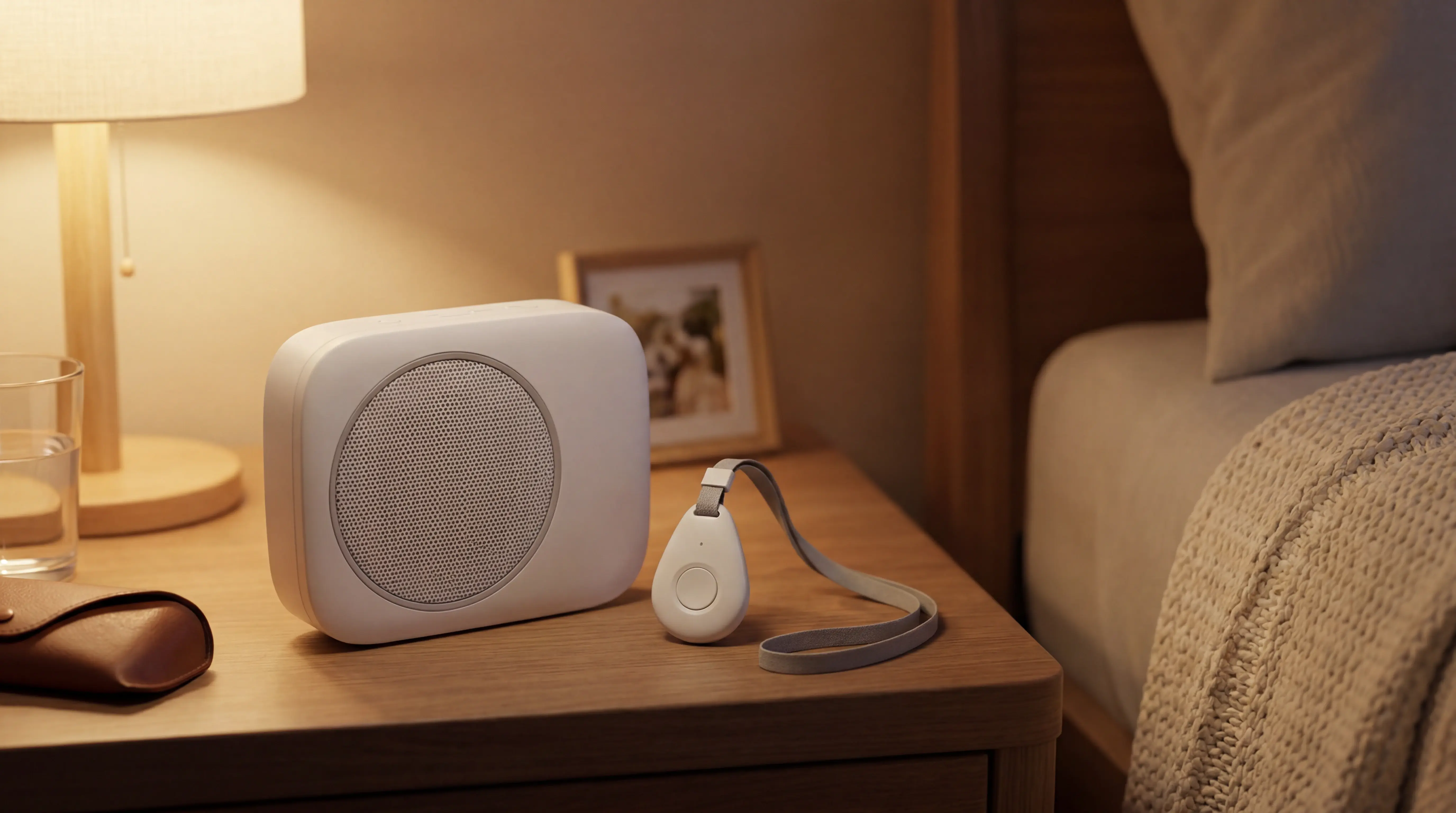
Home-based systems use a base unit plugged into a wall outlet or connected via cellular, with a wearable button the resident presses in an emergency. Coverage reaches up to 600–1,400 feet from the base depending on model, with Bay Alarm Medical rated at 1,000 ft, LifeFone at 1,300 ft, and Medical Guardian or MobileHelp at 1,400 ft.
LifeStation — best for simple setup: plug-and-play base unit, no tech support needed, no GPS on standard plans
LifeFone — best for at-home use: long range, strong landline and cellular options, caregiver portal included
Bay Alarm Medical — best for customer service: US-based call centres, no contracts, 15-day trial, no GPS on the entry-level plan
Life Alert — limited flexibility: 3-year contracts required, high monthly fees, no automatic fall detection on standard plans, and a documented pattern of difficult cancellations
Mobile and on-the-go systems
Mobile systems combine GPS tracking with cellular connectivity, so the device works anywhere with a signal, not just inside the home. They suit seniors who still drive, walk independently, or travel away from home regularly.
MobileHelp — mobile GPS coverage with MobileHelp Connect caregiver portal; device weighs about 3 oz with over 24 hours battery life
Medical Guardian — broad coverage and strong brand recognition; the MG Living platform offers real-time alerts and dashboard views for senior living staff, though it is built for assisted living rather than full care-ward compliance
LifeFone (mobile GPS plan) — solid coverage and caregiver portal access; priced at $39.95/month for the VIPx, in line with LifeStation and similar mobile-GPS plans
Philips Lifeline — one of the longest-established PERS names; landline and cellular options, with AutoAlert fall detection on premium plans. Designed for individual users, not multi-resident settings.
Non-wearable and sensor-based options
Passive sensors cover residents who cannot or will not wear anything at all. No button to press. No pendant to remove. The sensor does the work.
Bed exit sensors — alert carers when a fall-risk resident leaves the bed unassisted, especially at night
Door sensors — flag exits from rooms or the home without cameras or wearables
Motion sensors — track room-level activity and surface changes in routine
Stove or fridge sensors — flag when a resident has not used the kitchen, indicating a possible health change
For families managing one person at home, any of these categories can work well. Care home managers looking to cover multiple residents will find consumer devices stretch quickly beyond what they were built for; a professional-grade platform handles the operational layer these systems cannot.
Features that matter most
Once you have matched a device category to the care setting, the next question is which features hold up under daily ward use. The answer depends on mobility, living situation, and who carries the pager when an alert fires.
Fall detection
Two mechanisms exist for fall detection: automatic (accelerometer-based) and button-press. Automatic fires without resident input; button-press requires them to reach the device.
Automatic detection trades false alarms for coverage.
Sitting down hard, bending over, or certain movements can trigger alerts. Over time, that builds alert fatigue for whoever receives the notifications.
Automatic detection: fires without resident input, higher false-alarm rate, essential for dementia residents who cannot press a button.
Button-press detection: fewer false alarms, but around 80% of older adults who fall do not press a pendant button even when wearing one — which is why automatic wristband detection exists.
In a care setting, automatic detection matters more than it does in a private home. Residents with dementia or limited mobility often cannot press a pendant.
Most residents who fall will not — or cannot — press a pendant when they need to. That is why automatic detection exists.
WHO data identifies falls as the leading cause of injury-related death in adults over 65, making automatic detection a ward-level priority, not a feature upgrade.
For any resident who cannot reliably press a button (and in a care home, that is most of them), automatic detection is not optional.
Some care teams report dozens of nuisance alerts per shift from poorly configured detection. Smart rules (for example, alert only when a resident is out of bed for more than 15 minutes at night) can reduce that significantly.
Monitoring, GPS, and range
Signal type determines where the system works.
Landline, cellular, and WiFi are the three connection options for home-based systems. Each has a different coverage footprint.
GPS adds outdoor coverage for active, mobile seniors who spend time away from home. For residents in a care facility, the more relevant question is not whether the system has GPS but whether it can tell staff which room or which bed a resident is in.
There is a meaningful difference between a resident pressing a call button and a system with continuous location awareness:
Button-press systems: Tell staff someone needs help, but not where they are
Location-aware systems: Show which ward, room, or bed is involved before staff even check a floor plan
GPS-enabled units: Extend coverage outdoors for mobile users, less relevant inside a single building
System type | Location awareness | Outdoor GPS | Best for |
|---|---|---|---|
Button-press pendant | Room-level if paired with sensors | No | Independent resident at home |
GPS mobile device | Outdoor only | Yes | Active, community-dwelling senior |
Sensor-based (bed/door/motion) | Room and bed level, passive | No | Dementia residents, care home wards |
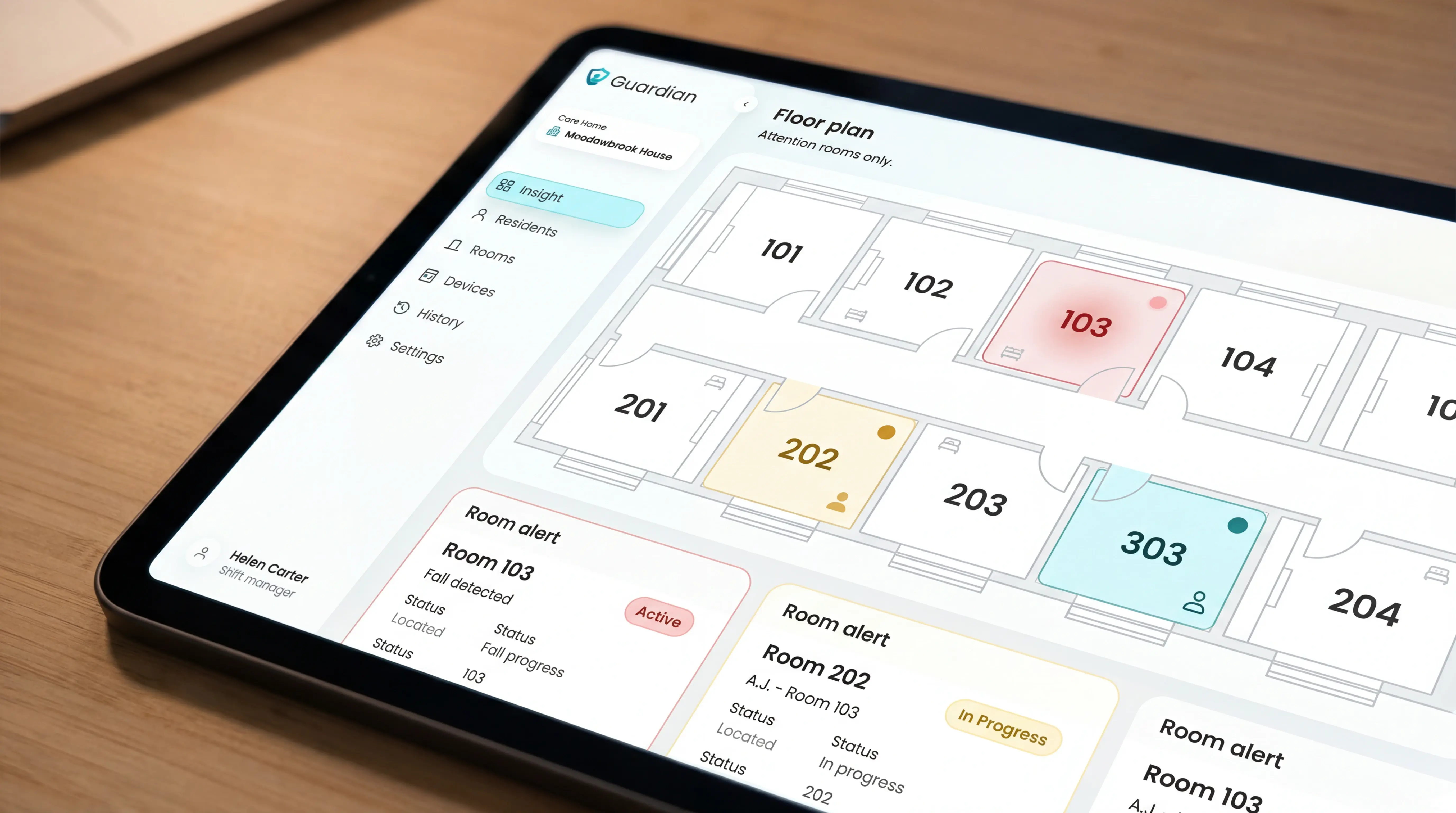
Inside a facility, location awareness down to the bed matters more than GPS range. Outdoor coverage is a secondary consideration for ward-based care.
For ward-based deployments, see how our WiFi nurse call system delivers room- and bed-level location awareness without GPS dependency.
Battery life and wearability
Battery life ranges from 24 hours to several days depending on the device. Some wristbands run 24 to 48 hours on a single charge; others last several days.
A device that needs nightly charging creates real coverage gaps for anyone who may not remember to plug it in.
Medical Guardian's MGMove smartwatch runs roughly 24 hours; MobileHelp's mobile button is rated at over 24 hours of typical use. For a 10-12 hour night shift, the gap between a 24-hour and a 5-day device is meaningful.
Ask any vendor whether their portal surfaces a low-battery alert before a sensor goes dark.
Wearability affects how consistently a device gets used. Three common form factors each come with trade-offs:
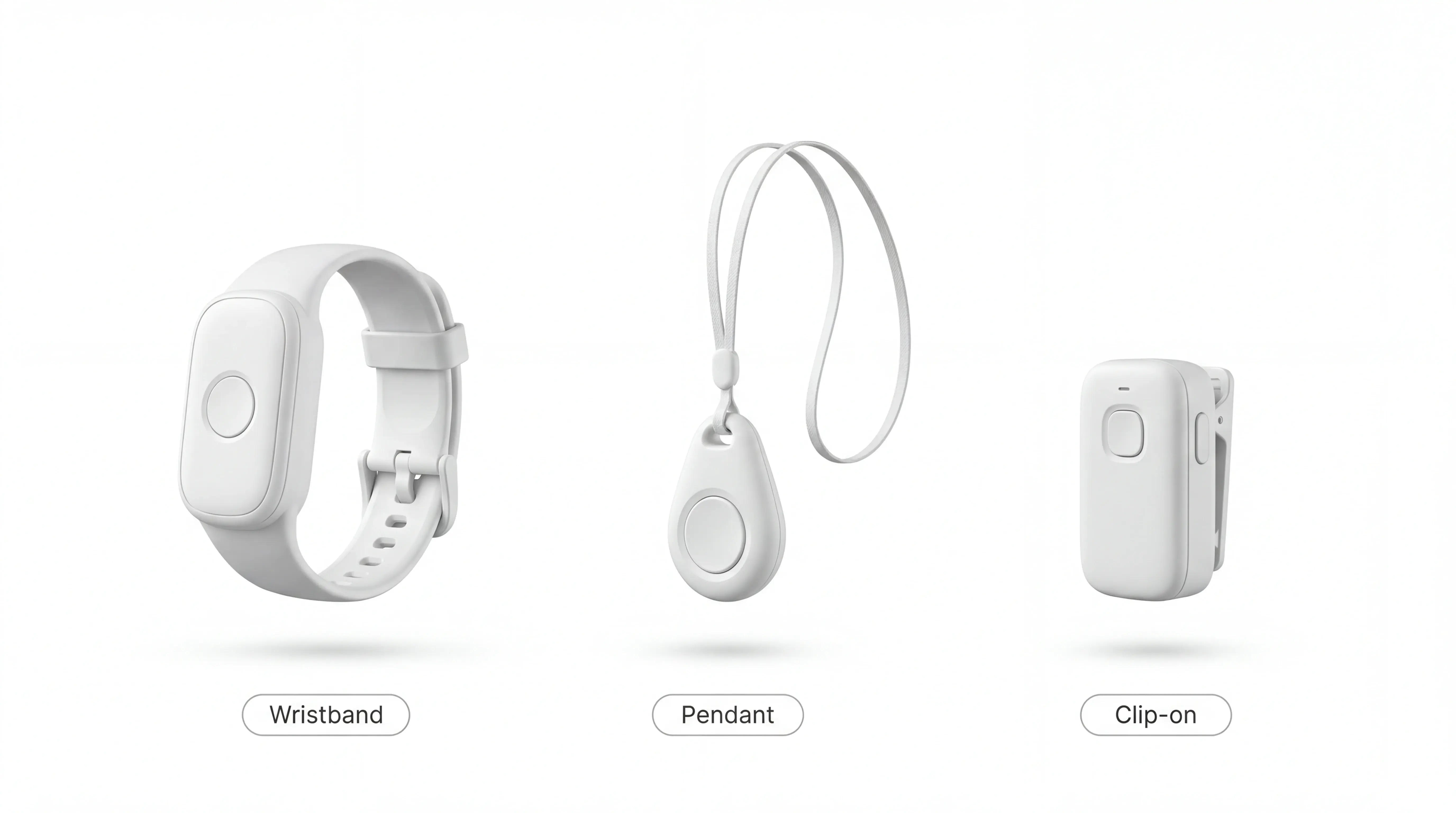
Wristbands: Generally highest compliance, water-resistant options available, some residents find them uncomfortable after extended wear
Pendants and lanyards: Easy to press in an emergency, but bulkier and more visible, which means residents often remove them
Clip-on devices: More discreet than a pendant, but easier to leave on a chair or bedside table
Caregiver tools and emergency contacts
Consumer caregiver alert systems let users add emergency contacts who receive a call or text when an alert fires. LifeStation, LifeFone, MobileHelp, and Bay Alarm Medical all include a basic app showing recent alert history and contact preferences.
Response time reporting goes a step further: it logs how long it took someone to acknowledge an alert.
That matters far more in a staffed setting than it does for a family monitoring one person at home.
In a care home, regulators and inspection bodies expect documented evidence of response times. The absence of those records is a common finding in CQC inspection reports.
In practice, a smart nurse call system lets a care manager pull up every fall alert from the past 90 days, see average response times by shift, and hand an inspector a printed report without compiling a spreadsheet.
Capability | Consumer PERS app | Care ward dashboard |
|---|---|---|
Alert recipients | 1-2 named contacts | Full ward staff, by role |
Response tracking | Basic event log | Response time per alert, per staff member |
Records format | App history | Exportable audit trail |
Multi-resident view | No | Yes, across full floor |
Compliance reporting | Not available | Built-in, inspection-ready |
Consumer apps cover the basics for one person. A care organisation running audits needs the right column.
For the broader sensor-and-dashboard model behind this, the remote patient monitoring guide maps the workflow in detail.
How much do emergency alert systems for seniors cost?
Prices vary by the type of monitoring included, but consumer PERS devices generally split into two cost categories: upfront hardware and ongoing monthly monitoring.
Monthly fees vs. one-time costs
Most PERS providers charge separately for the device and the monitoring service, though some bundle equipment into the monthly fee.
Typical ranges across the consumer market:
Upfront device cost — $0–$150 (some providers subsidise the device)
Monthly monitoring fee — $20–$60/month depending on coverage tier
Contract length — month-to-month or annual, with annual plans typically cheaper
Does Medicare or insurance cover these systems?
Coverage depends on the plan and payer type. Four points to know:
Note: Medicare and Medicaid apply to US families purchasing individual devices. Care home operators in the EU or UK should model per-resident costs directly.
Original Medicare does not cover PERS devices or monitoring fees.
Medicare Advantage plans may cover PERS — coverage varies by plan, so check your specific plan's benefits documentation.
Medicaid waiver programmes vary by state; some include PERS as a covered benefit for eligible individuals.
HSA and FSA funds can typically be used to pay for PERS devices and monitoring fees.
Pro tip for care home procurement: multiply the monthly fee by 36 before comparing providers. A $25/month plan with a 3-year contract costs $900 before hardware. A $45/month plan with no contract costs nothing if you cancel after a pilot.
If you run a ward, individual device prices are the wrong unit of measure. Model cost per resident, per month, across a full floor. Then compare that against the reporting and compliance overhead you are currently absorbing manually.
Common mistakes when choosing a personal emergency response system
Cost is one variable. But buyers often focus on the wrong details entirely, and the problems that result only surface after the device is already in use.
Choosing based on price alone. Low upfront cost can hide long-term contracts with steep cancellation fees. Check the total commitment period before signing.
Skipping fall detection. Around 80% of older adults who fall do not press a call button even when within reach (documented in the Journal of the American Geriatrics Society and similar fall-response studies). A system without automatic fall detection puts the burden entirely on the resident to act in a moment when they often cannot.
Buying a consumer device for a care setting. Devices designed for a single user rarely include multi-resident dashboards, response time reporting, or the audit trails care homes need for compliance.
Worth knowing for care settings: A single consumer pendant covers one resident. A ward with 20 residents needs 20 separate accounts, 20 separate apps, and no shared dashboard. That is not a scale problem. It is a design problem.
Ignoring battery life. A device that needs daily charging will run flat during a night shift at some point. Check rated battery life against the length of your longest shift.
Not checking where monitoring is based. A US-based monitoring centre adds call latency and may not meet EU or UK data residency requirements. Ask directly before you assume.
Overlooking wearability. A device no one will actually wear offers no protection. Check weight, comfort, and whether residents with dementia or dexterity issues can use it reliably.
Questions to ask before you buy
Use these as procurement checkpoints before committing to any system. A supplier that can't answer them clearly is worth pausing on.
Is there a contract, and what are the cancellation terms? Ask for the minimum term, the notice period, and any early-exit fees in writing.
Is fall detection included, or is it an add-on? Some providers charge extra for automatic detection. Confirm what the base plan actually covers.
Can the platform manage multiple residents from one view? A care setting needs a shared dashboard, not one app per device.
Does the system generate response time reports? Automatic records of how quickly staff responded are essential for audits and family inquiries.
Where is the monitoring centre based, and what is the average response time? Location affects call latency and data residency compliance. For UK care homes, CQC inspection readiness is the practical concern; for EU operators, GDPR Article 37 obligations on health data apply. Ask for written confirmation of where resident data is stored.
Is there a trial period or pilot option? A structured trial in one ward or unit lets you measure real-world performance before a full rollout.
What happens to resident data if we cancel? Ask how data is deleted, what the timeline is, and whether you receive a full export first.
What support is available after setup? Check whether onboarding, training, and ongoing technical help are included or billed separately.
Question | Why it matters for care settings |
|---|---|
Contract and cancellation terms | Avoid 3-year lock-ins |
Fall detection included? | Core safety feature, not an add-on |
Multi-resident dashboard? | Essential for ward-level operations |
Response time reports? | Required for audits and inspections |
Monitoring centre location? | GDPR and data residency compliance |
Trial or pilot option? | Proof before scale |
Data handling on exit? | Resident data ownership |
Post-setup support? | Onboarding and training costs |
TSA/CE marking? | Independent assessment for care settings |
Baseline metrics before go-live? | Enables honest pilot evaluation |
Is the platform TSA-accredited or CE-marked? For EU deployments, CE marking on wearable devices matters for procurement. TSA accreditation (UK) signals the platform has been independently assessed for care settings.
Establish a baseline before go-live. Record four weeks of data before installation: average response times, fall incidents, and total daily alarm volume. Compare those metrics against the same figures during the pilot. If response times are not falling within six weeks, the smart rules need tuning.
How Guardian protects care home residents — without cameras
Guardian is built for the operational layer consumer PERS cannot cover. One ward. Real response time data. Records a regulator can verify.
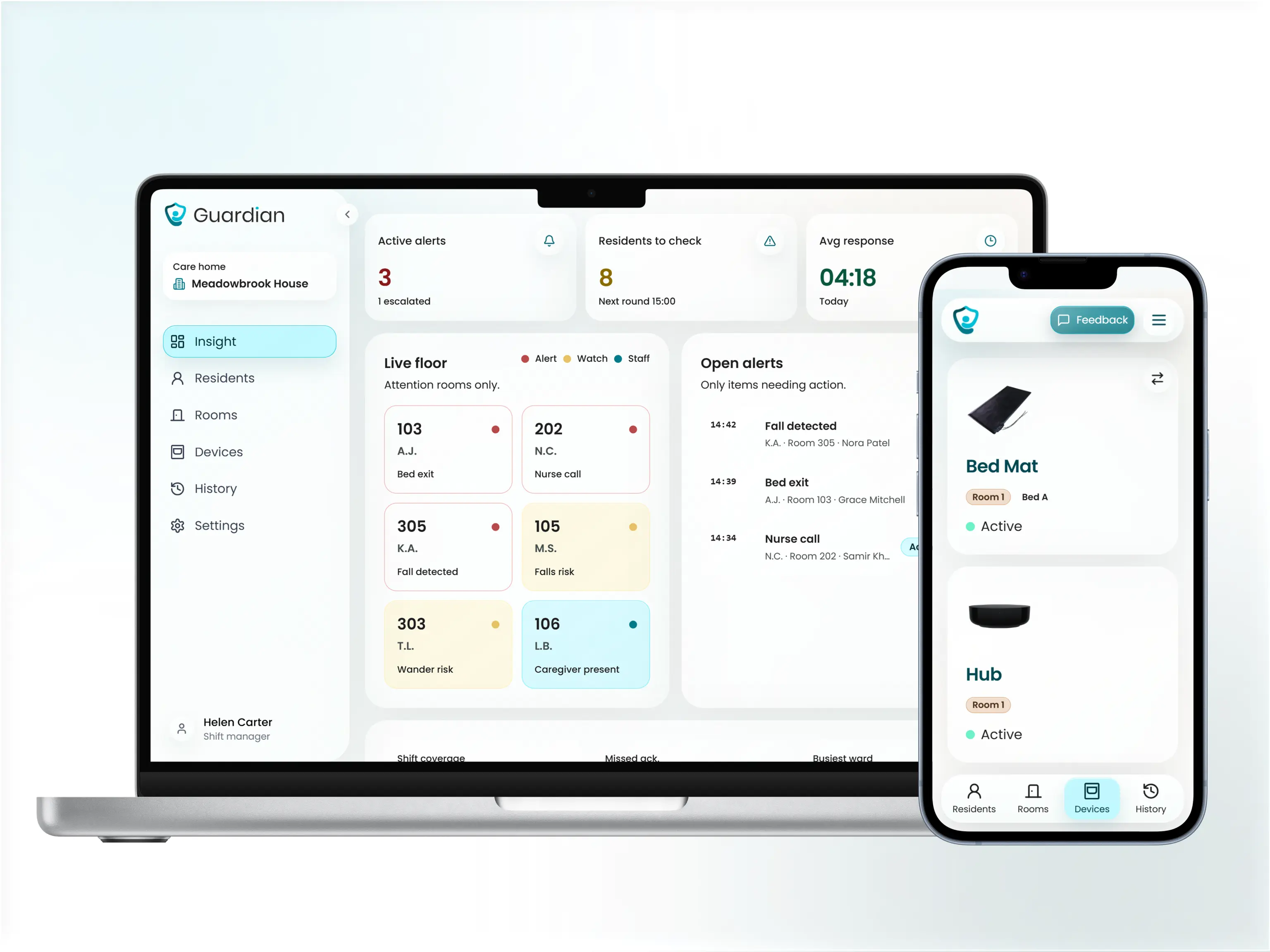
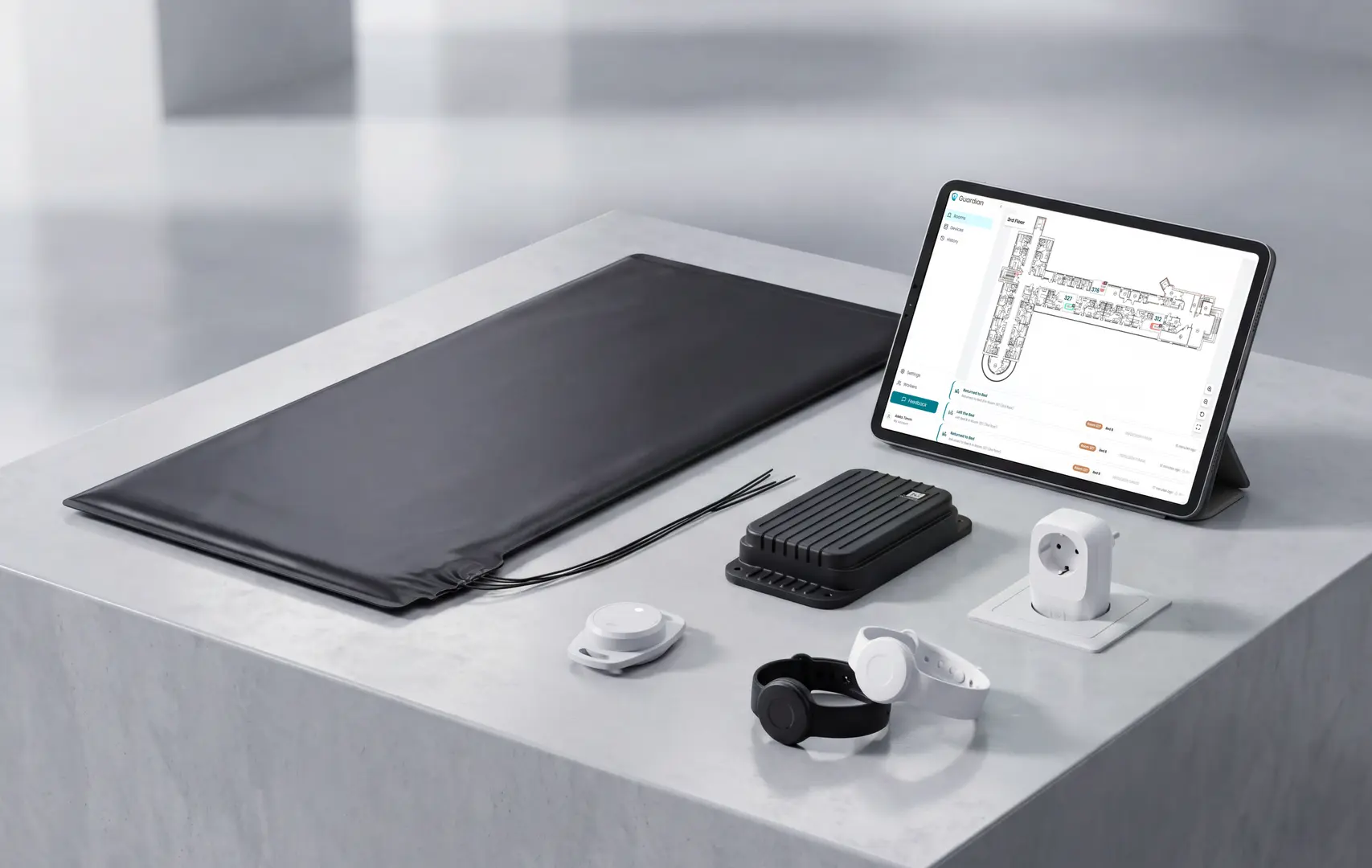
The platform combines resident wristbands (automatic fall detection and SOS button), passive in-room sensors (bed exit, motion, door, fridge, stove), and a live dashboard — all camera-free, all wireless.
Resident wristband presses and automatic fall detections logged with room-level location — staff see the exact room before they move
Room-level alerts sent to staff phones with floor plan context, so caregivers know the exact room before they respond — whether the trigger was a wristband press, a fall detection, or a bed exit sensor
Visit records and incident logs ready for any audit or family inquiry — generated in the background, no cameras, no cabling, and no reliance on residents pressing a button
The pilot runs in four stages:
Workflow mapping session with your operations lead (about 2 hours)
Wireless device installation across one ward — typically live within a week
6–8 weeks of live operation with automatic visit and alert logging
Written impact report: your actual response times, visit verification numbers, and a rollout plan
Most care managers see their first clean response time data within the first two weeks of going live. At week 8, you have the numbers to make a rollout decision, not a sales pitch to weigh up.
Before installation, record four weeks of baseline data: average response times, fall incidents, and total daily alarm volume. Compare those numbers against the same metrics during the pilot period. If response times are not falling within six weeks, the smart rules need tuning.
Prove response times and visit compliance in your own ward — wristbands, bed sensors, and floor plan alerts, live in 6–8 weeks, no cameras, no cabling.
Life Alert is not free. It requires a 3-year contract and high monthly fees, with no government subsidy available specifically for the service (a pattern documented consistently in user reviews on ConsumerAffairs and the Better Business Bureau).
Bay Alarm Medical and MobileHelp both offer month-to-month plans with no long-term commitment.
Some systems carry no monthly fee. Smart Caregiver pressure pad systems are one example, and basic landline-connected call buttons are another, though both offer limited features.
For care organisations, the picture is different. Systems that log response times, verify visits, and produce compliance records all carry a cost. Any system worth deploying at ward level does.
Many consumer PERS providers do require contracts. Life Alert requires a 3-year commitment, which is one of the longest in the category.
Bay Alarm Medical and MobileHelp both offer month-to-month plans as alternatives. Care organisations should insist on a structured trial period and clear exit terms before signing with any provider.
Most alert systems do not require Wi-Fi. Cellular-based and landline-connected systems, including units from MobileHelp and LifeStation, work independently of your facility network.
For care homes with patchy Wi-Fi coverage, cellular is the more reliable choice.
Questions about deploying Guardian across a ward? Contact us at guardianhome.eu/contact.

Author
Aleks Timm
Aleks Timm leads Guardian and builds privacy-first operations technology for care homes and home care providers. Teams get location-aware alerts they can act on, clearer situational awareness, and measured insight into how care work actually runs.
Read MoreRecommended reads
Keep reading
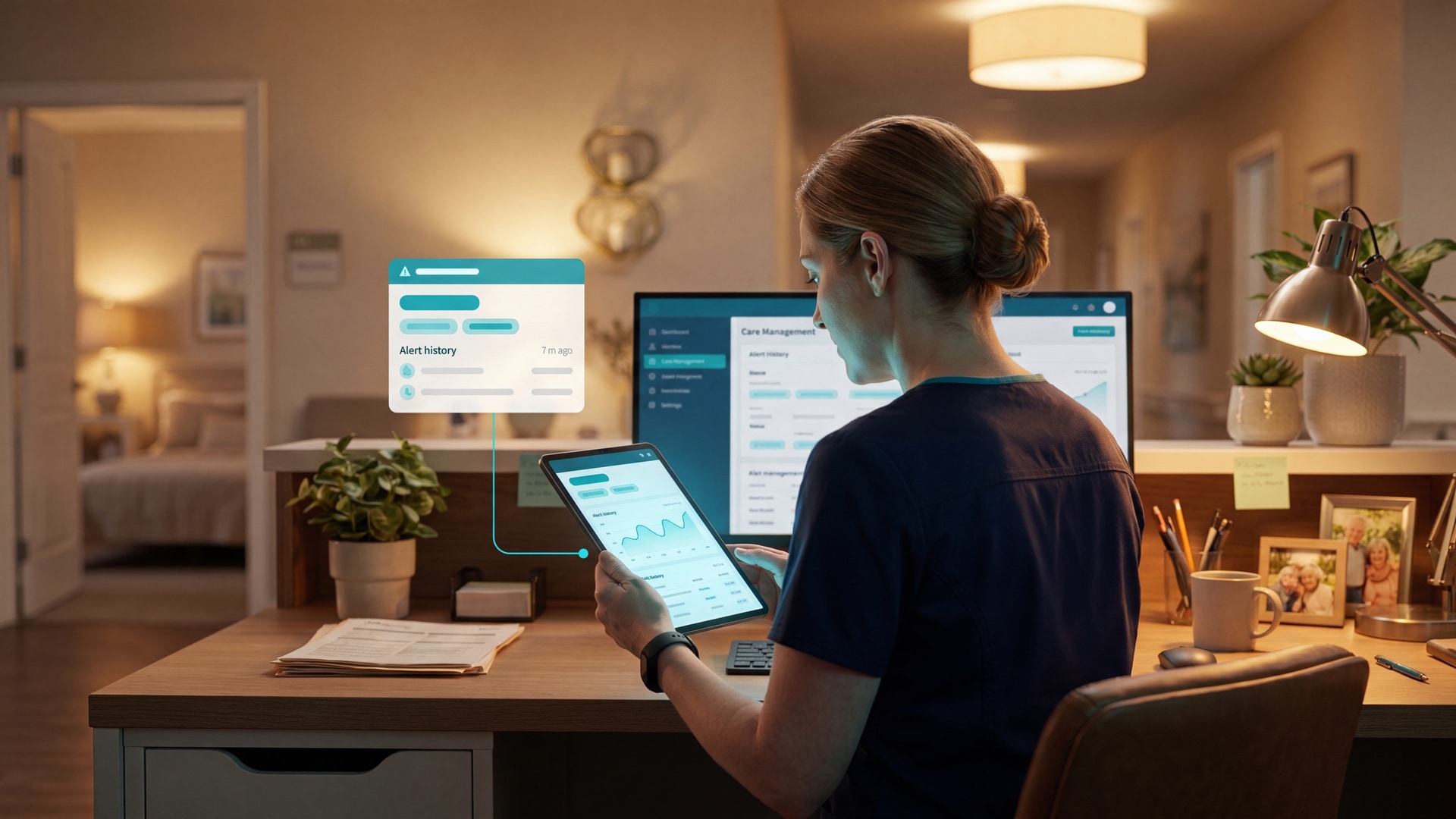
9 Senior Remote Monitoring Systems Compared
Senior remote monitoring systems compared for safer alerts, privacy, and clear records—find the best fit for home or care settings.
Read more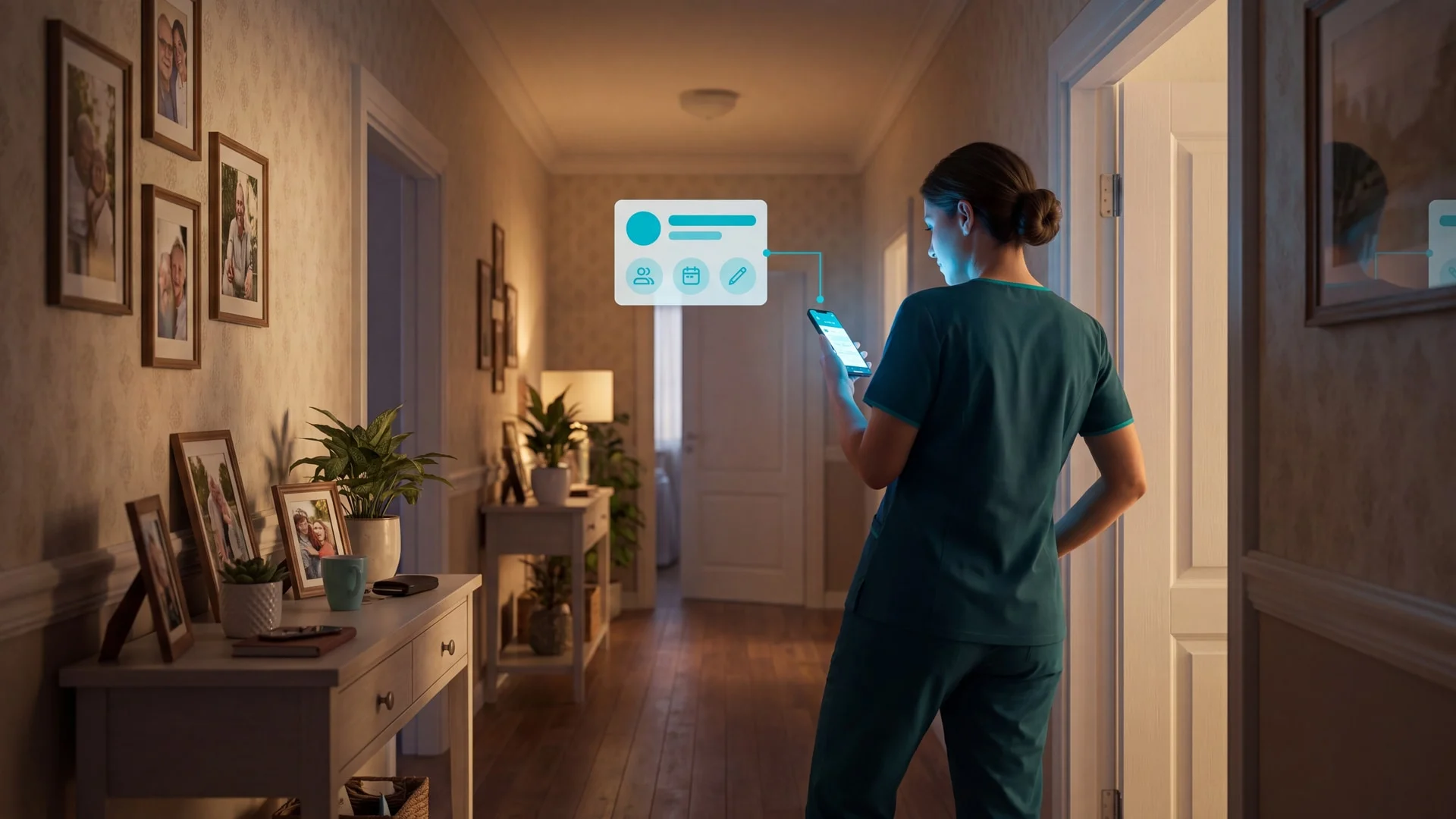
10 Best Home Care Software Solutions Compared
Compare the 10 best home care software solutions and find the right fit for scheduling, compliance, monitoring, and team...
Read more
8 Best Senior Monitoring Systems
8 best senior monitoring systems reviewed to help you choose the right alert, safety, and location tracking solution for better...
Read more