Caregiver alert systems for care homes

Caregiver alert systems

Caregiver alert systems for care homes

An alarm sounds. Staff respond fast. But fast to which room?

Caregiver alert systems are built to detect risk, notify staff, and prevent harm before it escalates. Generic alerts handle the first part. Location context handles the rest.

Knowing which floor, which room, and which bed changes how quickly staff act and how often incidents get caught early.

This guide covers the devices that matter, what good alert routing looks like, and what to ask before buying.
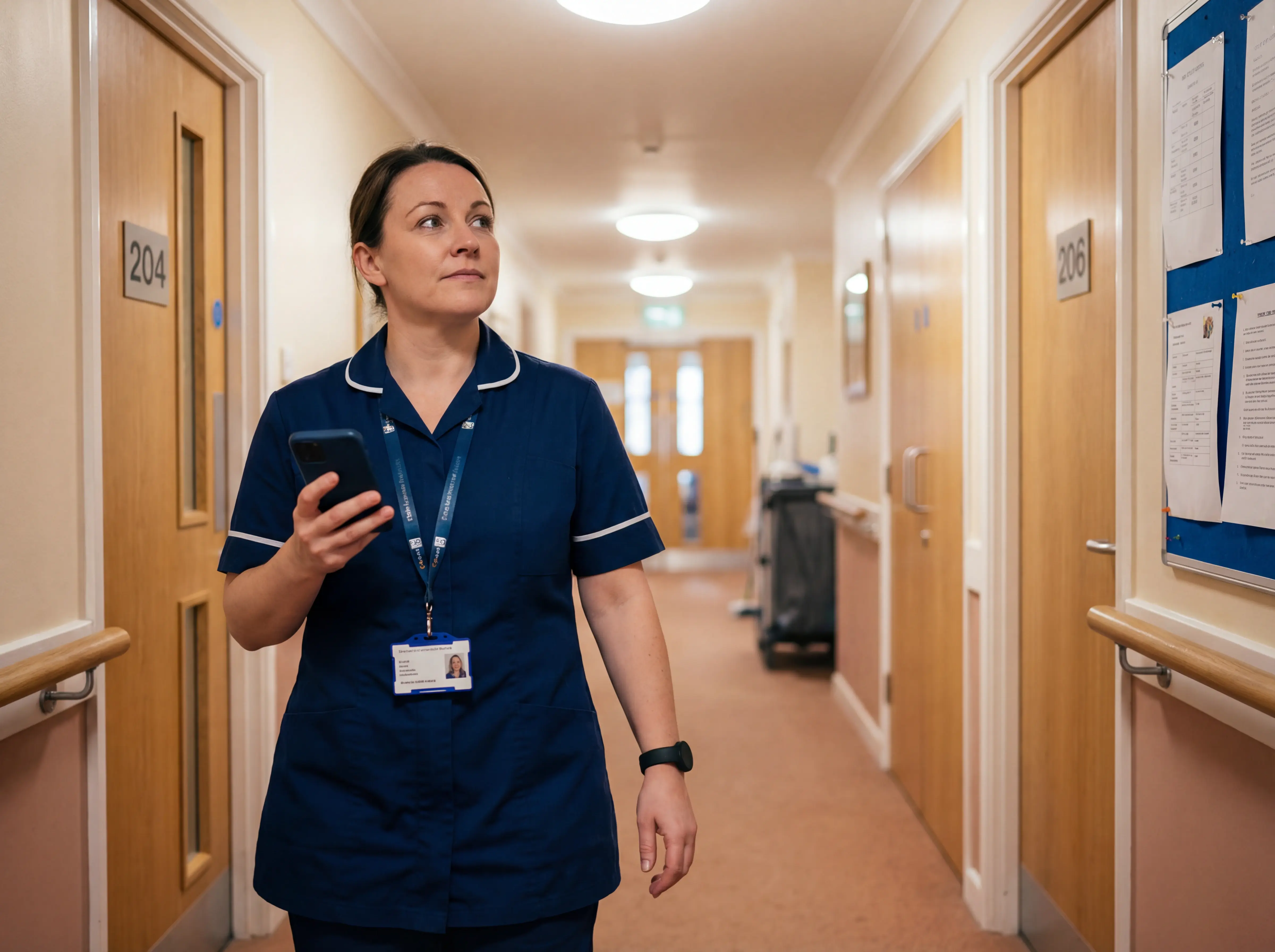
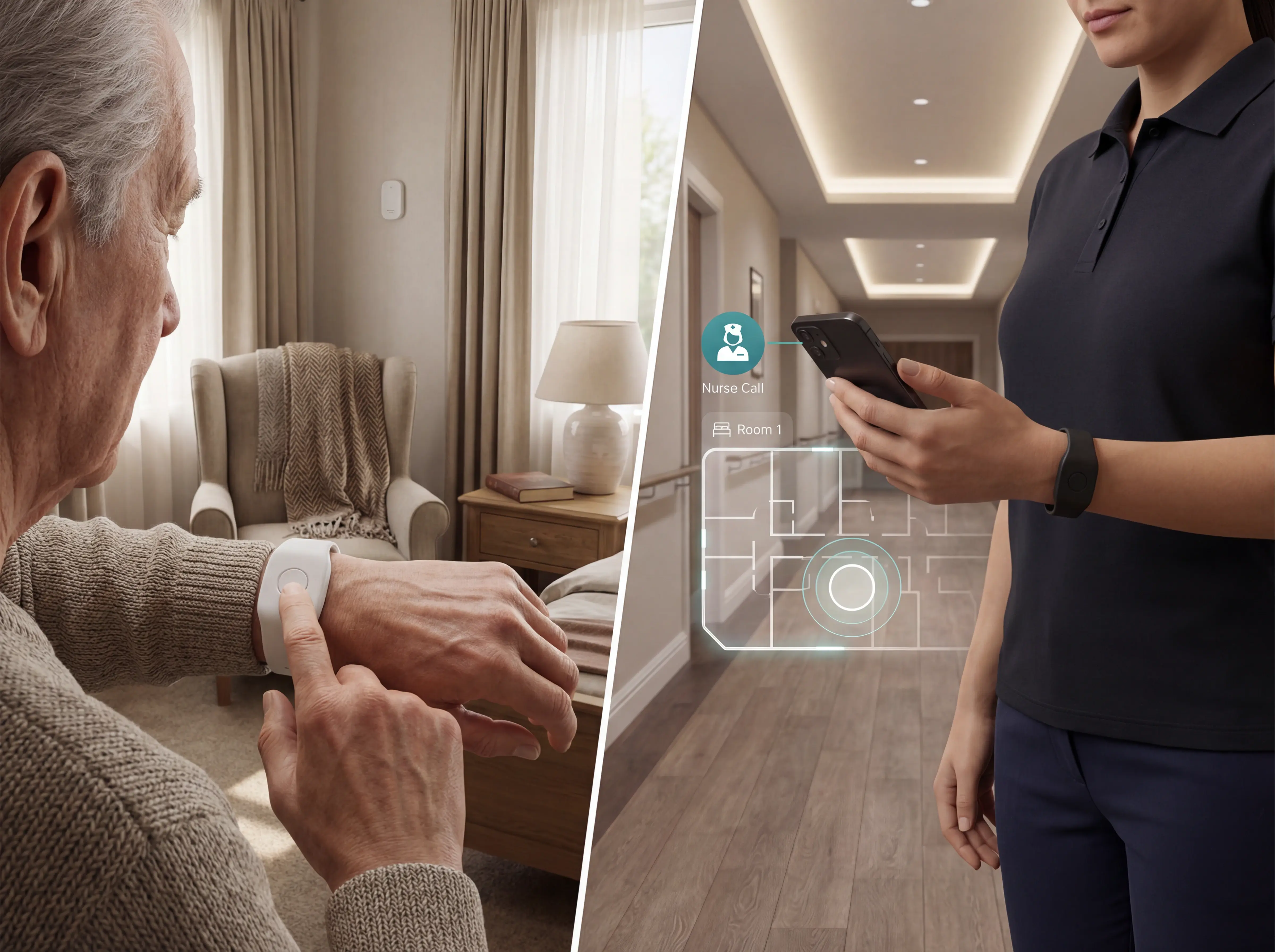
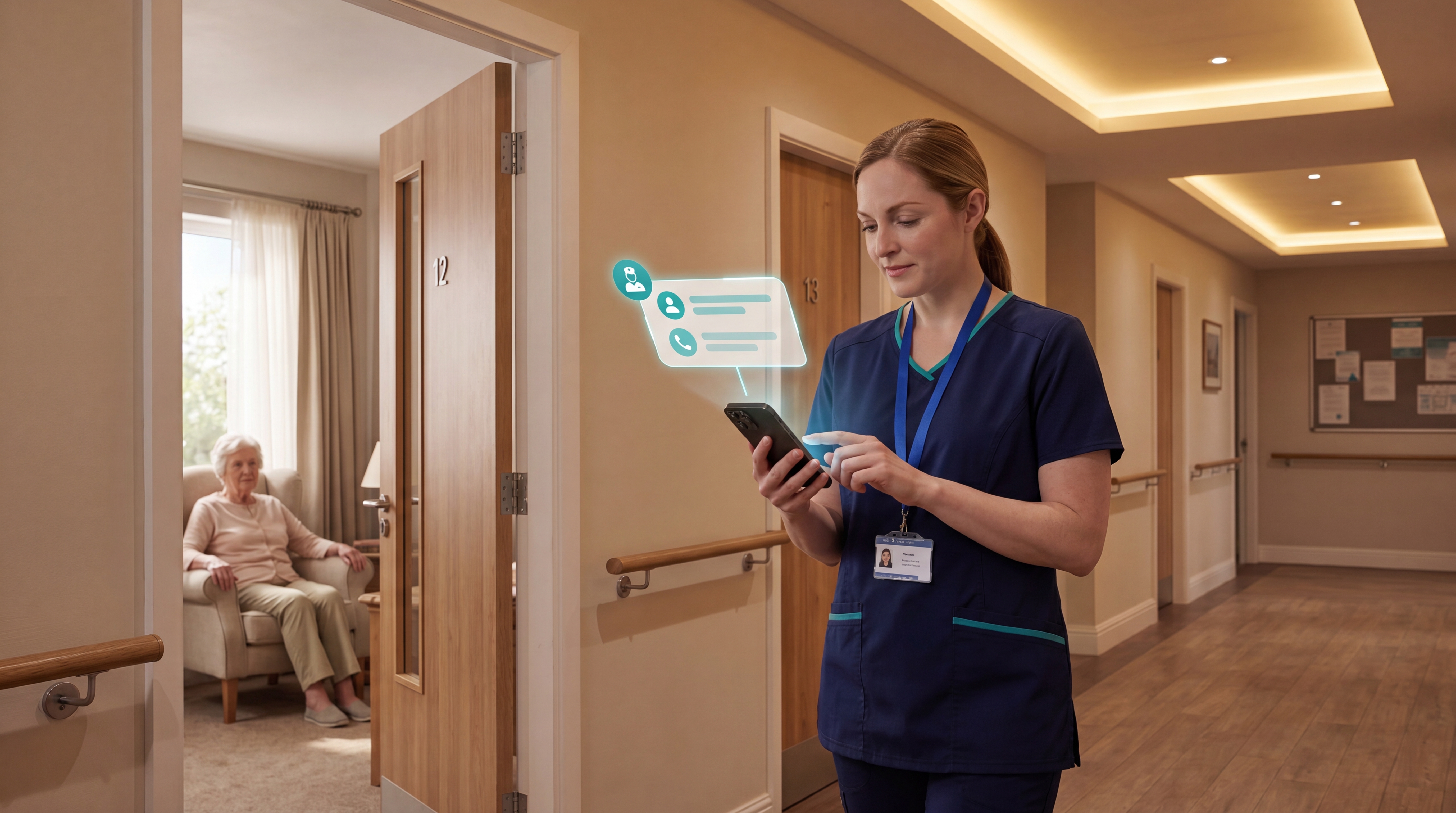
Caregiver receiving a location-aware alert in a care home

Definition

What are caregiver alert systems?

Caregiver alert systems are tools that detect resident safety events and notify the right caregivers in real time.

The problem is that most alarms sound identical, so staff hear a beep but have no idea which room needs them.

Traditional call-light panels and pendant alarms detect that something happened. They rarely tell staff where to go or why.

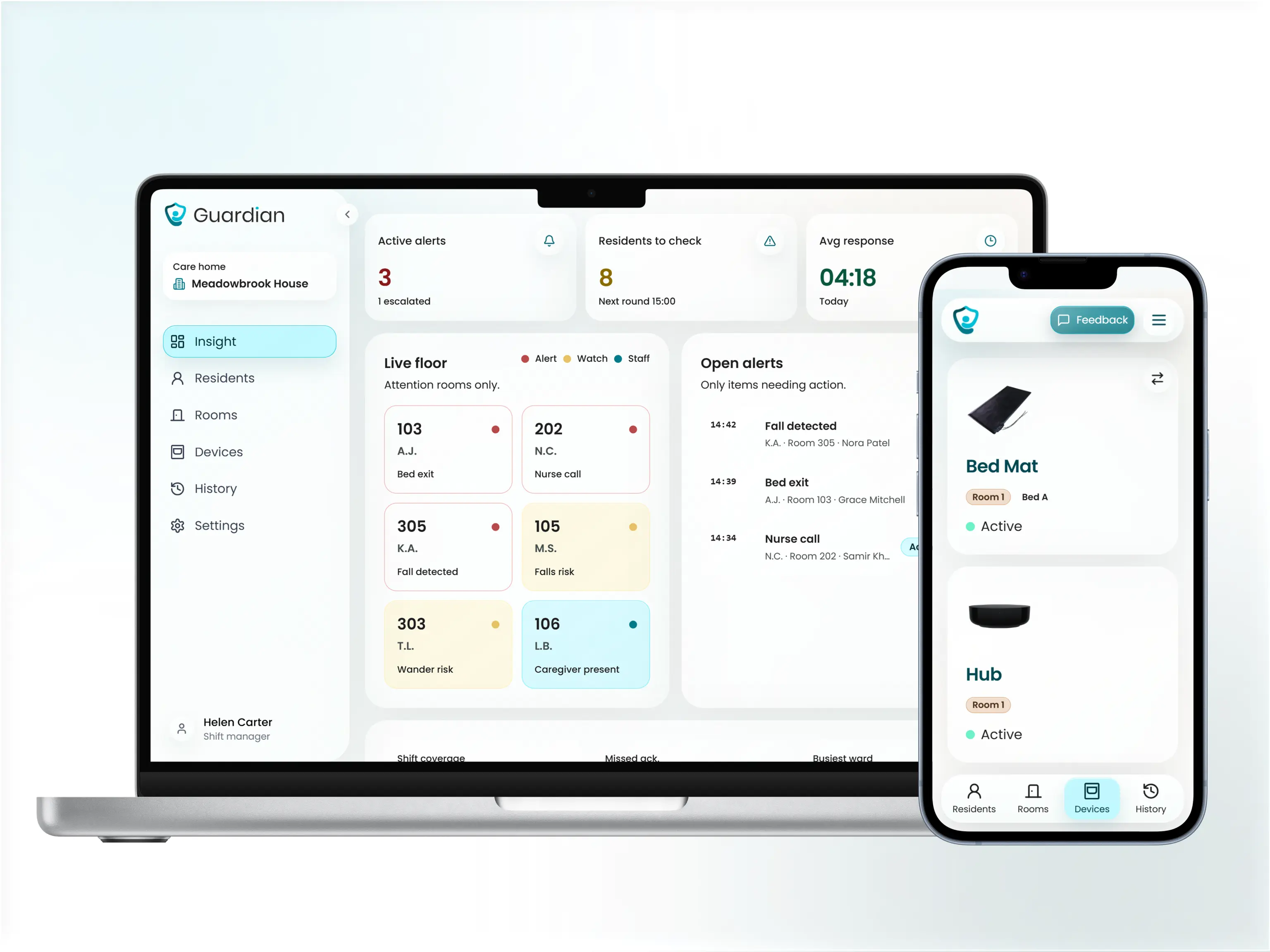
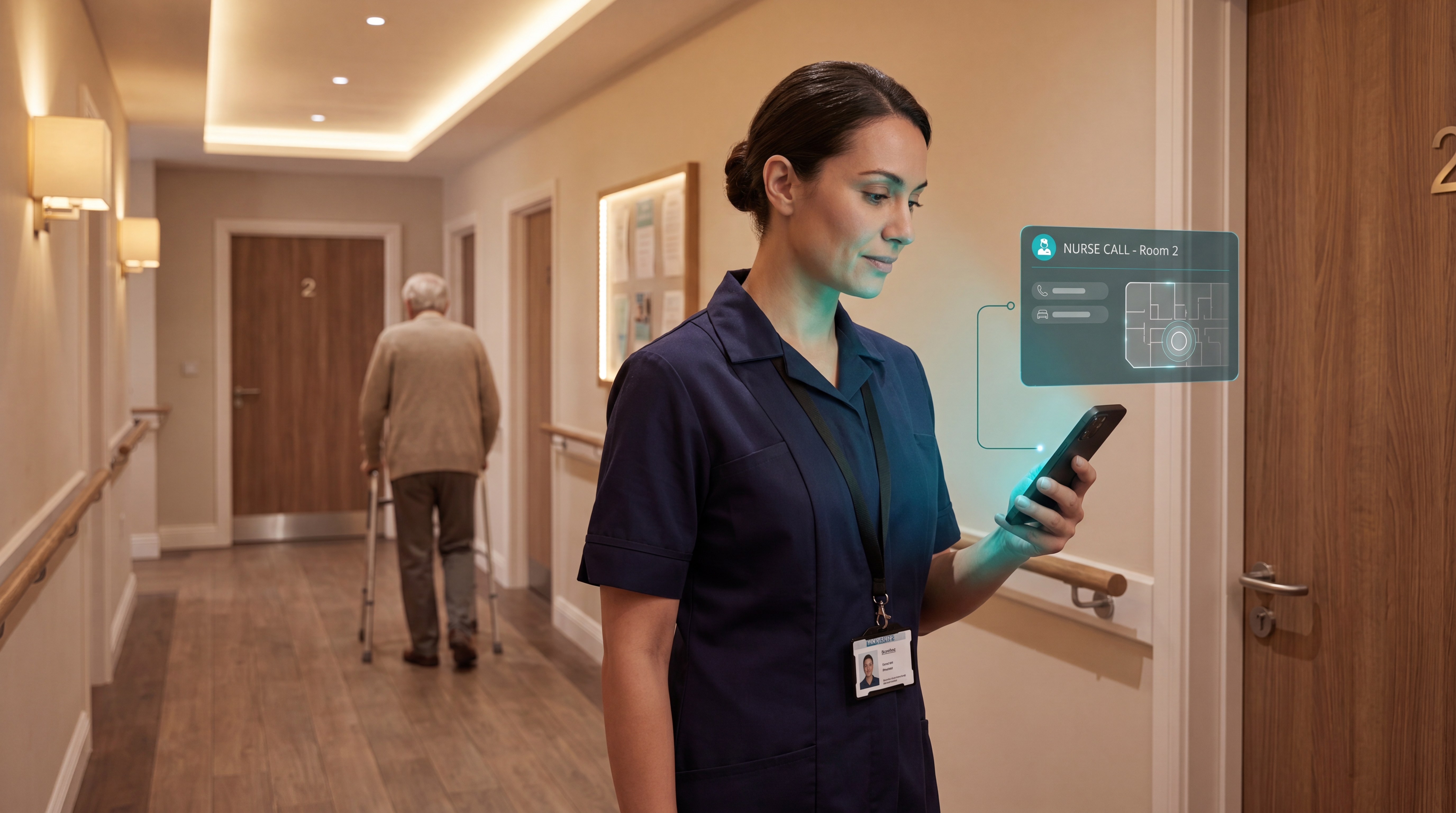
Modern systems fix this by mapping every alert to a specific room and bed on a digital floor plan, then routing it to the nearest available caregiver.

No guesswork. No PA announcements. Just a notification that says exactly where to go and why.
Guardian portal showing alerts on a care-home floor plan

Device types

The devices that matter on a care-home ward

Getting the right person to the right bed in time prevents harm. That starts with the four devices doing the watching, each covering a different moment in a resident's day.
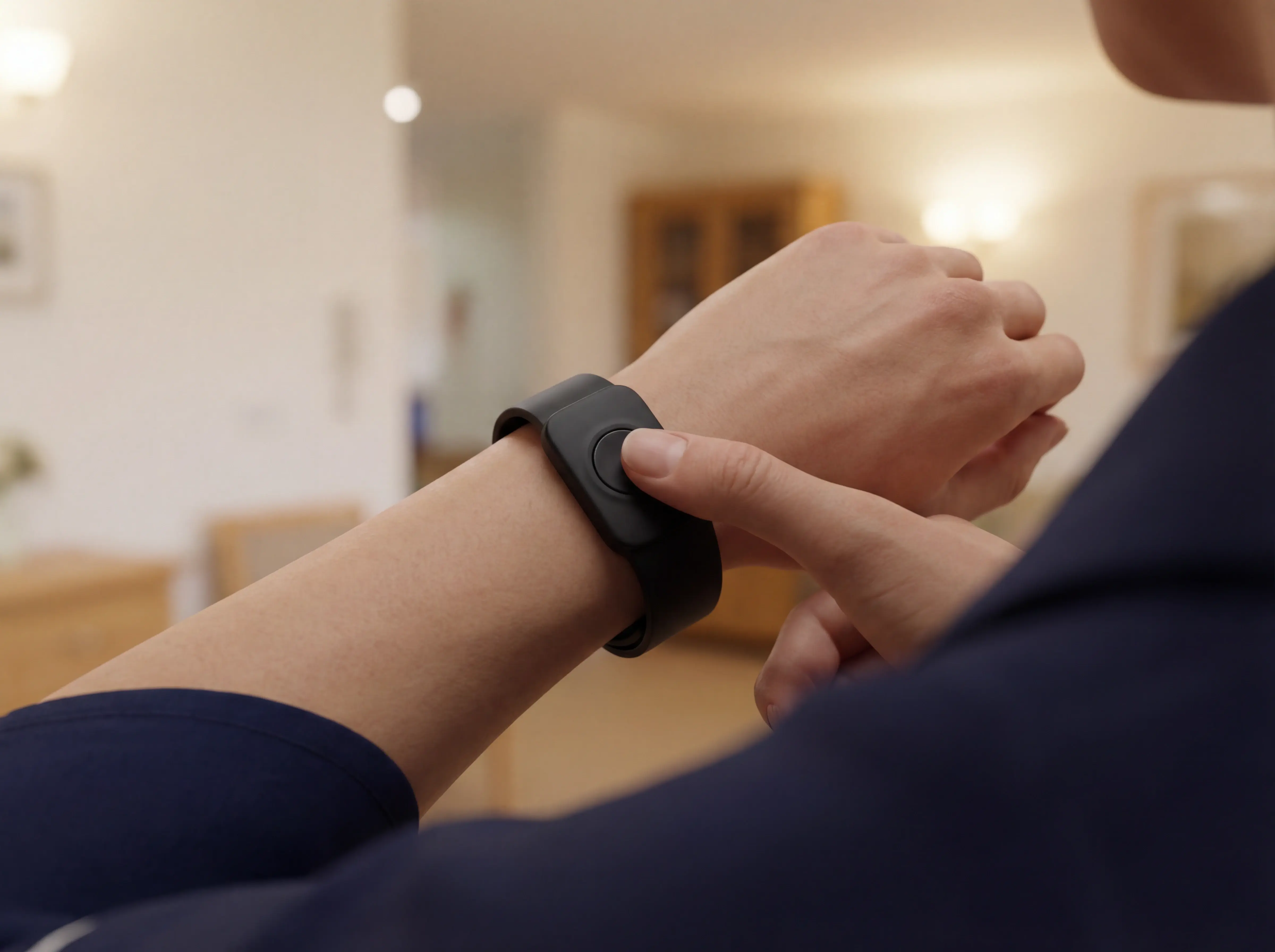
Staff wristband with ID

Staff wristband

Shows each caregiver's live position on the floor plan, so alerts route to the nearest available person rather than broadcasting across the ward.
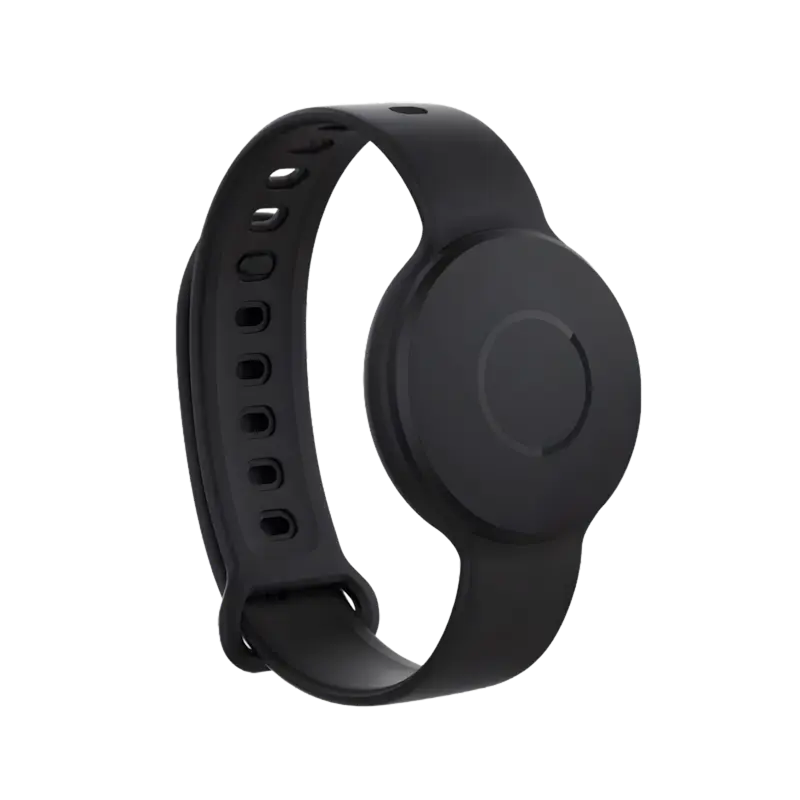
Resident SOS call button or wearable

Resident wristband

A single device that works as an SOS button and an automatic fall detector. Pressing it calls for help; the accelerometer detects falls even when the resident cannot press.
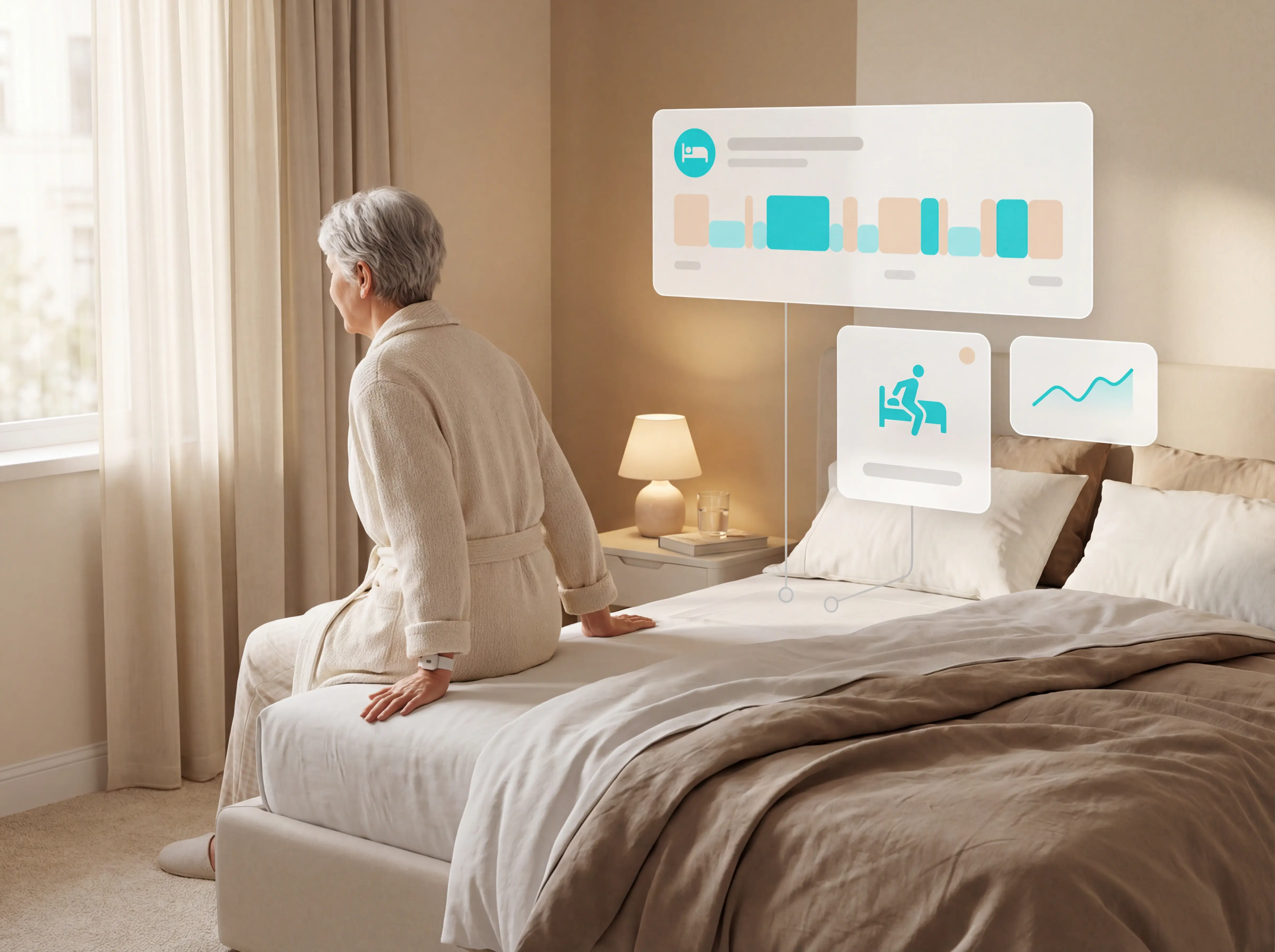
Bed exit sensor under mattress

Bed exit sensors

Detect when a resident leaves their bed, giving staff time to reach a high fall-risk resident before they hit the floor.
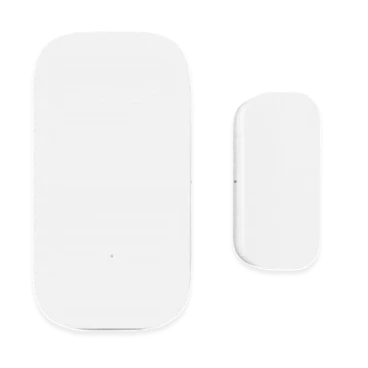
Door sensor for room or external doors

Door sensors

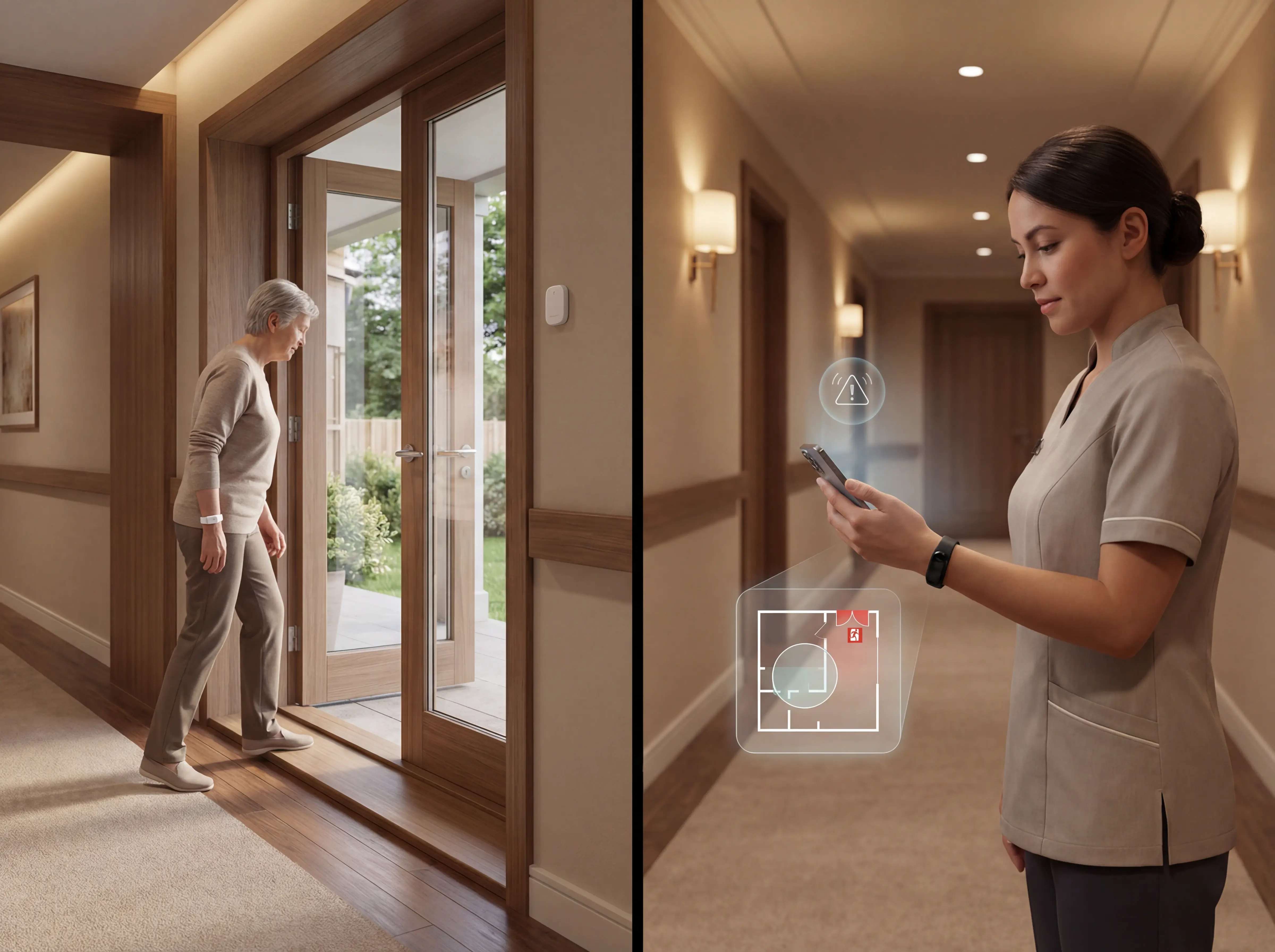
Trigger an alert when a room or external door opens or closes, helping staff track wandering risk and monitor room routines without cameras.

Device overview

Types of devices used in care home alert systems

Guardian layers staff and resident wearables with bed and door sensors so each risk window has a clear alert path. Here is what each sensor type does and where it fits.
Device typeWhat it detectsBest used forAlert type
Staff wristbandLive caregiver positions across the wardAlert routing, coverage visibility, shift oversightReal-time floor plan position, alert routed to nearest caregiver
Resident wristband (SOS + fall detection)Manual SOS press and automatic falls via accelerometerHigh fall-risk residents, including those who cannot press a buttonImmediate alert with resident name and live room position on floor plan
Bed exit sensorResident leaving their bedFall-risk residents, especially at nightInstant targeted alert to nearest caregiver
Door sensorRoom or external door opening or closingWandering risk, room routine monitoringLocation-tagged alert mapped to floor plan

Device detail

Staff wristband

The staff wristband gives each caregiver a live position on the ward floor plan in real time. When an alert fires, Guardian uses that data to route it to the nearest available caregiver rather than broadcasting to everyone on shift.

Managers get a live view of who is on the floor and where, so coverage gaps are visible before they create a problem. The Guardian care home page covers the full platform and sensor setup.
Guardian staff wristband on floor plan

Device detail

Resident wristband

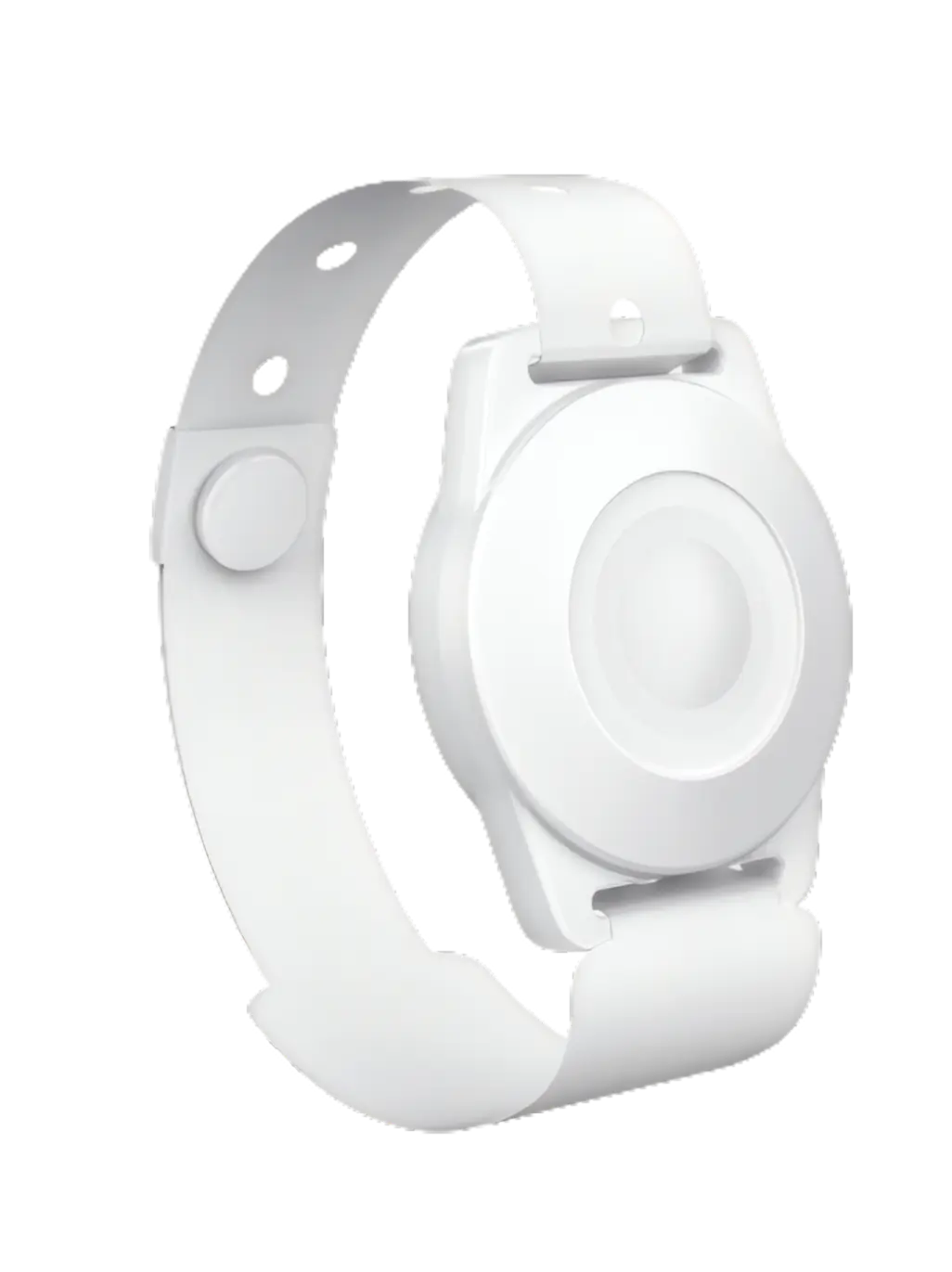
Guardian's resident wristband is a single device that combines a manual SOS button with automatic fall detection. Press it to call for help, or let the accelerometer detect a fall when the resident cannot.

Either way, Guardian delivers the resident's name, room number, and live floor plan position to the caregiver's device immediately. Alerts route to specific staff roles, so the right nurse receives the call.

Research shows 80% of older adults with a call alarm do not activate it when they fall. Automatic detection covers that gap, with the resident's exact room position visible on the floor plan before staff leave the station.
Guardian resident wristband with SOS and fall detection

Device detail

Bed exit sensors

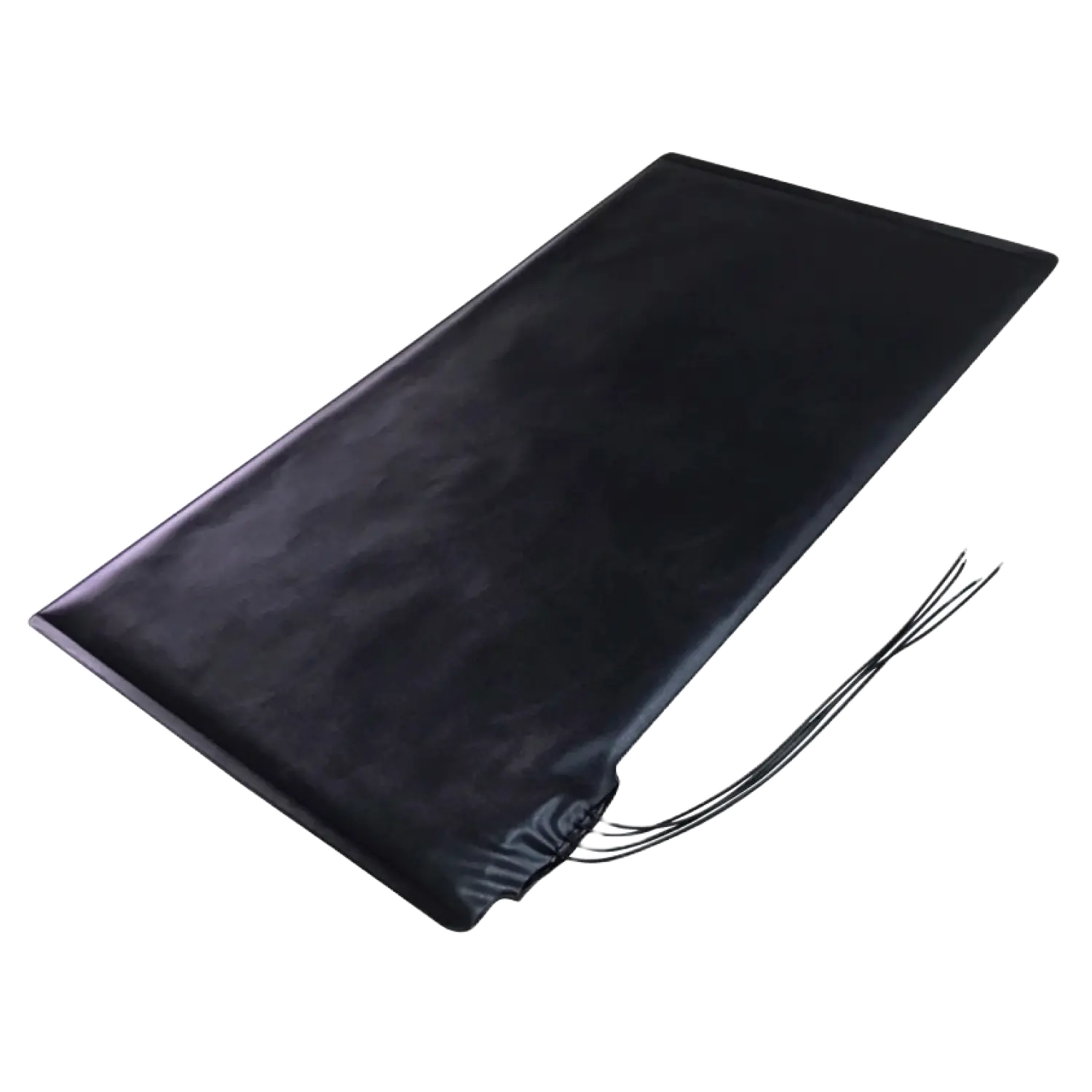
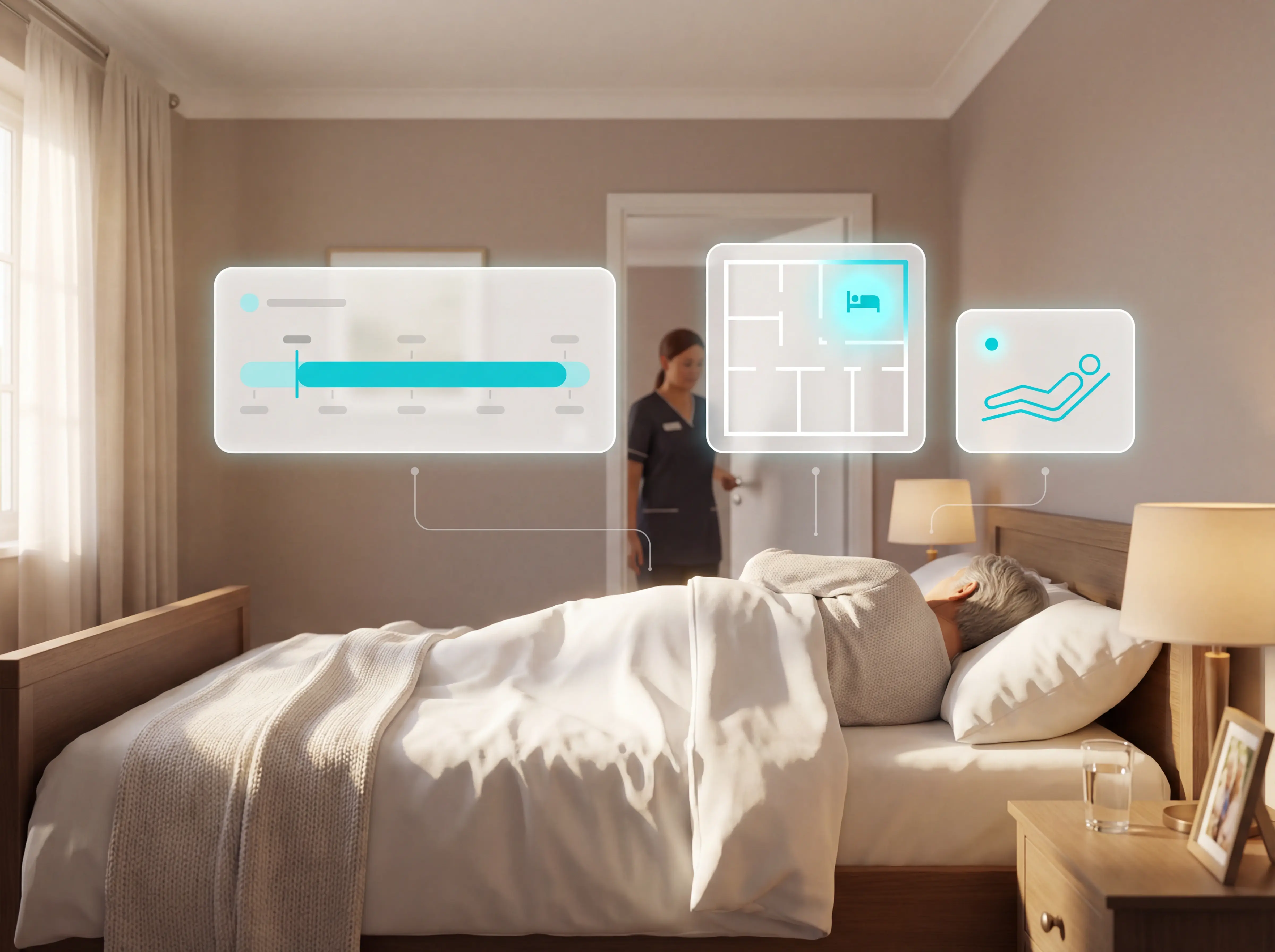
A bed exit sensor triggers an alert the moment a resident leaves their bed. Guardian maps the alert to the specific room and bed on the floor plan, so the nearest caregiver knows exactly where to go.

Guardian's average event response time is approximately 5 minutes. In a single Estonia pilot, staff attended 30 potential fall situations before any escalated.
Bed exit sensor under mattress

Device detail

Door sensors

When a room or external door opens or closes, a door sensor fires an alert. Guardian maps the event to your floor plan instantly.

This catches wandering risk and room routine changes without cameras. When a memory care resident opens an external door at 2am, staff see the exact location on the portal before leaving the desk.
Door sensor on room or external door

Buying criteria

What to look for in a care home alert system

  1. 1

    Room and bed context in every alert

    Every alert shows the exact room, bed, resident ID, alert type, and timestamp on a live floor plan. Caregivers see where to go before leaving the desk, visible on their phone without logging into the portal.
  2. 2

    Smart rules that cut alarm noise

    Conditional filters tied to time, patterns, and resident profiles cut non-actionable alerts. Guardian's live wards show a 30–50% reduction in daily alert volume once rules are tuned, with no increase in missed incidents. SOS presses and fall detections are hardcoded as non-suppressible — no rule can override them.
  3. 3

    Monitoring without cameras

    Staff and resident wristbands, plus bed exit sensors, collect no images or recordings. GDPR data minimisation is straightforward, and the portal's audit log of every alert, acknowledgment, and response gives CQC inspectors the evidence trail they need.

    For passive, privacy-first setups, the elderly room monitor roundup compares sensor-based options beyond wearables alone.
  4. 4

    Simple installation and onboarding

    Guardian is fully wireless. No drilling, no cabling, no ward closure. Setup takes 1 to 2 weeks: Guardian maps your floor plan, places sensors with adhesive pads, and runs a 30-minute staff walkthrough. Alerts go live the moment the last device is placed, and new hires are operational within a single shift.
  5. 5

    What it costs, and what you get back

    Check hardware, software subscription, installation, maintenance, and training time as a combined figure — not just upfront hardware. A lower headline price with annual engineer visits for battery swaps can cost significantly more over 3 years. The Estonia pilot put a return on the board: 1,000€/month in caregiver capacity unlocked on a single ward, with 30 potential fall situations attended before escalation.

Guardian in care homes

How Guardian works in a care home

Running through each of those criteria against a real system is how you move from shortlist to decision. Here is how Guardian stacks up on each one.
01

Room and bed context

In every alert, not just a wing or floor.
02

Smart rules

Cut noise to what actually matters on your ward.
03

Camera-free monitoring

With no consent or GDPR complications.
04

Wireless setup

— adhesive sensors, no drilling, no new devices for staff.
05

Wearable wristbands

For residents (automatic fall detection) and caregivers (one-press SOS with live location).
1-2 weeks
Setup window
Floor-plan mapping, sensor placement, and staff walkthrough without ward closure.
6-8 weeks
Pilot duration
Run one ward with live monitoring before committing to a wider rollout.
30+
Potential falls attended
One Estonia pilot flagged more than 30 situations in time for staff to intervene.
€1000+/mo
Caregiver capacity unlocked
One pilot ward reduced unnecessary work enough to free measurable staff capacity.

Common questions

Caregiver alert system questions

These are the practical questions care-home managers usually ask before shortlisting a system or starting a pilot.
Do you need a landline to run a caregiver alert system? +
No, modern caregiver alert systems do not require a landline and instead use wireless RF, WiFi, or cellular networks to route alerts.

Guardian uses a wireless hub that connects to the facility's existing internet connection. Sensors communicate via RF back to the hub. No SIM card, no phone socket, no new cabling.

RF sensors communicate via radio frequency to central receivers or staff wearables. WiFi and IP-based systems push alerts to web portals, apps, or dashboards over the facility's existing internet connection.

Guardian uses a wireless sensor network that maps real-time data onto your floor plan. No landline, no cabling, no new infrastructure.
How long do the batteries last on caregiver alert system sensors? +
Caregiver alert system sensors typically have a battery life ranging from 6 months to 5 years, depending on the sensor type and frequency of use.

Wearable SOS pendants and emergency call buttons typically last up to 5 years. A flat battery on a resident's pendant is a safety failure, so pendants are built to last.

Wander management wristbands and tags vary more widely, from 3 to 10 years depending on how often they transmit.

Bed exit sensors are the most active sensors on a ward and generally need a battery swap every 6 to 12 months. Guardian's sensors are rated for up to 2 years without replacement.

Check whether your vendor includes battery monitoring in the portal. You want a low-battery alert before a sensor goes dark, not after.
How do I measure whether a caregiver alert system is working? +
Measure a caregiver alert system by comparing baseline incident data against pilot results, focusing on response times, fall rates, and false alarm frequency.

Three metrics give you a clear picture:

Response times — track average minutes from alert to staff arrival. Alert delivery should be near-instant. Staff arrival within 5 minutes is a strong benchmark for high-risk residents.

Fall rates — track how many potential fall situations staff attended before an incident occurred. The Estonia pilot is a good reference point: staff attended 30 situations on a single ward, each a prevented escalation. Your ward's numbers will differ, but the measurement approach is the same.

False alarm volume — total daily alerts should fall as smart rules are tuned to your ward's routines. If the number isn't dropping, the rules aren't configured correctly. Ask vendors for alarm frequency data from live installations.

Run a 6 to 8 week pilot on a single ward. Record your baseline in the 4 weeks before installation: alert response times, fall incidents, and total alarm volume. Compare those numbers against the same metrics during the live pilot period. That before-and-after gives you something concrete to take to management.

Use a portal that maps sensor data to your floor plan so you can track response times by room and bed without chasing staff for manual reports.

Falls are expensive. Research published in npj Digital Medicine shows that proper early intervention monitoring cuts hospital costs by 31% and reduces ambulance calls by 49%. Guardian's pilot report gives you the incident data to run that ROI calculation with your own ward's numbers.

Pilot one ward first

See whether Guardian improves response on your ward

Run Guardian on one ward for 6 to 8 weeks. You get response times, incidents attended, alert-volume data, and staff feedback so you can make the internal case with your own numbers.
Request a pilot