Clinical wearables
Pulse oximeters, blood pressure cuffs, and glucose meters capture physiological readings continuously or on demand.


Wireless patient monitoring systems
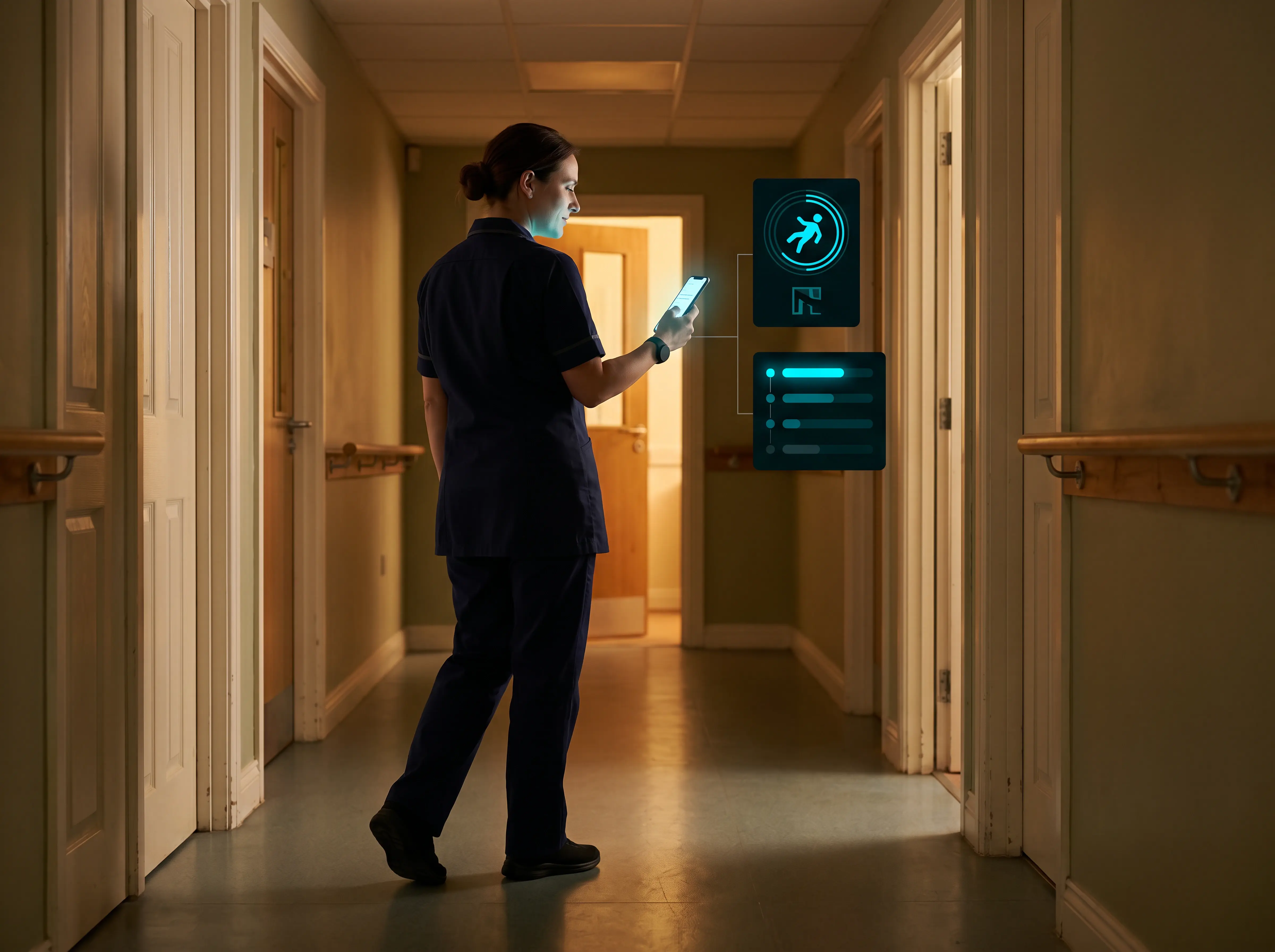
Definition
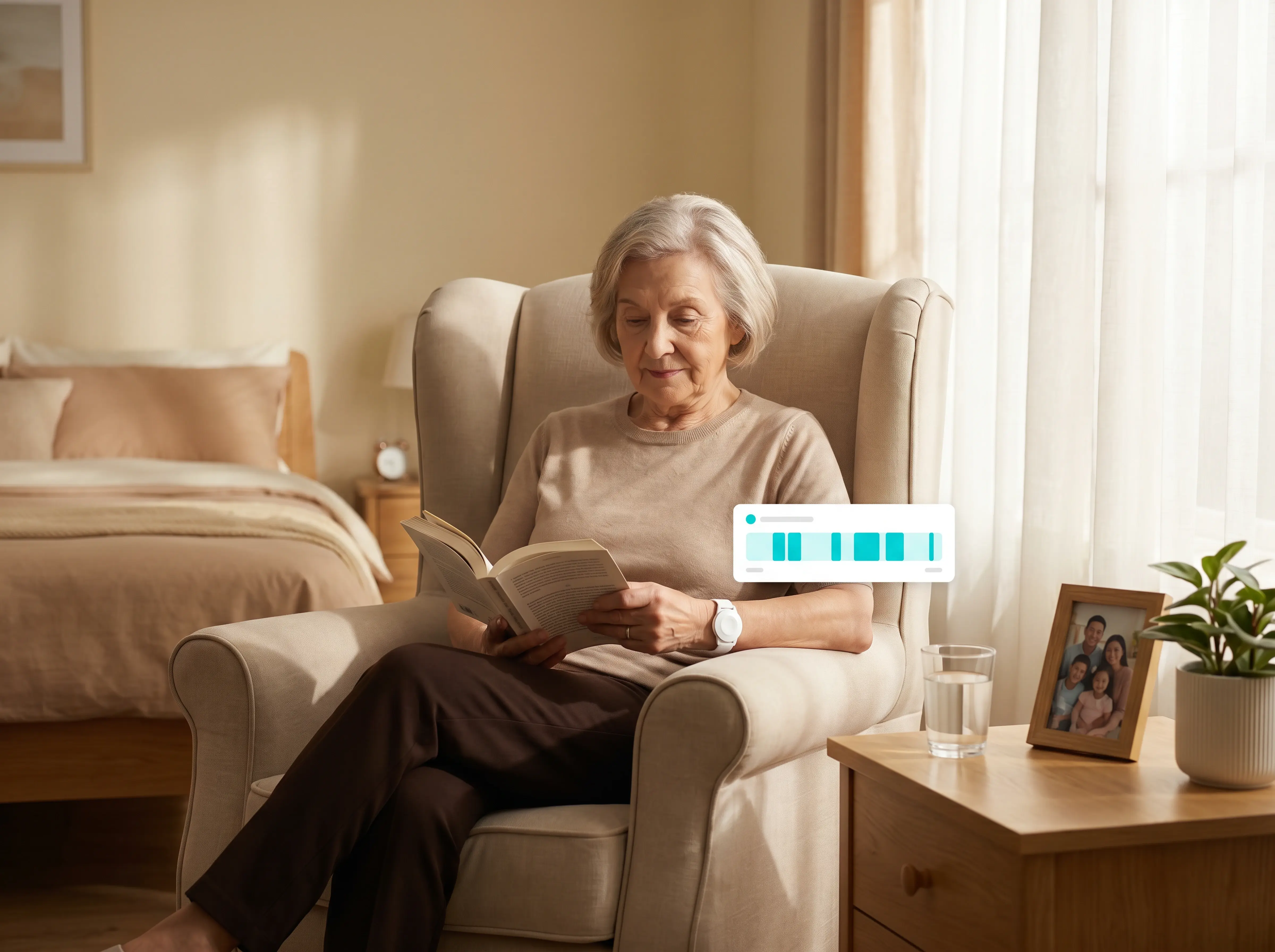
How it works
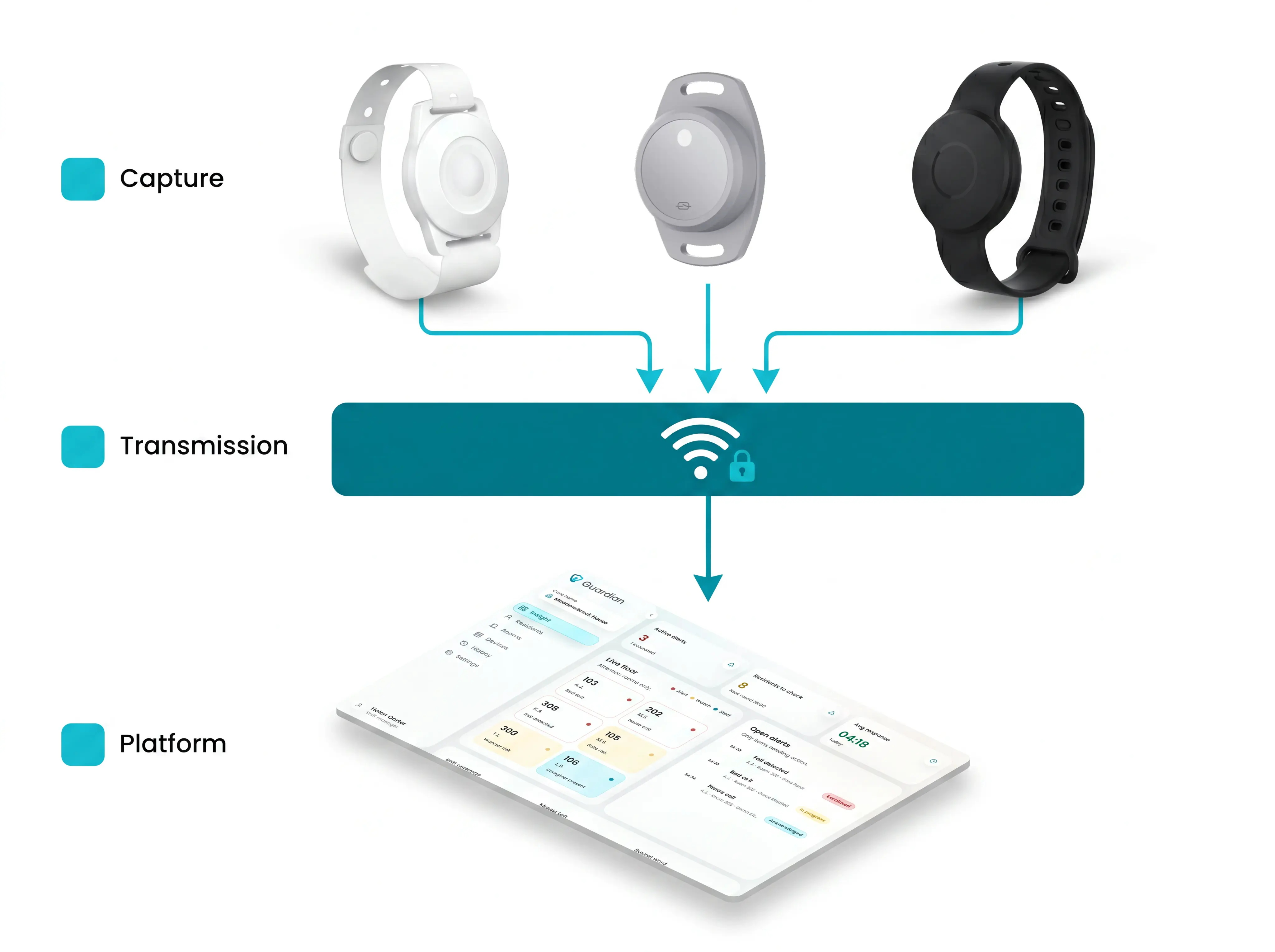
System layers
Capture layer
Connectivity
| Protocol | Best for | Deployment note |
|---|---|---|
| Wi-Fi | Most care homes | Uses existing infrastructure; fast to deploy |
| Cellular | Remote or rural sites | No reliance on facility Wi-Fi |
| LPWAN | Always-on low-power sensors | Reduces battery drain; needs coverage survey |
Operations view
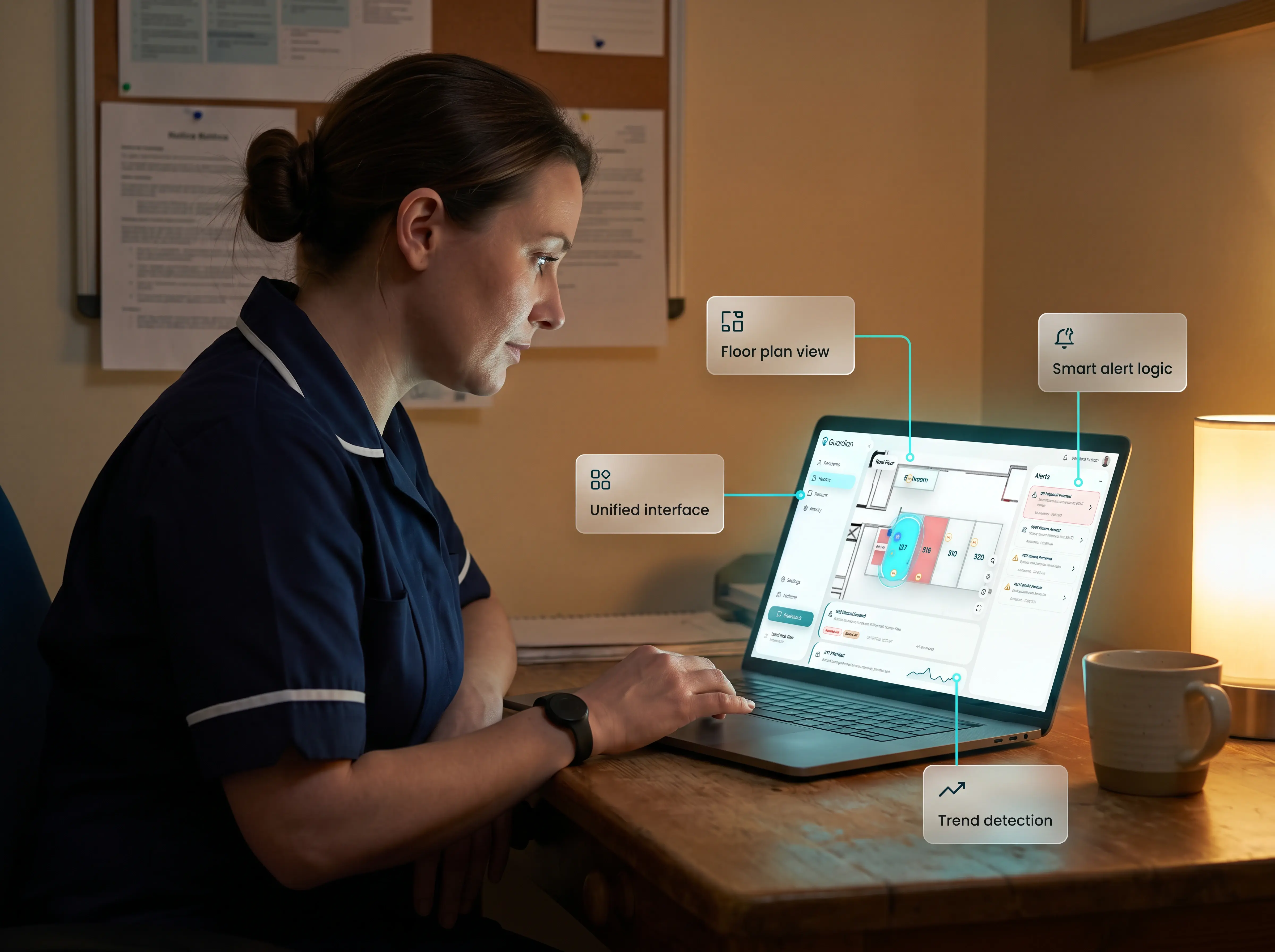
Signals
| Clinical vitals | Activity and safety signals |
|---|---|
| Blood pressure (smart BP cuff) | Motion (room-level sensors) |
| Heart rate (chest strap or wristband) | Bed exits (fall-risk residents) |
| Blood glucose (CGM) | SOS triggers (wristband or fixed call point) |
| Oxygen saturation (pulse oximeter) | Cardiac rhythm (continuous monitor) |
| Respiratory rate (respiratory monitor or validated wearable) | Glucose trends (CGM alerts) |
| Body temperature (wearable thermometer) | Sleep disruption patterns |
Settings
| Setting | Primary monitoring focus |
|---|---|
| Hospital ward | Acute vitals and exception alerts |
| Care home | Safety events: motion, bed exits, SOS |
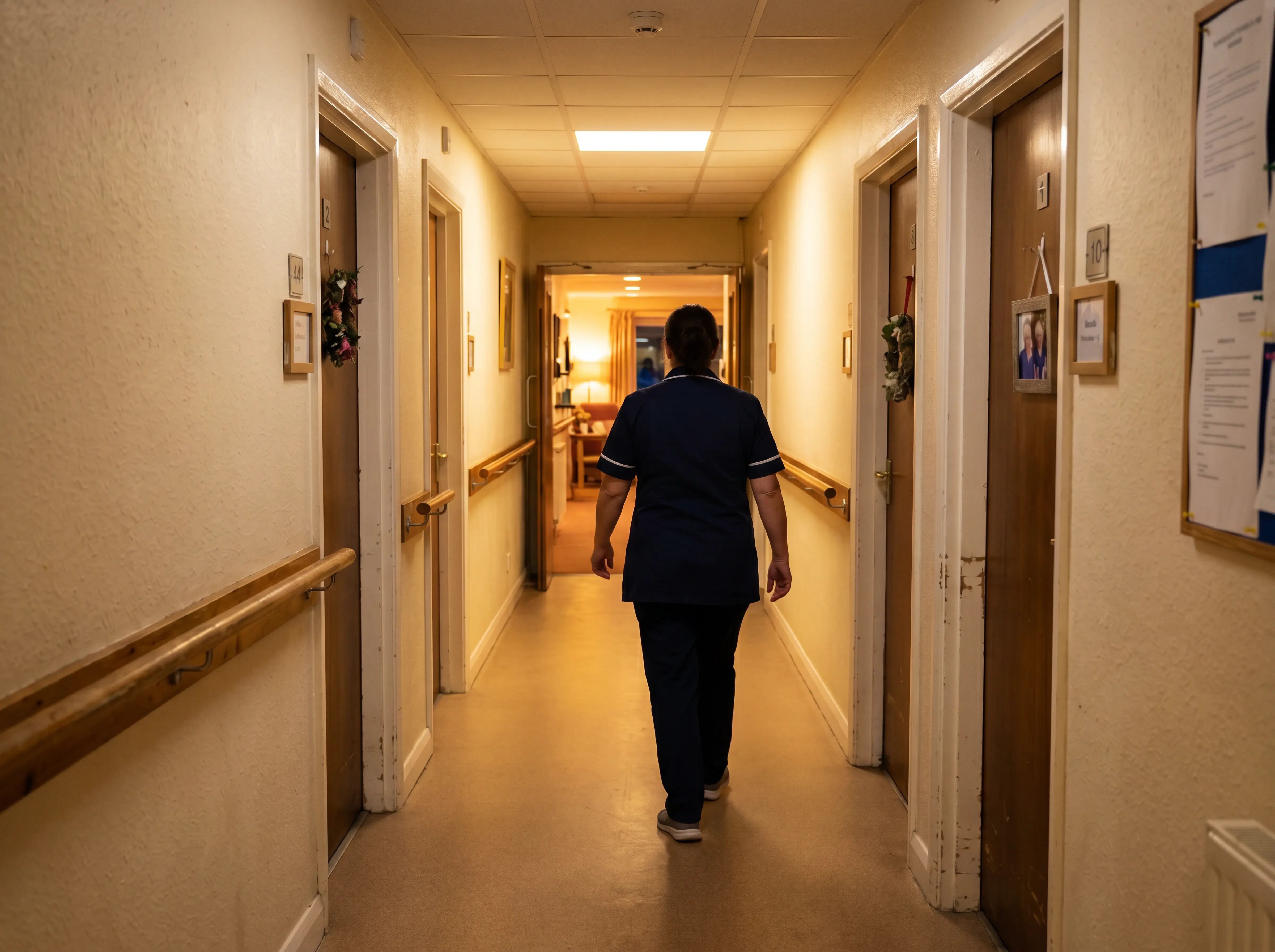
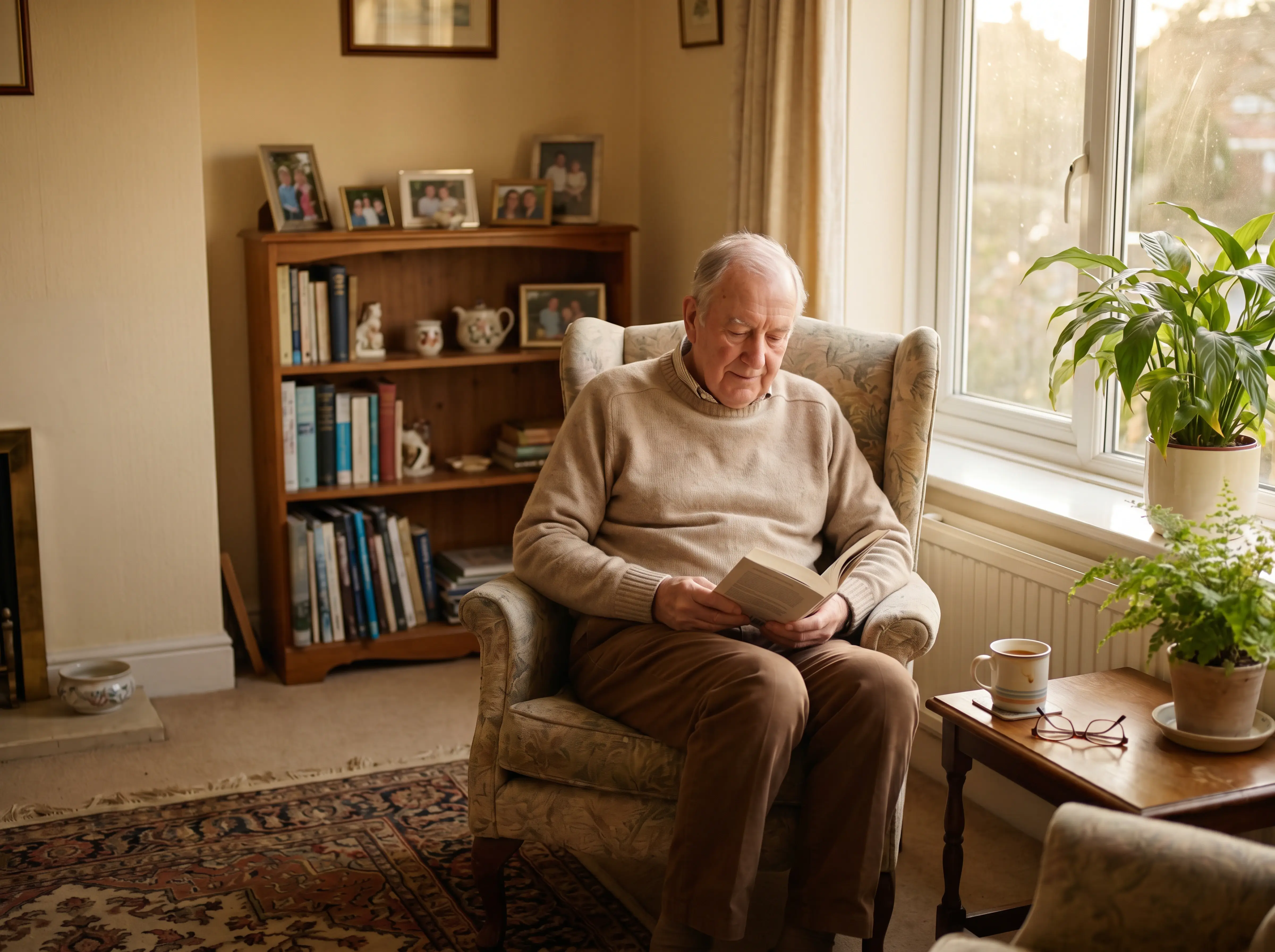
| Home | Recovery indicators and chronic disease management |

Buying criteria
Fit
Alert quality
Scale
Implementation
Guardian in care homes
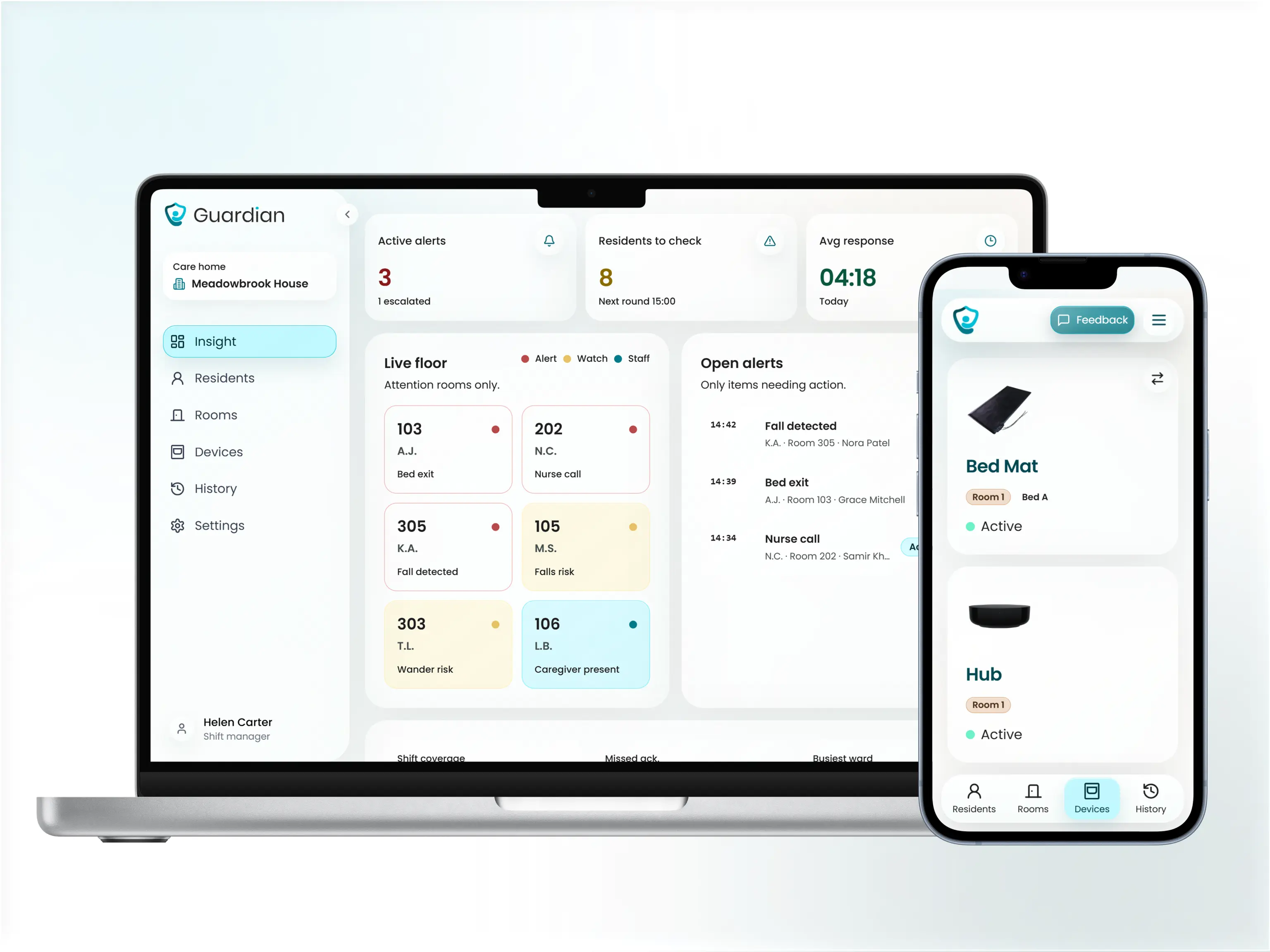
Pilot flow
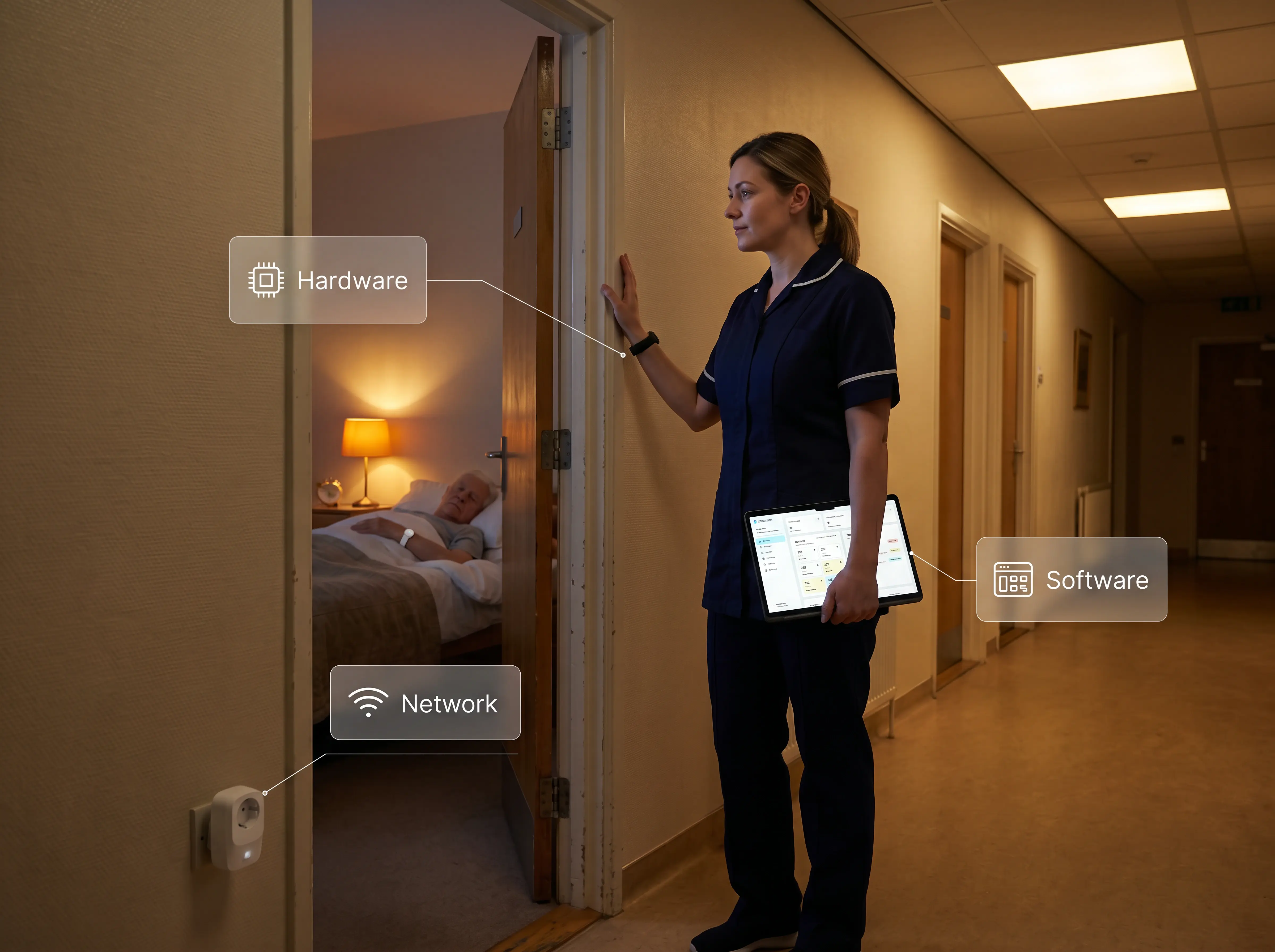
Live ward layers
FAQ
See Guardian live in your ward

Author
Aleks Timm leads Guardian and builds privacy-first operations technology for care homes and home care providers. Teams get location-aware alerts they can act on, clearer situational awareness, and measured insight into how care work actually runs.
Read MoreRecommended reads
Remote patient monitoring: the complete guide to sensors, benefits, and buying tips for safer care homes and better resident...
Read more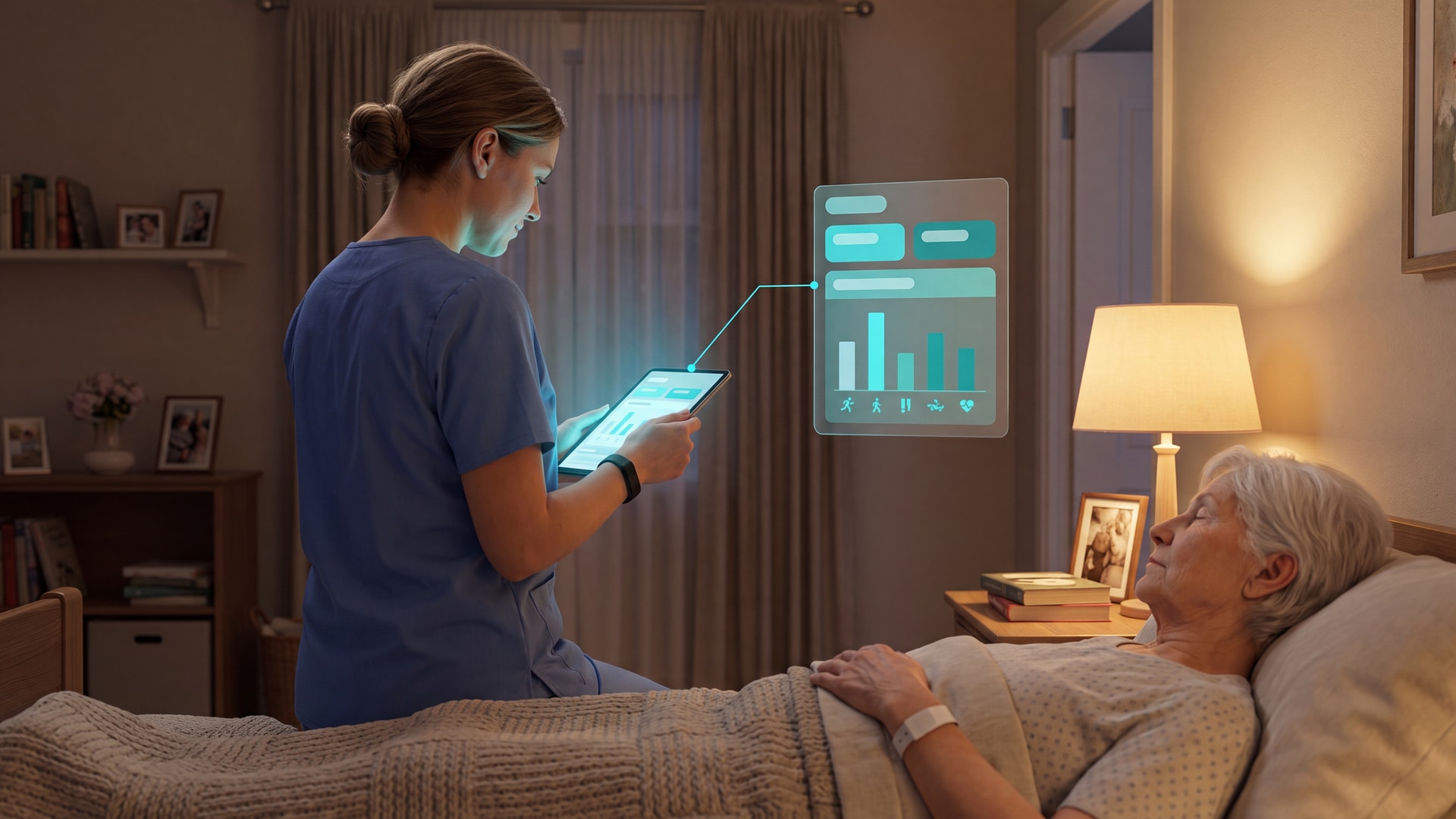
Discover the best patient activity monitor tools for care homes—ranked by use case, with privacy-first options that improve...
Read more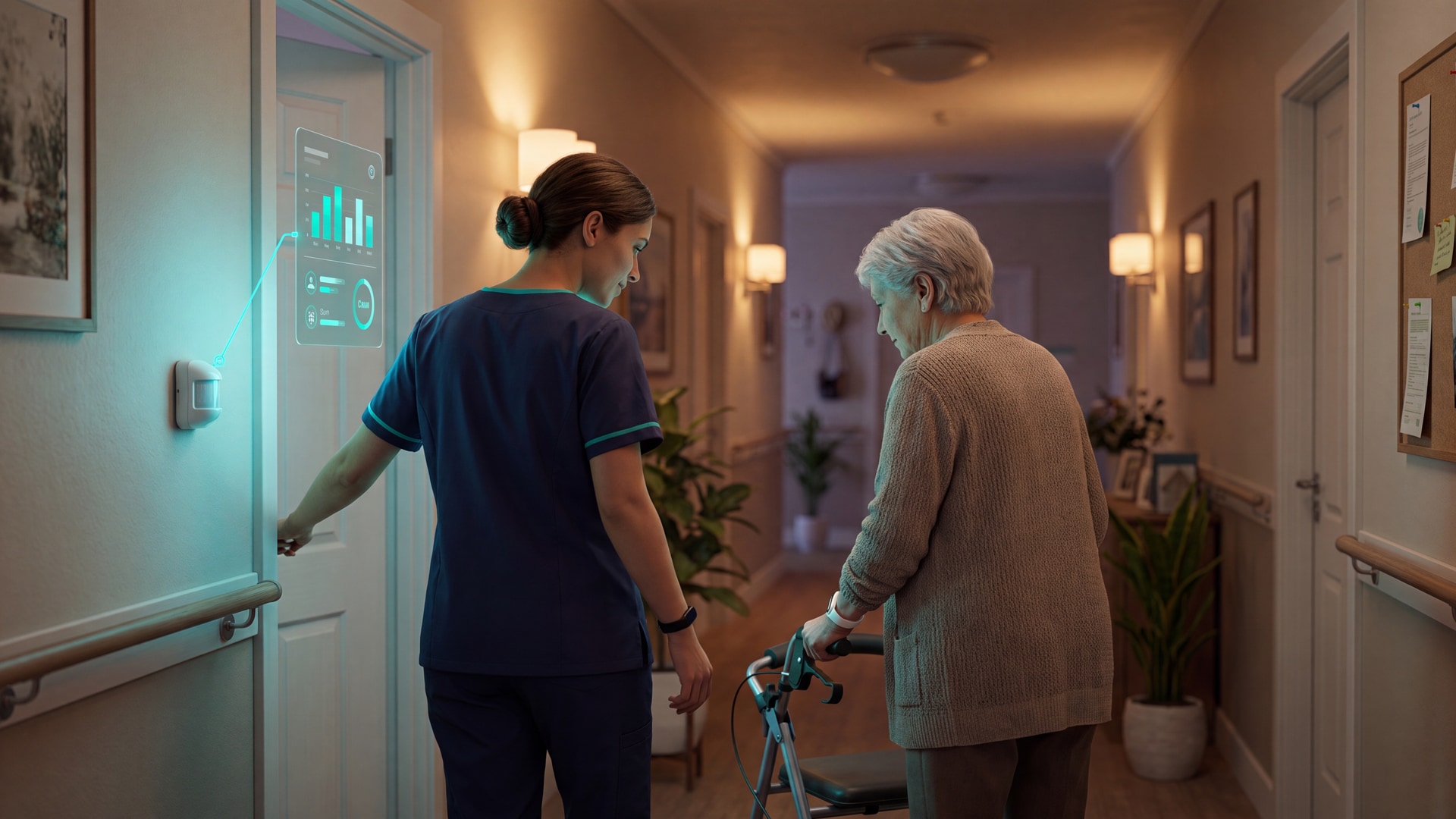
9 best sensors for elderly care: compare bed, motion, door and SOS options for care homes, dementia support and home monitoring to...
Read more